
First Impressions and Onboarding
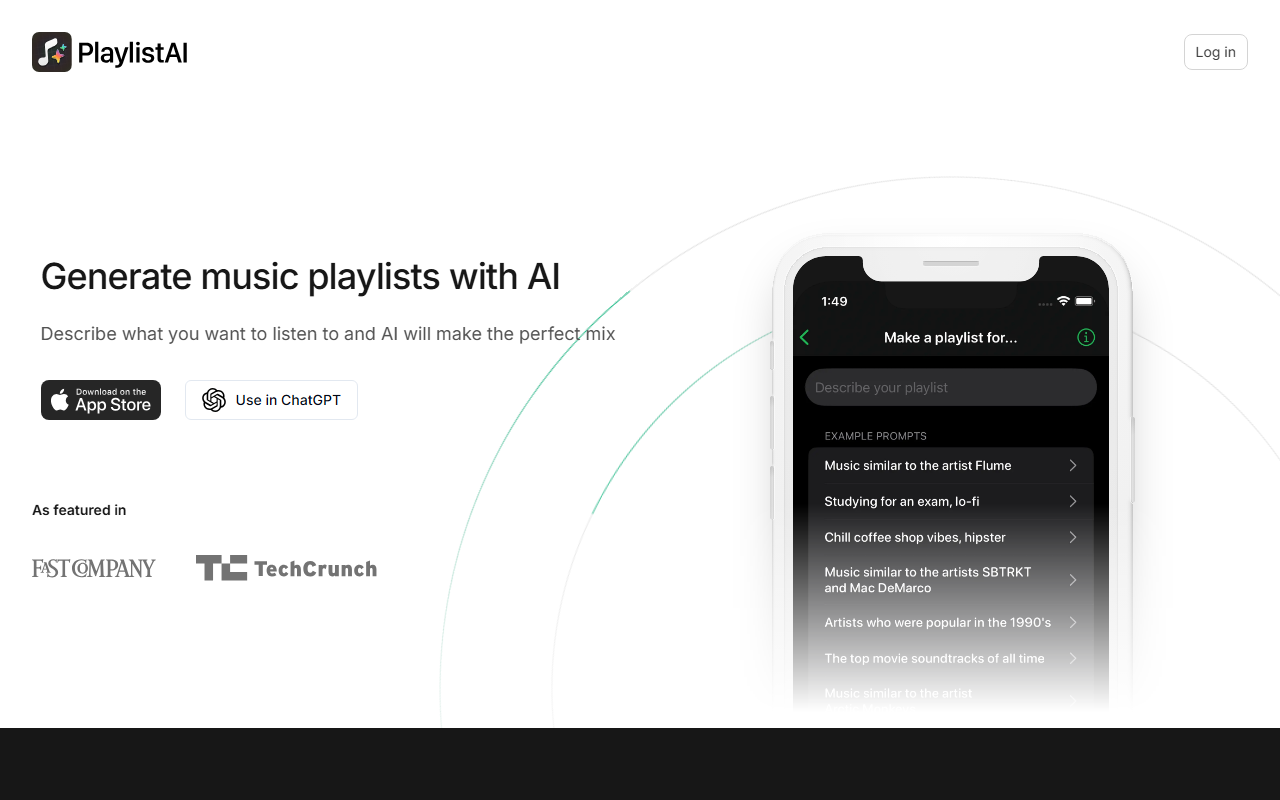
Upon visiting PlaylistAI's website, I was greeted by a clean, modern interface that immediately encouraged me to describe what I wanted to hear. The tagline "Describe what you want to listen to and AI will make the perfect mix" sets clear expectations. I signed up via the web (the tool also works as a ChatGPT plugin) and was prompted to connect my Spotify account. The entire onboarding took less than two minutes. The dashboard shows a simple text input field with example prompts like "Early 2000's pop music" or "Lo-fi study music." I typed "Upbeat indie rock for a road trip" and within seconds got a 20-song playlist that actually included solid picks like The Strokes and Arcade Fire — a pleasant surprise for a fully automated tool.
Features and Performance
PlaylistAI offers more than just text-to-playlist. It uses AI, likely leveraging music recommendation APIs and natural language processing, to generate tracks. The standout features include scanning a music festival poster to create a playlist of performing artists, blending multiple genres with BPM range filters, and finding "friends of your favorite artist" — essentially a collaborative network effect. I tested the festival poster feature with a Coachella lineup image, and it accurately identified headliners and built a playlist. The tool also provides smart suggestions based on time of day and lets you revisit your top tracks from the past weeks or months. One unique integration is the ability to identify songs in TikTok videos and create a playlist from similar music. However, note that it requires a paid subscription to save playlists directly to Apple Music or Spotify beyond the free trial, and there's no offline mode.
Pricing and Limitations
Pricing is not listed explicitly on the main site but the FAQ references subscription management for web and iOS. Based on typical AI music tools, it likely costs around $4–$6/month. A major limitation: users report that songs added to Apple Music libraries may be automatically added to the main library unless you disable a setting in iOS. This is a friction point for Apple Music users. Additionally, the free tier plays only short previews, and you cannot skip or listen freely without subscribing. The tool also does not support offline playlists — it's purely streaming-based. Those seeking a free, open-source alternative might prefer Spotlistr or the built-in AI DJ feature on Spotify, but PlaylistAI excels in creative prompts and unique discovery features.
Who Should Use PlaylistAI?
PlaylistAI is best for music enthusiasts who enjoy discovering new songs based on moods, activities, or even visual inputs like festival posters. It’s also great for party hosts or DJs looking to quickly generate themed mixes. Its 100,000+ user base and feature set make it a credible option in the niche. However, if you're a casual listener who only occasionally needs a playlist, the subscription may feel overkill — stick with free tools. For serious music collectors who want deep control over curation, this tool is a fun supplement but not a replacement. I recommend trying the free trial to see if the AI's taste aligns with yours. Visit PlaylistAI at https://playlistai.app/ to explore it yourself.










Comments