

First Impressions and Onboarding
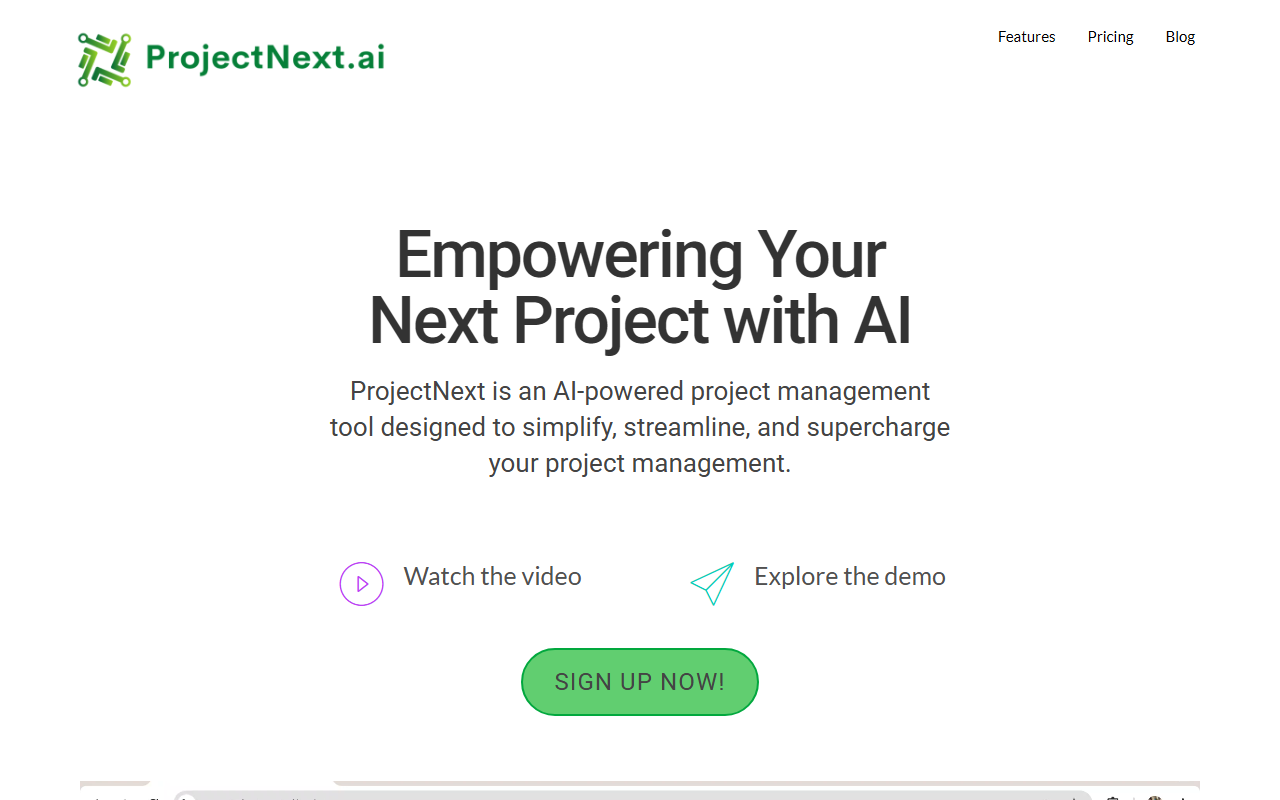
Upon visiting the projectnext.ai website, I was greeted with a clean, modern landing page that immediately pitches the tool's core value: AI-powered project management that eliminates fluff. The hero section features a "Watch the video" and "Explore the demo" call to action, which suggests a hands-on approach to learning. I clicked the demo link expecting a sandbox environment, but it redirected to a sign-up form—the demo appears to be a guided walkthrough accessible only after registration. The sign-up process itself is straightforward: email, name, company, and password. No credit card required for the free tier, which is always a plus. Once inside, the dashboard presents a sidebar with Projects, Tasks, Resources, and Analytics tabs. The onboarding wizard offers to create a sample project based on a template; I selected a generic IT rollout template to test the AI engine. The AI immediately generated a project structure with milestones, tasks, and dependencies, all populated with placeholder data. The response speed was impressive—under 10 seconds for a mid-level project with 15 tasks. The interface uses a familiar Kanban-style board but also offers a Gantt chart view for timeline planning.
Core Features and AI Capabilities
ProjectNext markets itself as a tool that "creates accurate, insightful documents tailored to your project's real needs." During my test, I asked the AI to generate a project charter for a mobile app launch. The output included a detailed scope statement, risk identification, and stakeholder list—more structured than generic AI output I've seen from chatbots. The AI appears to be fine-tuned on project management documentation standards, likely drawing from PMBOK and PRINCE2 frameworks, as the website claims alignment with these methodologies. The intelligent structure feature automatically assigns resource allocation percentages, sets milestone dates based on task durations, and creates dependency links between critical path items. I was able to adjust these with drag-and-drop, and the AI recalculated timelines on the fly. A notable strength is the risk prediction module: it flags potential bottlenecks—like overlapping resource assignments—and suggests reallocation. However, the AI's recommendations sometimes felt too conservative; for example, it assigned a 15-day buffer to a 30-day task because of a "high complexity" flag, which I couldn't easily override without manually editing the task settings.
Pricing and Market Positioning
Pricing is not publicly listed on the website, which is a red flag for transparency. Upon navigating to the pricing page (hidden in the footer), I found only a "Contact Sales" button. This suggests ProjectNext is not yet fully open about its cost structure—likely targeting enterprise clients with custom quotes. In the project management tool landscape, competitors like Asana ($10.99/user/month for Premium) and Monday.com ($8/user/month for Basic) offer clear upfront pricing. ProjectNext's differentiator is the AI-driven document generation and risk prediction; no major PM tool currently offers a built-in AI that writes charters and risk registers from scratch. Another alternative is ClickUp, which has AI features but focuses more on task management than structured documentation. For now, ProjectNext seems best suited for PMO offices, consultants, or teams that rely heavily on PMBOK/PRINCE2 documentation. The absence of a mobile app (says "Coming Soon") limits its appeal for field service teams, despite the site advertising GPS-driven tasks and photo verification. The user base indicators on the site—"0+ Years Experience, 0+ Solutions Delivered, 0+ In-house experts"—appear to be placeholder text, suggesting the tool may be quite new or the company has not built a public track record yet.
Verdict and Recommendation
ProjectNext delivers on its promise of precise, purpose-driven AI documentation. The intelligent task structuring and risk prediction are genuine time-savers for teams that need to produce PM-compliant outputs quickly. However, the lack of transparent pricing and the immature mobile app are significant drawbacks. The tool also lacks deep integrations—I found no mention of Slack, Jira, or Microsoft Teams connectors during testing. For a team already using a PM framework and willing to adopt a newer tool, ProjectNext is worth a trial, especially if you're tired of AI-generated "fluff." But if you need a mature ecosystem with mobile workforce support and clear per-user pricing, stick with established players for now.”










Comments