

First Impressions and Onboarding
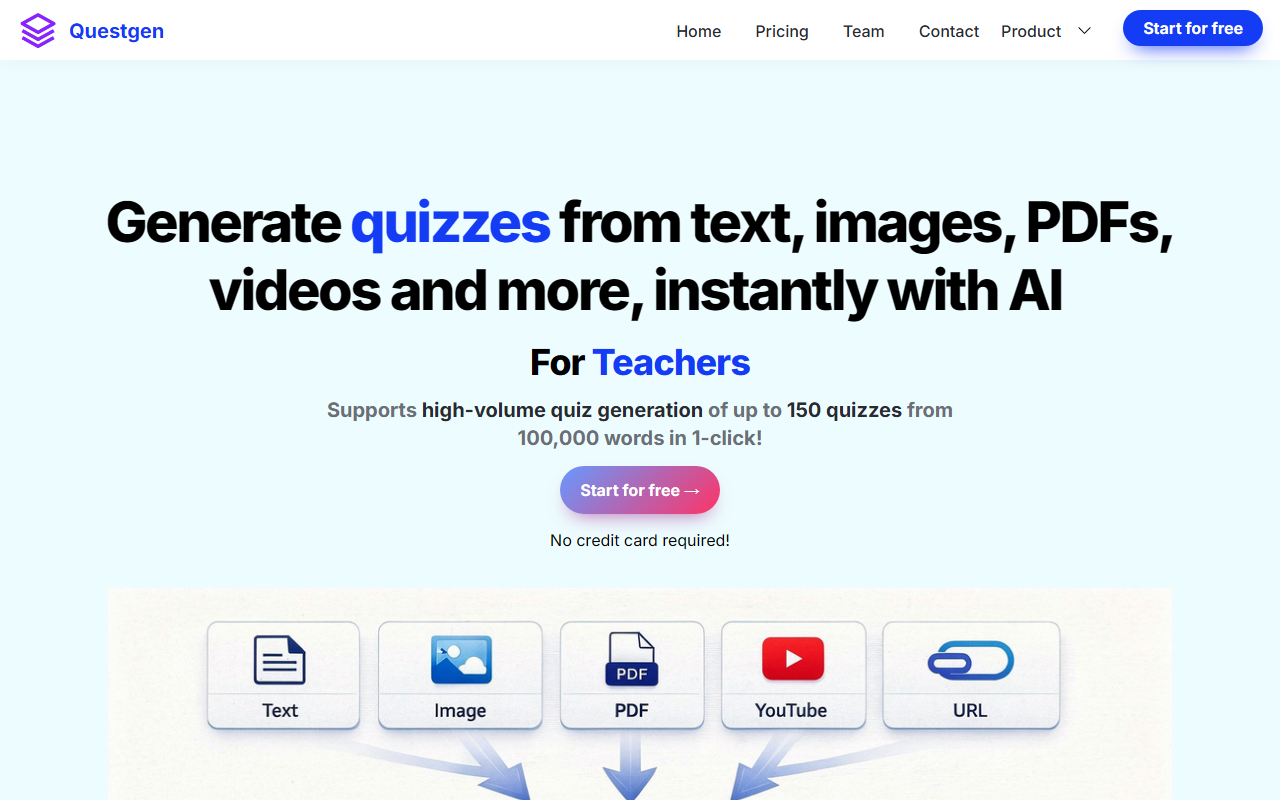
Upon visiting the Questgen website, the clean landing page immediately highlights impressive user statistics: over 2.5 million MCQs generated, 1.5 million true/false questions, and more than 300,000 hours saved. This immediately signals a tool built for scale. The call-to-action button — "Start for free →" — is prominent, and clicking it takes you to a simple sign-up flow that requires no credit card. Once logged in, the dashboard presents a straightforward text input area where you can paste up to 80,000 words, enter a URL, or upload a PDF, DOCX, or even an image or video file. The onboarding is minimal but effective, letting you generate your first quiz within seconds. I found the interface intuitive, though the sheer number of export formats (over a dozen) can be overwhelming at first glance.
Core Features and Workflow
Questgen's main value proposition is its ability to convert almost any educational or informational content into structured quizzes. I tested the free tier by pasting a 500-word article on climate change. After selecting "Multiple Choice Questions" and clicking submit, the AI generated ten MCQs in about 15 seconds — each with plausible distractors. The built-in editor let me tweak questions, reorder them, and even change the difficulty level using Bloom's taxonomy settings. I could toggle between Remember, Understand, Apply, Analyze, Evaluate, and Create levels, which is a powerful feature for teachers aligning assessments with learning objectives.
The tool supports nine question types: MCQs (single and multiple correct answers), True/False, Fill-in-the-blanks, FAQ, Short Answer, Higher Order QA, Match-the-following, and even image-to-quiz. Export options are exhaustive: PDF, CSV (compatible with various platforms like Quizizz, GimKit, D2L BrightSpace), QTI 2.1, Moodle XML, GIFT, AIKEN, RESPONDUS, JSON, and more. This makes Questgen a serious contender for schools and edtech companies that need to integrate with learning management systems. The "study mode" also lets students practice and see scores, bridging the gap between creation and assessment.
Strengths and Limitations
Questgen's most compelling strength is its versatility in input and output formats. Unlike competitors such as Quizlet (which focuses on flashcards and basic quiz types) or Riddle (which targets marketing quizzes), Questgen is clearly built for high-volume, formal assessment generation. The Bloom's taxonomy integration is a standout — few AI quiz tools allow you to specify cognitive levels. The support for multiple languages (any language input) is another plus for international education.
However, the tool has notable limitations. Pricing is not publicly listed on the website; users must sign up and likely encounter paywalls after exceeding free tier quotas. The free version restricts inputs to 80,000 words and may limit the number of quizzes per month. Additionally, while the interface is functional, it feels utilitarian — lacking the polished design of consumer-facing tools. The AI-generated questions, though generally accurate, sometimes miss context or produce overly simplistic distractors, especially with technical or nuanced content. Also, the video-to-quiz feature requires users to manually download YouTube videos as MP3 first, which adds friction.
Who Should Use Questgen?
Questgen is best suited for educators (especially K-12 and higher ed), HR teams needing to create compliance assessments from policy documents, and publishers or edtech companies that need to rapidly build question banks. The high export compatibility makes it a good fit for institutions already using Moodle, Blackboard, or other LMS platforms. Casual users or marketers looking for quick interactive quizzes may find simpler, cheaper alternatives like Typeform or Google Forms more accessible. If you need a robust, scalable quiz generation engine with academic rigor, Questgen is worth exploring. Just be prepared to subscribe for full access, as the free tier is limited. Visit Questgen at https://questgen.ai/ to explore it yourself.











Comments