

First Impressions: A Polished Voice-to-Text Experience
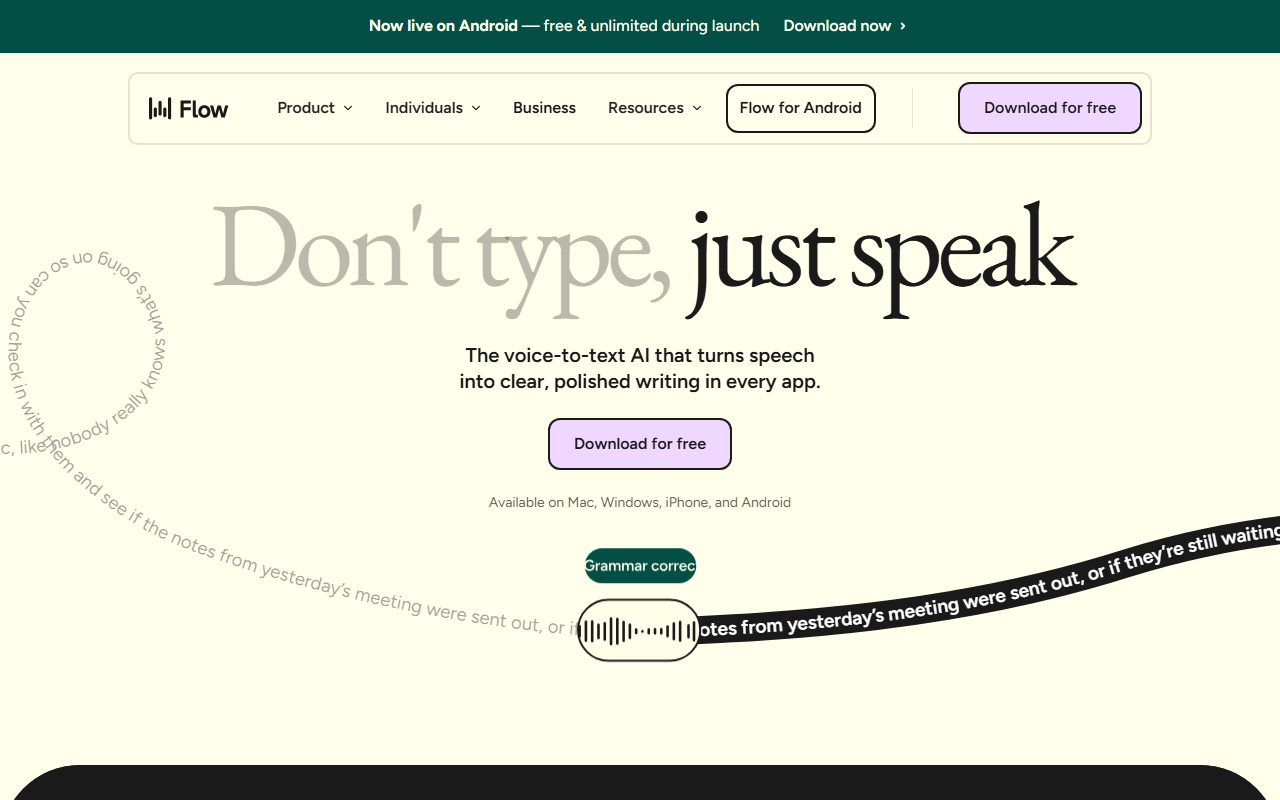
Upon visiting Wispr Flow’s website, the first thing I noticed was a live demo that transforms a messy, filler-laden dictation into clean, professional text. The example shows how the tool removes “umm,” repeated words like “the the,” and awkward phrasing, turning a chaotic voice memo into something you might actually send to a colleague. This isn’t just raw transcription — it’s intelligent editing on the fly. The landing page also highlights a case study: Clay’s GTM team made 20% more customer calls per day using Flow. That kind of concrete productivity gain immediately signals this is built for real workflows, not just casual note-taking. The dashboard is clean, with clear calls to action for downloading the free tier and exploring business options.
How It Works: Speed and Accuracy Across Every App
Flow claims a dictation speed of 220 words per minute — roughly 4x faster than the average typist’s 45 wpm. The technology uses proprietary AI that listens not just for words but for intent, automatically adding punctuation, removing filler, and maintaining natural tone. It integrates at the operating system level, so you can dictate into any application: email clients, code editors like VS Code, CRM fields, or messaging apps. The website demonstrates dictation in Cursor, Visual Studio Code, and even legal document editors, suggesting deep cross-platform compatibility. For developers, Flow translates natural language into structured code snippets — a feature I haven’t seen in most dictation tools. The company recently raised $81M to build what they call a “Voice OS,” indicating serious investment in the technology and likely ongoing model improvements. As of now, the tool supports Mac, Windows, iPhone, and Android, with a consistent experience across devices.
Pricing, Platform, and Target Users
Pricing is not publicly listed on the website beyond a free download option. However, the site mentions “Individuals,” “Business,” and “Teams” tabs, along with HIPAA eligibility on all plans and SOC 2 Type II compliance for Enterprise. This indicates a freemium or subscription model, with premium tiers likely unlocking advanced formatting, longer dictation sessions, and compliance features. The tool is clearly aimed at professionals who type a lot: sales reps, lawyers, students, creators, and support teams. Unlike Otter.ai, which focuses on meeting transcription, or Dragon NaturallySpeaking, which often requires dedicated hardware, Flow is designed for ad-hoc dictation in any context — reacting to DMs, drafting code, or writing legal notes. Its accessibility angle is also strong: the site has a dedicated page for users who are slowed down by keyboards, promoting Flow as a quieter, more reliable alternative to traditional speech-to-text.
What I Liked and What Gave Me Pause
The biggest strength is the polished output that goes beyond raw transcription, removing disfluencies while preserving your intended tone. The cross-platform support and OS-level integration mean you can use it everywhere, from Slack to Notion. The $81M funding signals a company that’s likely to keep improving the model. On the flip side, the free tier’s limitations are unclear — you might hit caps quickly in heavy use. There’s also no mention of offline functionality, so heavy reliance on internet connectivity could be a problem in low-coverage areas. Finally, while the speed claim is impressive, real-world accuracy depends on accent, background noise, and clarity of speech. For anyone who writes documentation, sends many emails, or codes and wants to cut down typing time, Flow is worth a serious try. It’s less suited for those needing offline dictation or very short, one-off transcriptions where a simple voice recorder suffices. Visit Wispr Flow at https://ref.wisprflow.ai/ to explore it yourself.










Comments