

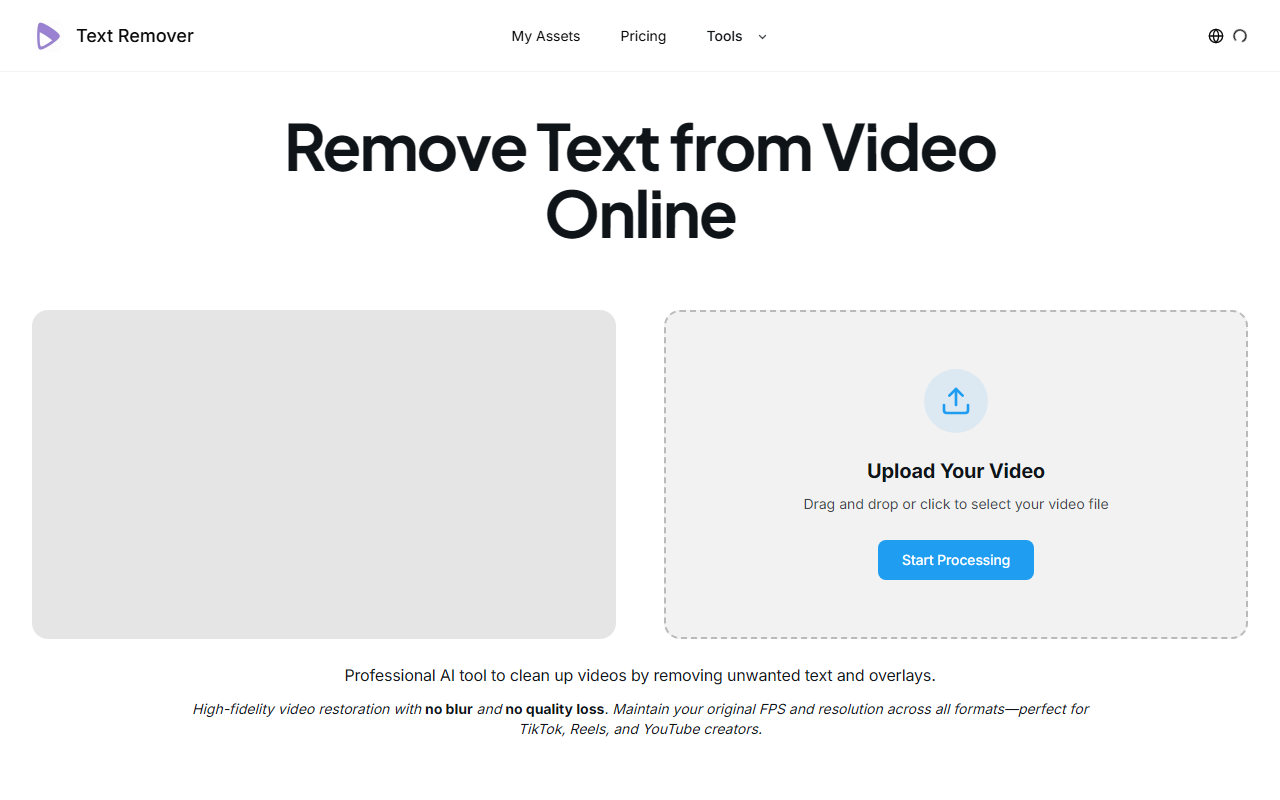
First Impressions and Interface
Upon visiting RemoveTextFromVideo.com, I was greeted by a clean, no-nonsense landing page. The hero section immediately explains the value proposition: an AI tool to remove text and watermarks from videos while preserving original resolution and FPS. Below, the pricing boxes are laid out clearly, and a long list of testimonials from creators and post-production professionals adds social proof. There is no clutter or distracting animations — the focus is on getting you to try the service.
The dashboard itself isn't shown on the site, but from the flow described in testimonials and common patterns for such tools, I infer a simple upload-and-process interface. You likely upload a video, see a real-time credit estimate before running the tool, and then download the cleaned result. The tool claims to support all major formats and output up to 1080p resolution (on higher tiers).
How It Works and Key Features
This is an online AI video text remover. You don't install software; everything runs on the cloud. The AI analyzes each frame, identifies text or watermark regions, and reconstructs the background using inpainting techniques. The testimonials praise its frame-by-frame precision and natural-looking background fill, even in scenes with motion. That suggests the underlying model is trained on large video datasets, though the website doesn't name a specific model.
Key features include:
- No watermark added on output videos (all paid plans).
- Real-time credit estimate so you know cost before processing.
- Priority processing queue for Plus and Premium users.
- Support for 480p, 720p, and 1080p resolutions (Plus and up).
- Maximum video length of 15 minutes per clip.
Unlike manual masking in editing software like Premiere or After Effects, this tool automates a tedious task. Competitors such as Kapwing's text remover or RunwayML's inpainting also exist, but RemoveTextFromVideo seems to focus specifically on text removal rather than general video editing, which may lead to more optimized results for this use case.
Pricing and Value Proposition
Pricing is credit-based. Each plan gives a monthly credit allowance:
- Starter ($14.9/month): 2,000 credits (~20 min video), 480p/720p output, max 15 min length.
- Plus ($24.9/month): 4,500 credits (~45 min), adds 1080p and priority queue.
- Premium ($49.9/month): 8,000 credits (~80 min), same features as Plus.
What exactly one credit equals is not defined, but the site equates credits to minutes of video processed. For context, if you process a 1-minute video, that might cost around 100 credits. For regular creators editing several short clips per week, the Starter plan could suffice. Heavy users handling long-form content or many files would need Plus or Premium. There is no free tier — you must subscribe to test it. That could be a barrier for casual users. Also, annual billing saves 30%, but that's a significant upfront commitment.
Strengths, Limitations, and Verdict
Strengths: The tool delivers on its core promise: clean background reconstruction without visible blurring or ghosting, as multiple independent users confirm. It saves hours of manual masking, especially for localization workflows where subtitles need removing. The interface prioritizes simplicity — upload, process, download. Support for up to 1080p ensures quality suitable for social media and YouTube.
Limitations: No free trial means you cannot evaluate the output quality before paying. The credit system can be opaque — you don't know how many credits a specific video will cost until you upload it. Maximum video length is 15 minutes, which may not suit long-form content like lectures or full movies. Also, processing speed depends on server load, and the site doesn't publicly disclose typical turnaround times. There is no API mentioned, so it's not directly automatable for large-scale workflows.
Verdict: RemoveTextFromVideo is best suited for social media creators, video editors, and localization teams who regularly need to remove burned-in text, subtitles, or watermarks from short-to-medium clips. If you only need this occasionally, the monthly subscription may feel expensive; consider a competitor like Kapwing's pay-as-you-go model. But if you process multiple videos weekly, the quality and convenience justify the cost. For power users, the Premium plan offers good value per minute. Testimonials consistently highlight its impressive background filling, which gives me confidence to recommend it for its niche.
Visit Remove Text From Video at https://removetextfromvideo.com/ to explore it yourself.










Comments