

First Impressions and Onboarding
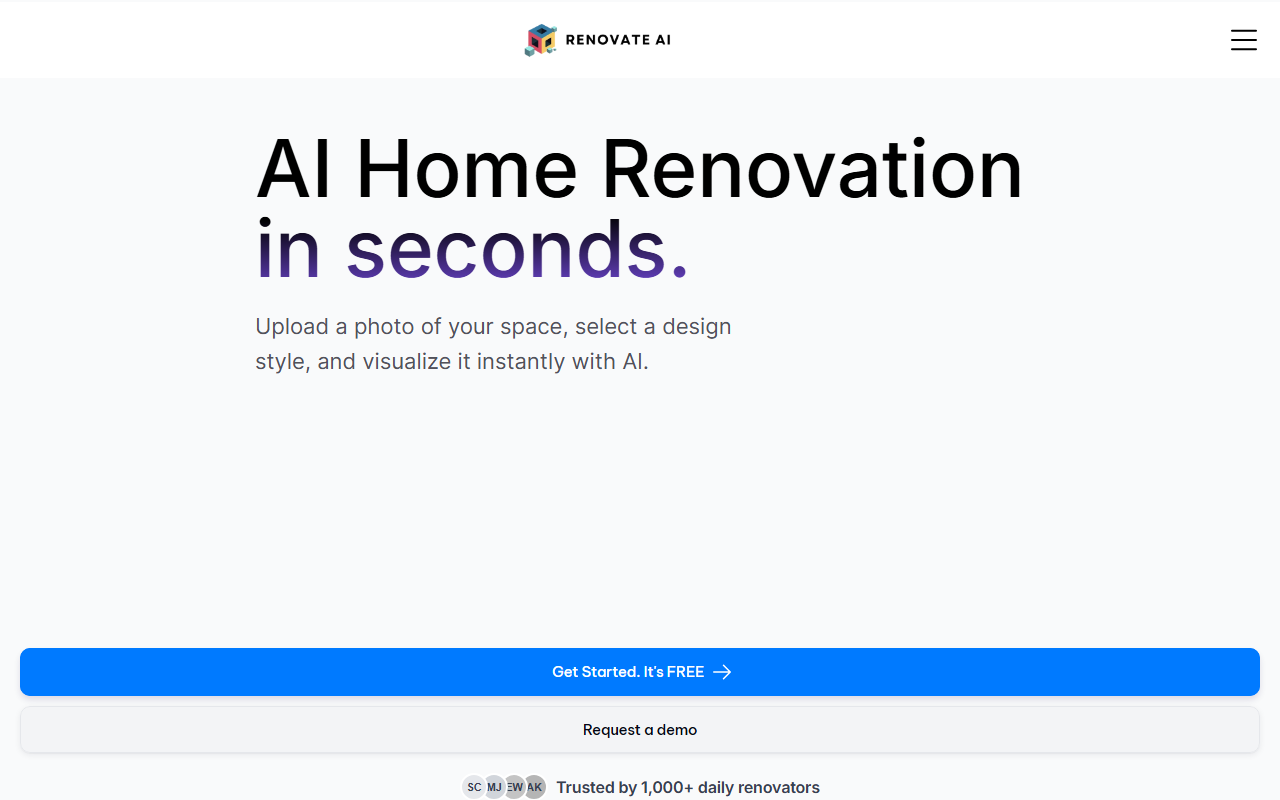
Upon visiting Renovate AI’s website, I was greeted by a clean, modern landing page that immediately emphasizes the core value proposition: upload a photo of a room, describe your renovation goals, and see an AI-generated transformation within seconds. The hero section features a bold “Get Started. It’s FREE” button, which I clicked to explore the free tier. The onboarding flow is minimal—no mandatory account creation upfront, which lowers the barrier for curious homeowners. However, I noticed the site claims “Trusted by 0+ daily renovators,” a honest but telling indicator that the tool is still in its very early stages. The landing page also highlights before-and-after examples for living rooms, kitchens, and bathrooms, with clear visual comparisons that showcase the AI’s ability to change styles—from “cluttered spaces” to “sleek mid-century modern designs.” The interface is straightforward, guiding users to either upload a photo or start from a blank canvas. Overall, the initial experience feels polished but lacks the depth of more established tools.
Core Functionality and Cost Estimation
Renovate AI’s primary feature is its AI interior designer that interprets natural language prompts like “make this a cozy boho bedroom” or “add wooden flooring and a large bookshelf.” The tool generates instant visual transformations, allowing users to iterate on styles, layouts, and furnishings. A standout addition is the built-in renovation cost estimation: after generating a design, the platform provides a breakdown of materials and labor, complete with product links to retailers like IKEA and Wayfair. For example, I saw estimates for a pendant light fixture at $185 and a curved blue sofa at $1,289, with quantities and sources listed. This feature helps users plan budgets realistically. The website mentions that cost estimates are saved automatically for later review or comparison. The underlying AI technology isn’t explicitly named, but given the rapid image generation and natural language support, it likely uses a combination of generative adversarial networks (GANs) or diffusion models specifically fine-tuned for interior design. No API availability is mentioned on the site, and integrations appear limited to the small business program, which offers 1,000 free visualization credits for professionals.
Pricing and Target Audience
Pricing is not fully transparent. The website prominently offers a free tier (“Get Started. It’s FREE”), but I could not find specific limits—such as how many free renders or cost estimates a user can generate. There is a “Request a demo” option, likely for enterprise or professional use, and a Small Business Program that grants 1,000 free credits for contractors and designers. The main audience appears to be individual homeowners and renters who want quick design inspiration without hiring an interior designer. Small design firms or real estate agents might also benefit from the free credits to visualize properties for clients. However, the lack of clear subscription tiers or pay-per-use pricing makes it hard to evaluate long-term cost for frequent users. Compared to alternatives like Interior AI or Remodel AI, which offer transparent monthly plans, Renovate AI’s pricing strategy feels underdeveloped. It is best suited for casual users who want a quick preview, not for professionals needing batch processing or high-resolution outputs.
Strengths, Limitations, and Recommendation
Renovate AI’s greatest strength is its simplicity and the added value of cost estimation—a feature many similar tools lack. The ability to instantly see a redesigned room with pricing for each item is genuinely useful for budget-conscious renovators. The natural language input also makes the tool accessible to non-designers. On the downside, the tool is clearly in its infancy: “Trusted by 0+ daily renovators” suggests minimal user validation, and the sample images, while attractive, may not represent real-world consistency. I also couldn’t find any information about the AI model’s limitations—for instance, how well it handles complex architectural changes or unusual room shapes. The lack of API or integration with professional software like SketchUp or AutoCAD further limits its utility for serious contractors. My verdict: Renovate AI is a promising free tool for experimenting with home design ideas quickly, but it is not yet a replacement for professional consulting or more mature apps like Interior AI. Homeowners should try it for initial inspiration, but they should not rely on it for accurate structural or practical renovation planning.
Visit Renovate AI at https://renovateai.app/ to explore it yourself.













Comments