

First Impressions and Onboarding
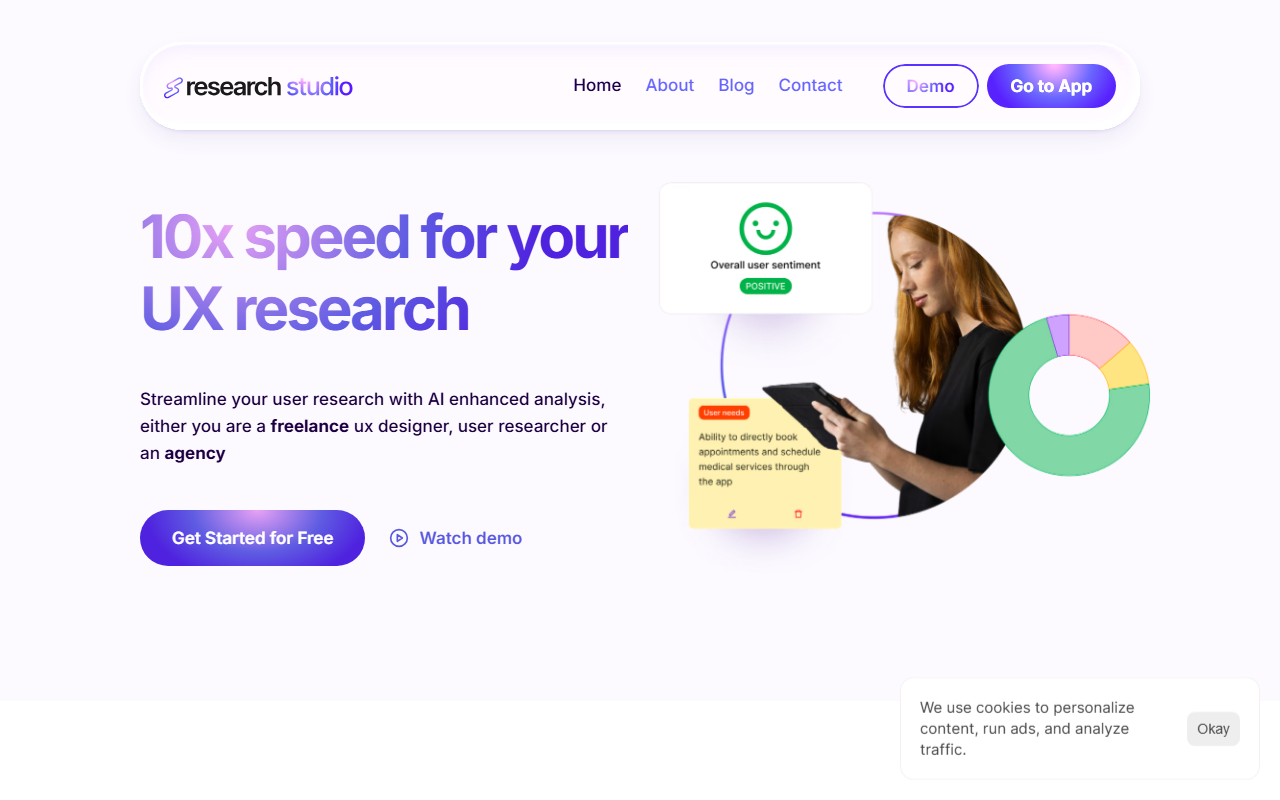
Upon visiting Research Studio’s website, the bold promise of “10x speed for your UX research” greets you immediately. The layout is clean, with a clear emphasis on the drag-and-drop widget system. The onboarding process is straightforward: I clicked “Get Started for Free” and was offered a 3-day trial with no credit card required for the Individual plan. Within minutes, I was on the canvas, ready to upload my first piece of research material. The tool supports 8+ formats—PDFs, video, audio, Word, Excel, and more—in 99+ languages, which immediately sets it apart from transcription-focused tools that often limit file types. The dashboard is minimalistic, with a central canvas and a sidebar to add widgets. It felt intuitive, though the true value emerges only when you start dragging data into those widgets.
Core Features and Widgets
Research Studio’s standout offering is its collection of “smart widgets” that automate analyses typically done manually. I tested the Personas widget: after uploading a user interview transcript (an MP3 file that was automatically transcribed), I dragged the persona widget onto the canvas. Within seconds, the tool extracted detailed demographic traits, goals, and pain points—no prompt crafting required. Similarly, the Jobs to Be Done widget categorizes user motivations, while the Statements widget classifies comments by sentiment. The User Journey and User Stories widgets help map processes and generate agile-ready stories. A Competitors widget even scrapes basic competitor info from URLs you paste. The result is a unified research repository where all insights live on one board.
Beyond widgets, the tool includes an AI assistant that answers questions about your research context. You can toggle between “Locked in context” (cites only your uploaded data) or “Broad Knowledge” (draws on general AI). I asked, “What are the top three pain points for e-commerce users?” and it returned a concise, well-cited answer based on my transcripts. This is a genuine time-saver for synthesizing large datasets. However, I noticed the assistant sometimes overgeneralizes when in broad mode, so context-locked is safer for accurate reporting.
Pricing and Positioning
Research Studio clearly targets freelancers, small teams, and agencies. The annual Individual plan is $12/month (billed $108 yearly), while the Business plan is $15/user/month (billed annually). Monthly options are $24 and $30 respectively. All tiers include unlimited transcription hours—a major differentiator from competitors like Dovetail or Condens, which cap transcription or charge per hour. Research Studio also offers a 60% discount for students and educators, which is rare in this space. Although pricing is transparent and competitive, there is no free forever tier; the trial is limited to 3 days. For larger enterprises, the absence of custom plans (only Business up to 5 users in trial) might be limiting.
Compared to Condens (strong on tagging) or Dovetail (robust repository), Research Studio doubles down on automated insight extraction via widgets rather than manual coding. This is ideal for solo practitioners who need quick personas, journeys, and statements. However, if you require advanced statistical analysis or team collaboration features beyond user-specific dashboards, you may find it lacking.
Strengths, Limitations, and Verdict
The greatest strength of Research Studio is its speed—what would take hours of manual affinity mapping is reduced to a few clicks. The drag-and-drop interface is genuinely fun, and the unlimited transcription removes a common friction point. The export to Notion and ability to create polished presentations directly from the canvas are thoughtful additions. On the downside, the widget outputs can feel templated; some persona attributes were too generic for niche user groups. The AI assistant’s broad knowledge mode occasionally hallucinated, so fact-checking is necessary. Also, the tool does not offer APIs or advanced integrations like Slack or Jira, which bigger teams may need.
Research Studio is best suited for freelance UX researchers, solo designers, and small agencies who need rapid synthesis from audio/video recordings. It is less ideal for large research teams requiring custom workflows or deep statistical analysis. For the price, you get substantial value. Visit Research Studio at https://researchstudio.ai/ to explore it yourself.










Comments