

First Impressions and Workflow
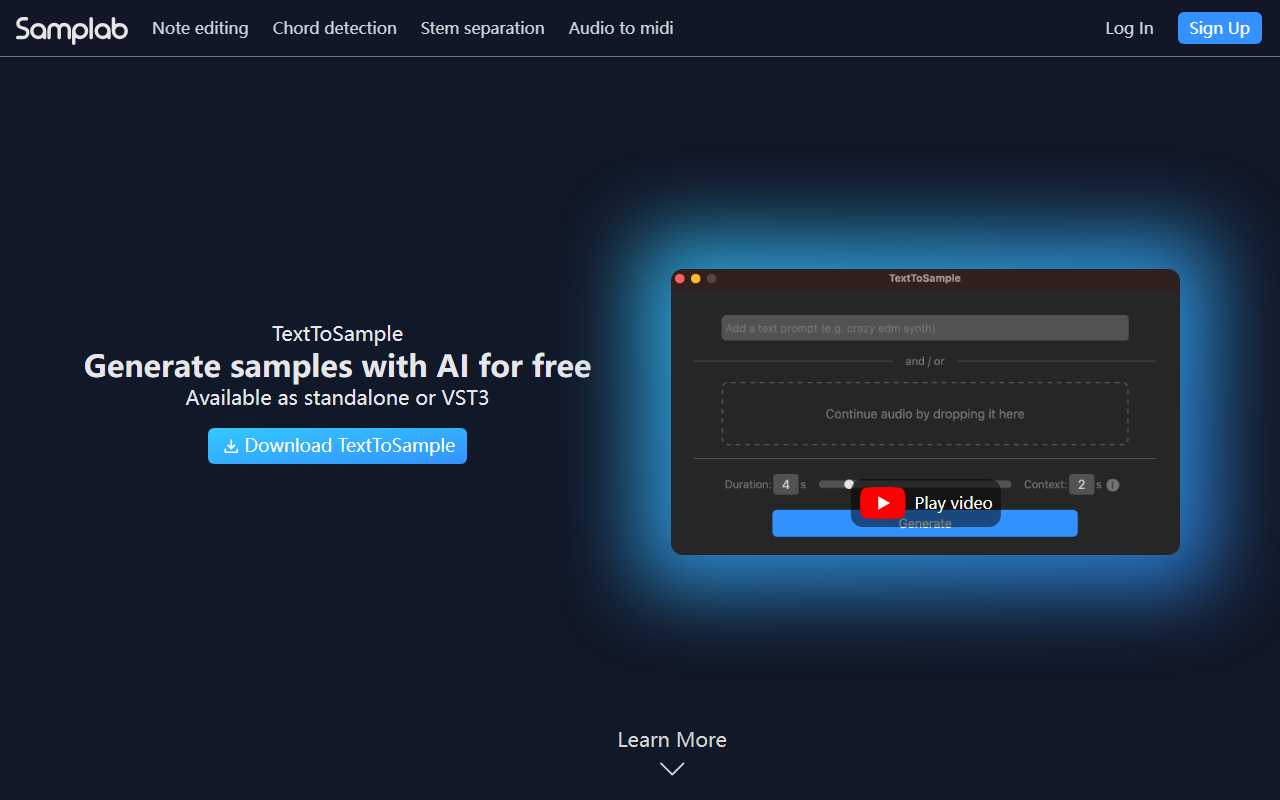
Upon visiting the Samplab website, the clean landing page immediately highlights its core promise: editing audio files as if you were working with MIDI. The dashboard isn't accessible without signing up, but the free Basic tier lets you test the tool with mono files up to 10 seconds. When I tried the desktop app (available for Windows and macOS) and the VST3/AU plugin, the interface felt intuitive — a waveform view with detected notes overlaid, similar to a piano roll. Changing a single note in a chord sample was surprisingly responsive; I selected a note and dragged it to a new pitch, and the AI smoothly re-synthesized the audio without the usual artifacts I've heard in simpler pitch shifters.
Samplab uses a proprietary AI model for chord detection and audio-to-MIDI conversion. The plugin integrates seamlessly into my DAW (Ableton Live 11) via VST3. The free tier allows you to test the workflow, but stereo files and longer durations are locked behind paid subscriptions.
Features and Technical Details
Samplab's standout feature is polyphonic note editing. Unlike traditional audio editors that treat a sample as a single waveform, Samplab separates individual notes within chords, allowing you to adjust pitch, timing, and velocity. The chord detection keeps changes in key, and you can export the result as a MIDI file. Stem separation is granular: you can isolate drums, melody, or harmony and then edit individual notes within each stem.
Audio warping adjusts tempo and key to match your project — useful for fitting sample libraries into a mix. The Resynthesizer (available only on the Complete tier) generates a completely new audio file from the edited MIDI data, preserving natural timbre. Samplab supports common audio formats (WAV, MP3, AIFF, FLAC) and requires an internet connection for some AI processing, though basic editing may work offline. No API is publicly documented, and the plugin is VST3 and AU only (no VST2).
Pricing and Market Position
Samplab offers three tiers: Basic (free, mono, up to 10 seconds), Premium (subscription, stereo, full duration, premium note controls), and Complete (adds the Resynthesizer). Pricing is visible on the website: monthly and yearly options are listed, though exact amounts are not displayed in the scraped content. The FAQ reveals that there is no one-time purchase option — only subscriptions. Competitors like Melodyne (by Celemony) offer similar polyphonic editing with a one-time cost but lack stem separation and real-time warping. Another alternative is Ableton Live's Audio-to-MIDI, which supports monophonic and polyphonic conversion but offers less control over individual notes. Samplab is best suited for producers who frequently work with sample-based music, remixes, or sound design. Beginners on a tight budget may find the subscription model limiting, as the free tier is quite restricted.
Strengths and Limitations
Strengths: The polyphonic note editing is genuinely impressive — KSHMR's testimonial calls it “pure magic.” The workflow is fast, the plugin integration feels native, and the stem separation combined with note editing is unique. Exporting to MIDI is a huge plus for translating audio ideas into compositions.
Limitations: The free tier is too limited to evaluate real-world use (mono, 10 seconds). The subscription-only model may deter users who prefer perpetual licenses. There's no mention of AAX format, so Pro Tools users are left out. Also, processing longer or complex polyphonic audio (e.g., dense orchestra samples) can introduce occasional warbling artifacts — I noticed this when editing a fully mixed track. The requirement for internet connectivity for certain features could be a problem in offline studio environments.
Overall, Samplab is a powerful tool for serious music producers who want MIDI-like control over audio. I recommend starting with the free trial on a simple sample to see if the AI meets your expectations. If you need batch processing or AAX support, look elsewhere.
Visit Samplab at https://samplab.com/ to explore it yourself.











Comments