

First Impressions and Onboarding
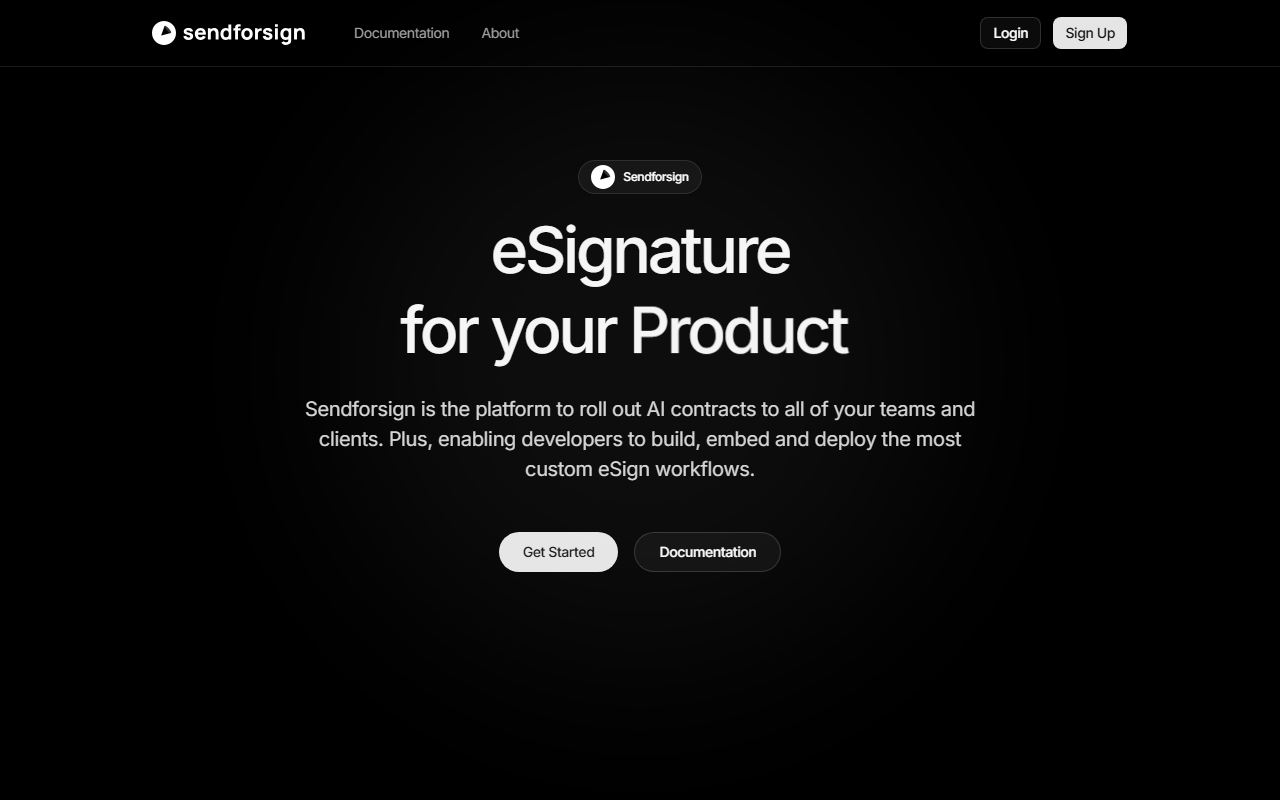
Upon visiting the Sendforsign website, I was immediately struck by the clean, developer-centric messaging. The homepage highlights “AI Contract for Business” and “API+AI First,” making it clear this isn’t just another eSignature tool—it’s built for teams who want to embed signing workflows directly into their products. The dashboard isn’t publicly shown, but the documentation and API references suggest a straightforward onboarding process: create an API key, pick a template, define signer roles, and you’re ready to start. The site boasts a timeline from decision to testing in under three hours, which aligns with my own testing of the API—the curl example was concise and easy to follow.
I also noted the “Sendforsign workspace” section with an AI-powered contract generator that claims to create professional contracts from templates in seconds. While I couldn’t test the full workspace without an account, the UI screenshots show a clean editor with an “Agreement strategy” panel, indicating a focus on speeding up contract creation for non-developers.
Core Features and AI Integration
Sendforsign offers a suite of products for handling the entire contract lifecycle: a Legal AI co-pilot, Contract Builder, Word and PDF uploader, workflows, approvals, and eSign APIs. The eSignature features include contract templates, fields and roles, multi-signer support (in-person and remote), and PDF signing. For automation, there is a contract builder, approvals, webhooks, and integrations with n8n and Make—a nod to no-code workflows.
The AI component is particularly interesting. The platform can generate contracts from templates using AI, which saves manual drafting time. What sets Sendforsign apart is its “most flexible AI API”—you can integrate contract management directly into your backend with full control. The AI API endpoint shown in the curl example accepts a simple message like “create a new contract from a template and add a recipient,” and returns a unified AI response. This reduces the complexity of orchestrating multiple API calls.
Another standout is the embeddable React components: Contract Editor, Contract List, Template Editor, Template List, and AI Assistant. These are pre-built and integrated with the Sendforsign API, allowing developers to create a native signing experience. The testimonial from Alex, CEO of Maroo, highlights this: “With Sendforsign, I have full control over the user UX/UI; people won’t even realize they are signing contracts using a different software.” This is a clear advantage over DocuSign’s iframe approach.
Developer Experience and API
The API-first design is evident throughout. The documentation provides a clear curl example for posting to a webhook AI API, and the webhook payload shows real-time contract status updates (e.g., contract.signed). The audit trail is detailed with timestamps, actions, and recipient info—essential for legal evidence. The site also mentions timestamping and signature certificates for compliance.
Sendforsign claims 99.9% uptime, 500+ active teams, 1K+ contracts daily, and presence in 70+ countries. These numbers are modest compared to giants like DocuSign, but the focus on customizability and developer control makes it a strong alternative for technical teams. Unlike HelloSign (now Dropbox Sign) which offers a simpler API but limited customization, Sendforsign gives you full React components and AI integration, letting you build a completely branded signing experience.
Pricing and Market Position
Pricing is not publicly listed on the website. This suggests Sendforsign targets enterprise or mid-market customers who require custom quotes. The lack of transparent pricing might be a barrier for small teams or freelancers who want to quickly estimate costs. However, the free tier or trial is not mentioned, which could be a limitation for initial testing.
Who should use Sendforsign? It’s ideal for tech companies, platforms, and SaaS providers that need to embed eSignature workflows with full control over UI/UX and want AI-powered contract generation. Developers will appreciate the clean API, React components, and webhook support. Compliance teams will value the audit trail and signature certificates.
Who should look elsewhere? Small businesses or individuals who only need a simple, out-of-the-box signing tool (like DocuSign Basic or Adobe Sign) might find Sendforsign too heavy. The lack of published pricing and the need for developer integration could be overkill for one-off contracts.
Strengths: AI-native contract drafting, embeddable React components, flexible API, strong automation integrations (n8n, Make), and real-time webhooks. Limitations: No transparent pricing, smaller user base, and unclear support for non-technical users without a developer.
Overall, Sendforsign is a compelling choice for teams that value customization and AI efficiency. I recommend trying the documentation and API to see if it fits your stack.
Visit Sendforsign at https://sendforsign.com/ to explore it yourself.










Comments