

First Thoughts and Onboarding
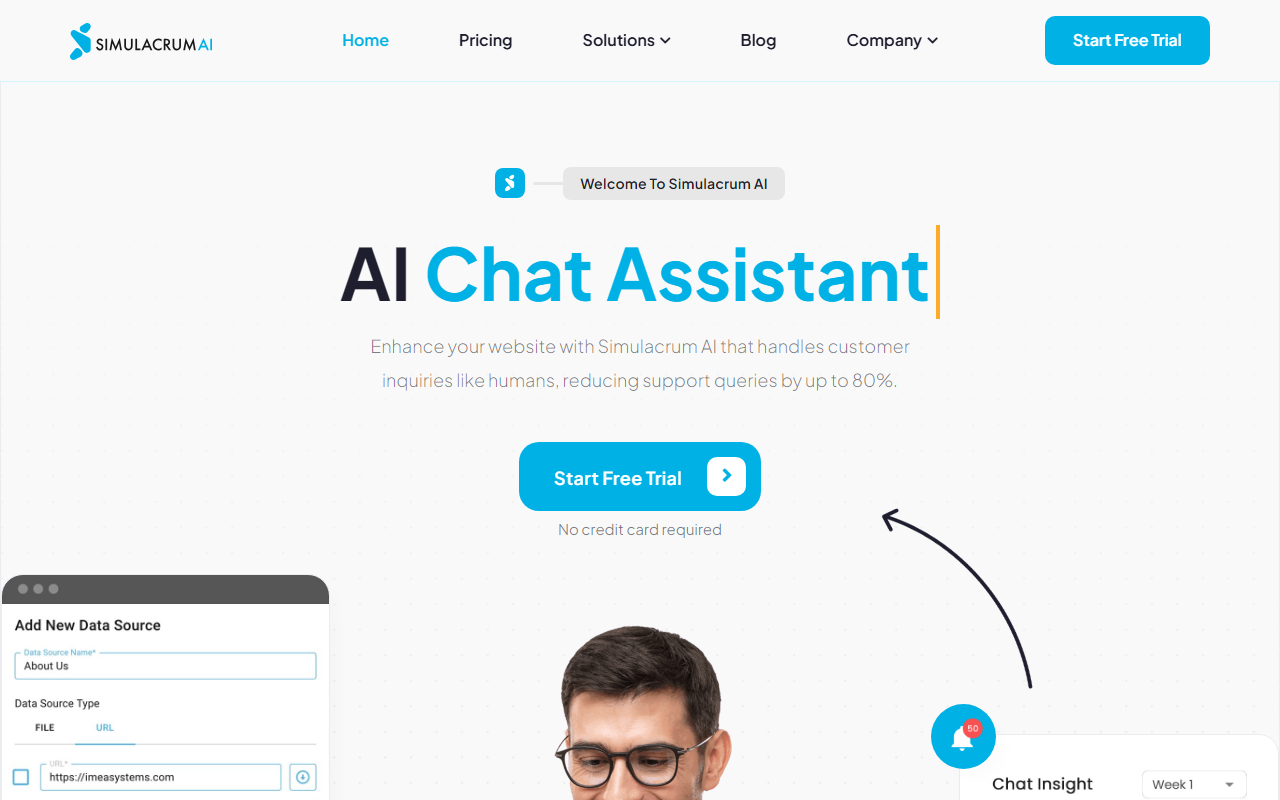
Upon visiting Simulacrum AI, I was greeted with a clean, no-nonsense homepage that immediately established the tool's value proposition: an AI chat assistant trained on your own content that can slash support queries by up to 80%. The website walks you through a three-step setup—create a knowledge base, customize branding, and integrate via a snippet—all without requiring any coding. I decided to test the free tier, which offers 50 messages. After signing up (no credit card needed), the dashboard presented a straightforward interface with options to upload PDFs, DOCX, or TXT files, or simply paste a URL to extract content. Within minutes, I had a knowledge base populated with sample text from my company's FAQ, and the AI was ready to answer questions. The onboarding is genuinely smooth: it took me less than five minutes to go from signup to a live chat widget on a test site.
Core Features and Performance
Simulacrum AI distinguishes itself by using its own proprietary model—something the FAQ explicitly confirms: "We are not using ChatGPT or other technologies." This is a notable differentiator in a market flooded with GPT-wrapper chatbots. In my tests, the AI demonstrated competent comprehension of my uploaded documents, summarizing content and responding accurately to basic inquiries. The lead generation feature is particularly well-implemented: the AI detects when a user expresses intent to purchase or requests follow-up, then asks for their email, summarizes the conversation, and creates a lead record in the dashboard while notifying the admin via email. The ticketing system adds another layer: when the AI cannot resolve an inquiry, it automatically creates a ticket and assigns priority based on conversation analysis. For businesses with an existing CRM, Simulacrum AI offers integration to attach tickets directly. During my evaluation, the response quality felt natural, though it occasionally struggled with nuanced or multi-part questions—a common limitation with smaller models.
Pricing and Limitations
Simulacrum AI does not display its full pricing publicly on the website. The only mention is a free trial with 50 messages. This lack of transparency is a downside for potential buyers who want to budget upfront. The free tier’s 50 messages are enough to test functionality but insufficient for any real-world deployment. Without a published pricing page, it is unclear whether the tool scales cost-effectively for larger volumes. Another limitation is that the chat widget is embedded via a script, meaning it works only on websites where you can inject JavaScript. This excludes static sites or platforms that restrict script injection. Compared to competitors like Intercom or Drift, Simulacrum AI lacks advanced analytics, A/B testing, and multi-language support. However, its focus on a custom model and lead generation makes it a strong contender for small to medium businesses that value data privacy and lower complexity.
Verdict: Who Should Use Simulacrum AI?
Simulacrum AI is best suited for small businesses and solopreneurs who want an easy-to-set-up AI assistant that can field common questions, generate leads, and reduce support load—without relying on third-party models like OpenAI. The 5-minute deployment and no-code interface lower the barrier significantly. However, if you need extensive customization, multichannel support (e.g., social media, SMS), or enterprise-grade analytics, you may want to look elsewhere. The lack of transparent pricing is a sticking point; I recommend reaching out to their sales team before committing. For a test drive, the free trial gives you enough rope to see if the model’s reasoning meets your needs. Visit Simulacrum AI at https://simulacrumai.com/ to explore it yourself.













Comments