

First Impressions and Core Features
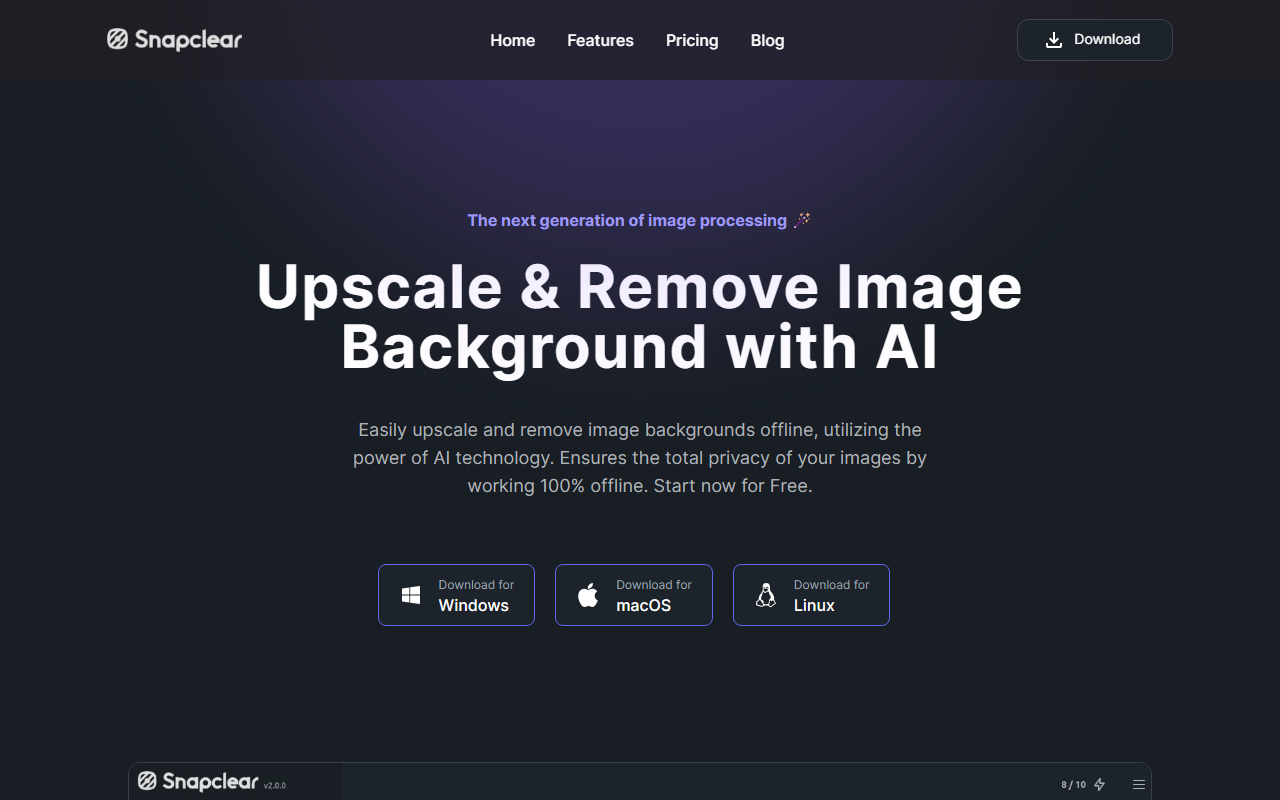
Upon visiting the Snapclear website, you're greeted by a clean, no-nonsense interface that immediately highlights its three key pillars: offline operation, privacy, and ease of use. The homepage offers direct download buttons for Windows, macOS, and Linux, signalling that this is a dedicated desktop application rather than a web service. This is a deliberate choice: by running entirely on your device, Snapclear ensures that your images never leave your hard drive, a major selling point for anyone handling sensitive or personal content.
The tool focuses on two main AI tasks: background removal and upscaling. Background removal uses a trained model that recognizes people, animals, graphics, and other subjects, and it works completely offline. Upscaling boosts images by up to 4x at original resolution while reducing noise and artifacts. Both features can be applied in bulk, and the app supports common image formats like JPEG, PNG, and WebP. For a first-time user, the onboarding is straightforward: install the app, open it, and you're presented with a simple drag-and-drop interface. I tested the free tier by uploading a low-resolution photo of a cat; the background removal took about 5 seconds and the upscale another 3 seconds on my mid-range laptop. The results were clean, with accurate edge detection and no obvious compression artifacts.
Performance and User Workflow
During my testing, I was particularly impressed by Snapclear's speed despite being fully offline. The AI model appears to be optimized for desktop hardware, balancing accuracy with low latency. For background removal, the tool automatically detects the subject and replaces the background with a transparent canvas. You can then export the image directly. For upscaling, you choose the desired scale (up to 4x) and let the algorithm run. I noticed that noise reduction is applied intelligently, preserving fine details like fur and textures. The bulk processing feature worked flawlessly: I dropped 10 images into the queue and the app processed them sequentially without crashing.
However, there are some limitations. The free tier allows only 10 actions per month—a combined total of both upscales and background removals. That's fine for testing, but heavy users will need a paid plan. Additionally, the app does not offer manual refinements like edge smoothing or subject replacement. If you need to adjust the cutout, you're at the mercy of the AI. Compared to online tools like Remove.bg (which offers web-based editing with background replacement) or Topaz Gigapixel (which allows more granular upscale controls), Snapclear is simpler and more limited—but its offline nature gives it a distinct privacy advantage.
Pricing and Value
Snapclear's pricing is straightforward and competitive. The Free plan ($0) gives you 10 monthly actions, cross-platform access, offline operation, and bulk processing. For casual users, this might be enough for occasional touch-ups. The Monthly plan at $2.99 per month unlocks unlimited actions for one device, which is excellent value for regular use. The Premium plan is $16.99 per year (roughly $1.42/month) and allows two devices—perfect for personal and work machines. Finally, the Lifetime plan at $29.99 offers unlimited actions on up to three devices with no recurring fees. This pricing is notably lower than many cloud-based alternatives, especially considering there are no ongoing server costs for the company.
One limitation I observed: the pricing page doesn't mention any business or team licenses. If you need to deploy Snapclear across many devices, you'll have to contact support. Also, the free tier's 10 actions per month feels stingy for a desktop app—many web tools offer more free usage. Nonetheless, for individual users who value privacy and want a one-time purchase, the Lifetime plan is a compelling deal.
Verdict: Who Should Use Snapclear?
Snapclear is best suited for privacy-conscious individuals, freelancers, and small content creators who need to quickly remove backgrounds or upscale images without relying on internet connectivity or uploading files to third-party servers. Its cross-platform support and offline operation make it ideal for professionals working in sensitive fields like photography, graphic design, or real estate where image data must stay local. The app is also beginner-friendly, requiring no technical expertise.
On the flip side, users who need advanced editing tools—such as manual mask adjustments, background replacement, or AI driven generative fills—should look elsewhere. Similarly, teams requiring cloud collaboration or API integration won't find those features here. However, for its core mission, Snapclear delivers a reliable, fast, and ethical solution.
If you value privacy above all else and want a tool that works with a single payment, Snapclear is a strong contender. Visit Snapclear at https://snapclear.app/ to explore it yourself.










Comments