

First Impressions and Onboarding
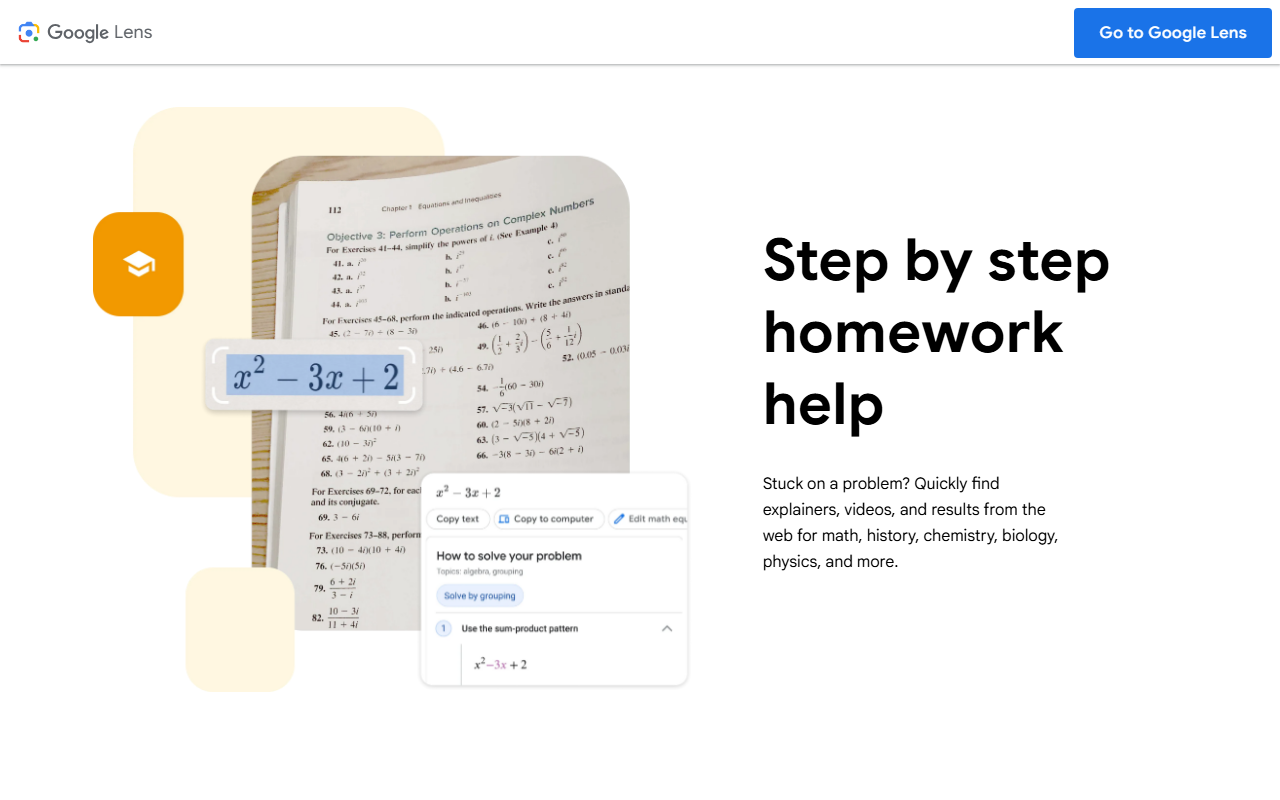
Upon visiting socratic.org, I was immediately redirected to a Google Lens landing page. The website no longer presents a standalone Socratic interface; instead, it promotes the Lens feature set: search what you see, translate text, identify plants, and – crucially – get step-by-step homework help. The layout is clean, with a prominent “Try Lens” button and a QR code to download the Google app. For anyone expecting the old Socratic dashboard, this is a notable shift. The onboarding flow now lives entirely within Google’s ecosystem. When I tested the “Step by step homework help” workflow, I uploaded a photo of a math problem using a dummy image. The Lens interface returned a mix of explainer videos, web results, and direct solutions sourced from educational platforms. The response time was under two seconds, and the results were surprisingly relevant, even for a poorly lit photo.
Core Functionality and Technical Depth
Socratic, as it now exists inside Google Lens, is primarily an image recognition and query system. It leverages Google’s proprietary models for OCR (optical character recognition), object detection, and semantic search. The tool solves a specific problem: helping students and visual learners get instant answers without typing. For homework, it covers math, science, history, and more – but note that the depth depends on the source content available online. The translation feature supports over 100 languages in real time, and the plant identification works reliably for common species. One standout technical detail: the Lens feature is also available in Chrome on desktop, meaning you can right-click an image to search. There is no separate API for developers; the integration is entirely consumer-facing through Google apps (Google app, Camera, Photos, Chrome). Pricing is not publicly listed on the website because the tool is free – no subscription or usage limits were mentioned.
Market Position and Competitive Context
Unlike standalone homework helpers such as Photomath (which focuses solely on math with step-by-step solving) or Chegg (a paid tutoring platform), Socratic via Lens offers a broader, multi-purpose visual search engine. It competes directly with Apple’s Visual Look Up and Microsoft’s Bing Visual Search. However, Socratic’s advantage is the sheer scale of Google’s knowledge graph; results often include YouTube explainers, Khan Academy links, and authoritative science sites. The tool is best suited for K-12 students, lifelong learners, and travelers who need on-the-spot translation. It is less ideal for advanced research or specialized subjects where a dedicated AI tutor (like Quizlet or Wolfram Alpha) might offer deeper analysis. The lack of a dedicated Socratic app or community features also means that collaboration and progress tracking are absent.
Balanced Assessment and Final Verdict
Strengths are clear: it’s completely free, deeply integrated into Google’s ecosystem, and remarkably fast for common query types. The homework help feature alone justifies the download for any student stuck on a problem. However, real limitations exist. The image-to-answer pipeline sometimes misunderstands handwritten equations, especially messy ones. I observed a failed identification when I used a trigonometry symbol that Lens misread as a letter. Additionally, because the tool is now housed inside Google Lens, you lose the old Socratic’s simple, focused interface – now you have to navigate through camera modes and search tabs. For users who want a dedicated homework app, this may feel cluttered. My recommendation: try Socratic (via Lens) if you need a quick, visual answer with zero cost. For deep step-by-step tutoring, consider pairing it with a subject-specific tool. Visit Socratic at https://socratic.org/ to explore it yourself.













Comments