

First Impressions and Onboarding
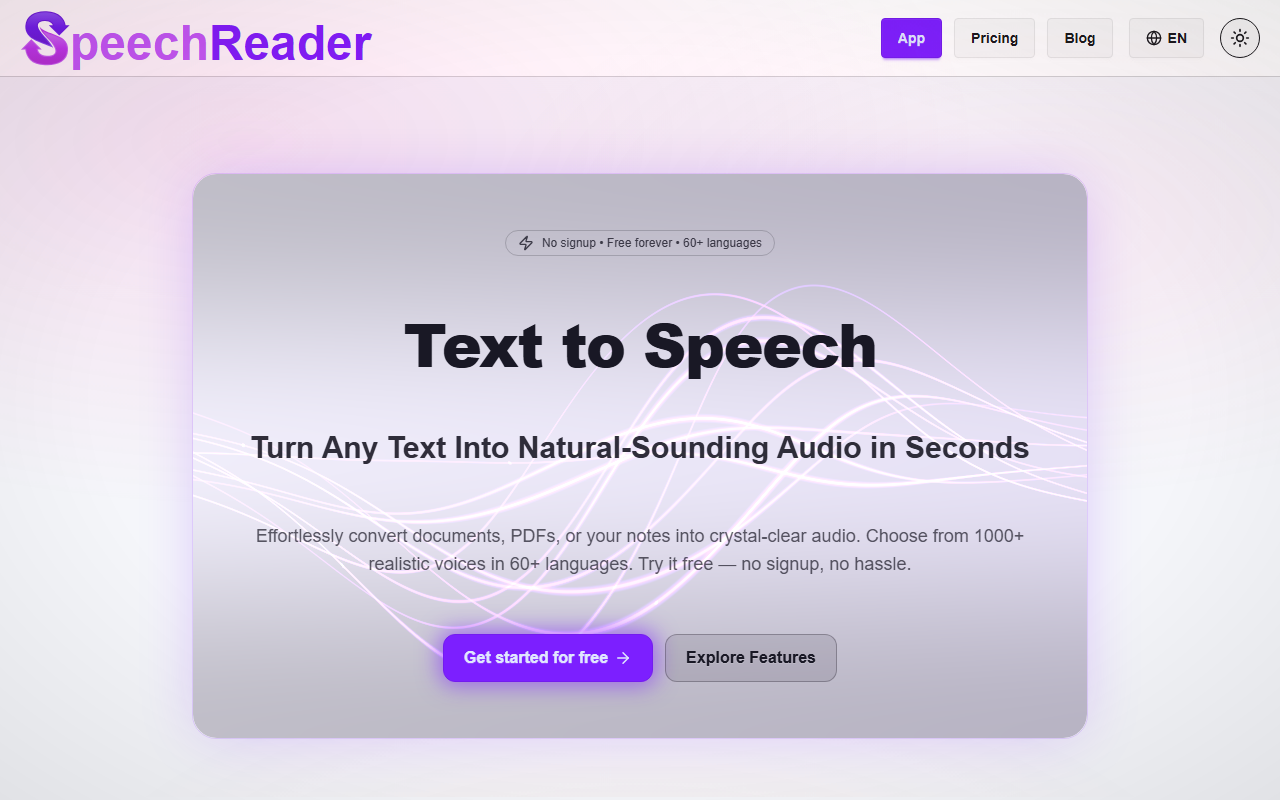
Upon visiting SpeechReader's website, I was greeted by a clean, minimal interface with a large text input area and a prominent "Get started for free" button. The headline promises natural-sounding audio from text in seconds, and the voice selection menu sits just below, preloaded with sample voices like Stella (English) and Alejandro (Español). I clicked on Stella to hear a quick demo—clear, smooth, and remarkably human-like. The onboarding is frictionless: no account creation, no email verification. I simply pasted a block of text from a news article, selected Stella, and hit the play button. The audio generated within a second, and I could download it as an MP3 file without any watermark. For a free tool, this simplicity is impressive.
Features and Performance
Under the hood, SpeechReader uses advanced speech synthesis algorithms—though the site doesn't specify which exact model or API it relies on. The feature set is straightforward: paste text or upload a PDF or image (the tool claims to detect and read text from files), choose from over 1,000 AI voices across 60+ languages, and listen or download. I tested the PDF upload feature with a one-page document; it extracted the text accurately and read it aloud in the same Stella voice. The output quality is superior to many free TTS generators I've tried—no robotic flatness, and the intonation varied naturally depending on punctuation and length. For content creators, the ability to generate voiceovers without watermarks on the free plan is a notable advantage. The free tier, however, has a daily character limit (not explicitly stated on the site, but likely around 10,000 to 20,000 characters based on common industry practices). Premium unlocks 500,000 characters per day, ultra-premium voices, and priority support.
Pricing and Market Position
Pricing is not publicly listed on the website beyond the Premium upgrade call-to-action. The free tier is genuinely free—no credit card needed. This positions SpeechReader as a strong competitor to other free TTS tools like Balabolka or Google Translate's TTS, but with a focus on quality and variety. Unlike Amazon Polly, which offers a generous free tier but requires an AWS account, SpeechReader eliminates technical barriers entirely. The tool currently lacks an API for developers, which limits its use in automated workflows. It also mentions "voice cloning" in its FAQ, but I found no such feature in the interface—it remains unclear if it's planned or just aspirational. For casual users, bloggers, and accessibility needs, SpeechReader is a top choice; for enterprises requiring bulk generation or real-time integration, look elsewhere.
Final Verdict
SpeechReader delivers on its core promise: converting text to natural-sounding speech quickly and for free, without signup hassles. The strengths are clear—ease of use, wide voice selection, and no watermarks. The limitations include a hidden free-tier character cap and the absence of an API. I recommend this tool for students who need to listen to study materials, content creators making quick voiceovers, or anyone with visual impairments seeking a simple text reader. Try it once, and you'll see why it's a breath of fresh air in a market cluttered with paywalls and robotic voices.
Visit SpeechReader at https://speechreader.io/ to explore it yourself.













Comments