

First Impressions and Onboarding
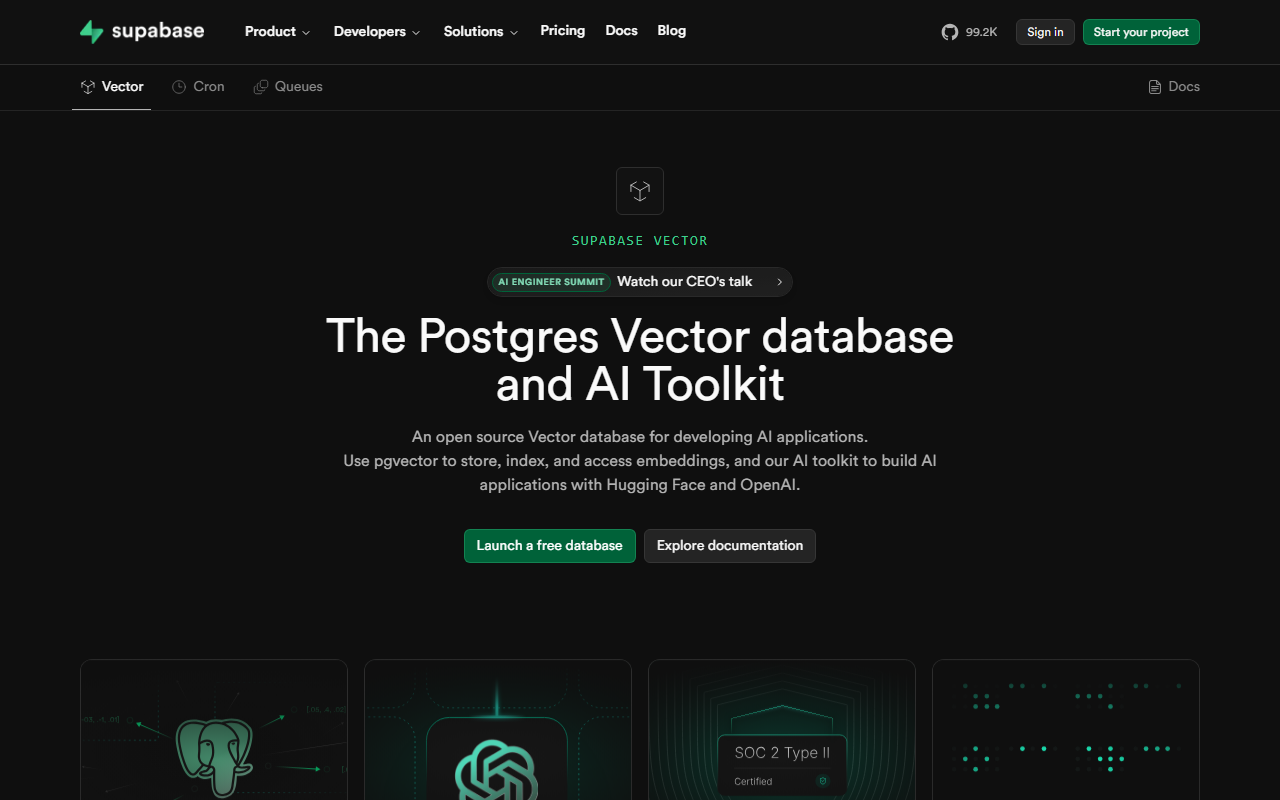
Upon visiting Supabase, I was greeted by a clean, modern landing page that immediately communicates its value: a Postgres development platform. The call-to-action "Start your project" is prominent. I clicked through and was asked to sign in with GitHub, which took seconds. The dashboard then loaded — a left sidebar with clear navigation to Database, Auth, Storage, Edge Functions, Realtime, and Vector embeddings. The onboarding wizard guided me through creating my first project: name it, choose a region, and set a database password. Within about two minutes, I had a live Postgres instance with an auto-generated API URL and anon key. The SQL Editor was open, and I could start querying immediately. The experience felt remarkably fast compared to traditional cloud database setups. One concrete interaction I tested was creating a table via the Table Editor — it works like a spreadsheet with full CRUD capabilities. The dashboard also includes an RLS Policies editor with a visual rules builder, making row-level security accessible even for developers new to it.
Core Features and Developer Experience
Supabase is not just a database; it's an integrated backend platform. Under the hood, each project runs a full, portable Postgres database — the world's most trusted relational database. On top of that, Supabase layers several services: Authentication with support for social logins and Row Level Security (RLS), Edge Functions (based on Deno) for serverless code, Storage for files like images and videos, Realtime subscriptions for multiplayer experiences, and Vector embeddings for AI applications with integrations to OpenAI and Hugging Face. The Data APIs are instantly ready: every table you create automatically gets RESTful and GraphQL endpoints. I tested the Realtime feature by creating a simple chat app using the JavaScript client library — the data sync was nearly instantaneous. The SQL Editor is polished, with syntax highlighting, auto-complete, and a materialized views builder. For local development, Supabase provides a CLI and a self-hosted option using Docker. The developer experience is clearly a priority: the documentation is stellar, and there is an active community on Discord (the site claims 101.5K stars on GitHub).
Market Position and Target Audience
Supabase positions itself as the open-source alternative to Firebase. Unlike Firebase, which uses a NoSQL document store, Supabase gives you a full SQL database with Postgres. This makes it ideal for developers who want relational integrity, complex queries, and the ability to port their data anywhere (100% portable). Competitors include Firebase (for rapid prototyping) and solutions like Planetscale or Neon (serverless Postgres). However, Supabase differentiates by bundling auth, storage, realtime, and edge functions into one coherent platform. It is best suited for full-stack developers, indie hackers, and startups who want to "build in a weekend and scale to millions" without managing infrastructure. Enterprise teams will also appreciate the ability to self-host and the RLS-based security model. Who should look elsewhere? Teams that require advanced multi-region replication or custom VPCs may find limitations in the free tier. Also, if you prefer a fully managed NoSQL solution, Firebase might still be a better fit.
Pricing and Verdict
Pricing is not publicly listed on the website beyond the free tier (which includes unlimited API requests, up to 500 MB of database, 50,000 monthly active users for Auth, and 1 GB of storage). Paid plans are available via a usage-based model — you can find details on the pricing page after sign in, but the homepage does not disclose exact tiers. For comparison, the Pro plan starts at $25 per month and includes 8 GB of database, 100,000 monthly active users, and more. The genuine strengths of Supabase are its developer-first design, the power of Postgres, and the seamless integration of services. One limitation I observed: the Edge Functions are limited to 256 MB of memory on the free tier, and you cannot use npm packages directly (only Deno-compatible ones). Additionally, the dashboard can feel overwhelming for absolute beginners who are not familiar with SQL or serverless concepts. Overall, Supabase delivers on its promise. I recommend any developer who wants to ship a full-stack application quickly — especially one that requires relational data and real-time features — to try Supabase. The free tier is generous enough to build production-scale MVPs. Visit Supabase at https://supabase.com/ to explore it yourself.










Comments