

First Impressions and Onboarding
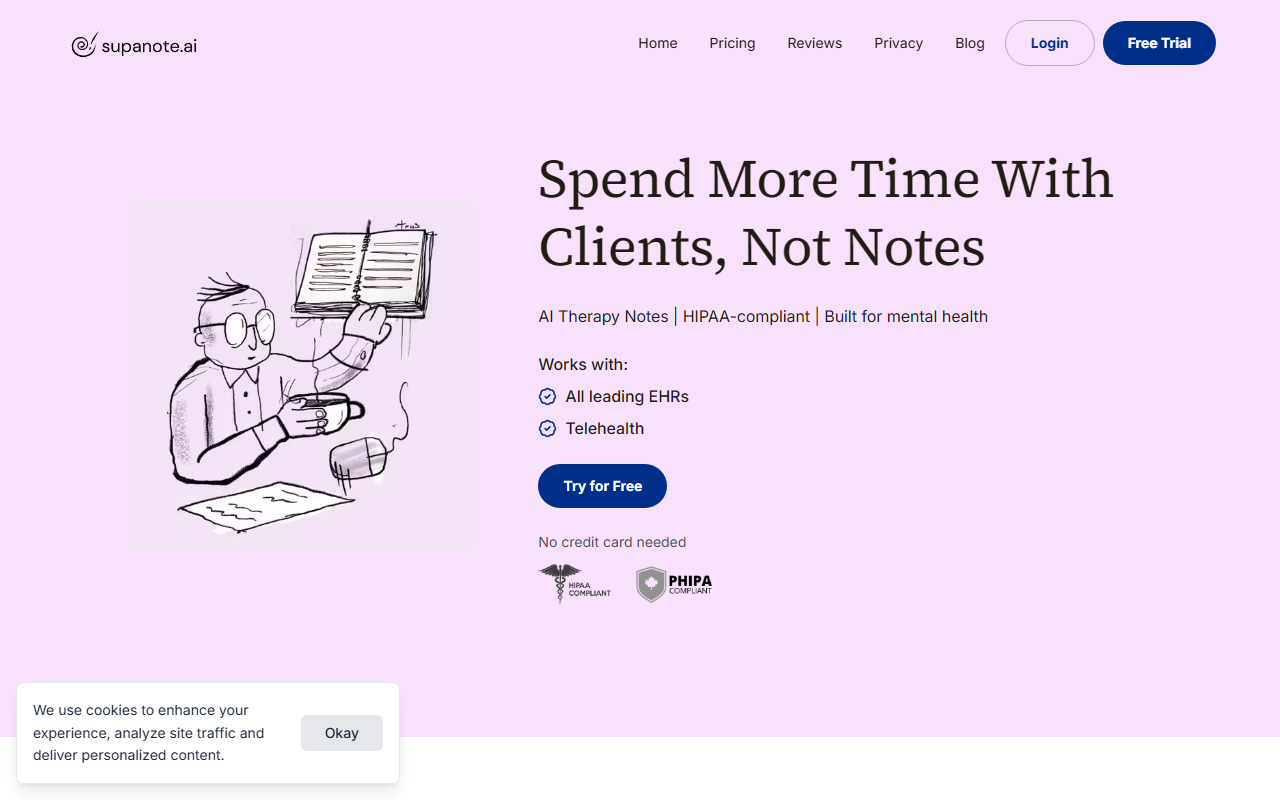
Upon visiting the Supanote website, the headline immediately speaks to the core pain point: “Spend More Time With Clients, Not Notes.” The landing page is clean, with a prominent “Try for Free” button and a note that no credit card is needed. I clicked through to test the free tier. The onboarding flow is remarkably simple—you’re guided to either record a live session, upload an audio file, or dictate notes after the fact. I chose to upload a short sample recording of a mock therapy session (about three minutes) to see how the AI handles real clinical speech. Within seconds, the interface displayed a generated clinical note in a structured format (SOAP, by default). The process from upload to first draft took under 30 seconds. I could then edit the note directly in the browser, adjust tone, or select a different template. The UX is minimal and focused, which is exactly what busy therapists need—no steep learning curve.
Core Features and Workflow
Supanote’s workflow is described in three steps: record, review, and copy to your EHR. In practice, this is accurate. The tool supports live recording (in-person or telehealth), uploading audio files, or dictating after the session. It automatically detects the language from over 100 supported languages. Once the audio is processed, you get a draft clinical note that captures therapeutic nuances—like Socratic questioning or specific interventions. I found the note quality impressive: it used professional terminology while remaining concise, much like the testimonials claim (“written just like an experienced therapist would”).
- Custom Templates: You can choose from SOAP, DAP, Intake, Treatment Plans, or create your own.
- Instant Edits: You can modify tone, format, or details using plain English commands.
- Group Practices: The tool works for solo providers and small teams, though large clinics might need more robust user management.
- Export: Notes can be copied and pasted or downloaded. There is no direct API integration with EHRs yet, but the copy-paste approach is standard for many similar tools.
When testing the free tier, I was able to generate two notes before hitting a limit—likely a trial cap. The dashboard shows a simple list of past sessions and notes. I did not find any option to record directly from the browser on a laptop (microphone permissions are required), but the mobile experience might differ.
Privacy and Compliance
Supanote emphasizes HIPAA, PHIPA, PIPEDA, and GDPR compliance. According to the website, all recordings are deleted immediately after scribing, and personally identifiable information (PII/PHI) is automatically scrubbed from transcripts and notes. This is a critical feature for mental health providers. The company also states it minimizes exposure by removing audio from cache. In my test upload, the audio was processed and the generated note did not contain any names or identifying details that I had included in the mock recording. However, because the tool is cloud-based, providers should verify their own compliance policies regarding transmitting sensitive data. The security section is clearly presented, which builds trust.
Pricing, Competition, and Verdict
Pricing is not publicly listed on the website. The “Try for Free” button leads to a sign-up page that requests email and practice type, but no pricing page is shown before account creation. This is a limitation: potential users have to commit to a trial to learn the cost. Competitors like DeepScribe and Mental Notes offer transparent pricing tiers, often ranging from $30 to $100 per month per provider. Supanote likely falls in a similar range, but the lack of transparency may deter some clinicians. That said, the tool is clearly built for independent therapists, small group practices, and social workers who want to cut note time from hours to minutes. It is not ideal for large hospital systems that need deep EHR integrations or custom API access. Who should try it? Any mental health provider spending more than 30 minutes per session on documentation. The ease of use and quality of notes are genuine strengths, and the privacy features are reassuring.
Visit Supanote at https://supanote.ai to explore it yourself.













Comments