

First Impressions and Setup Experience
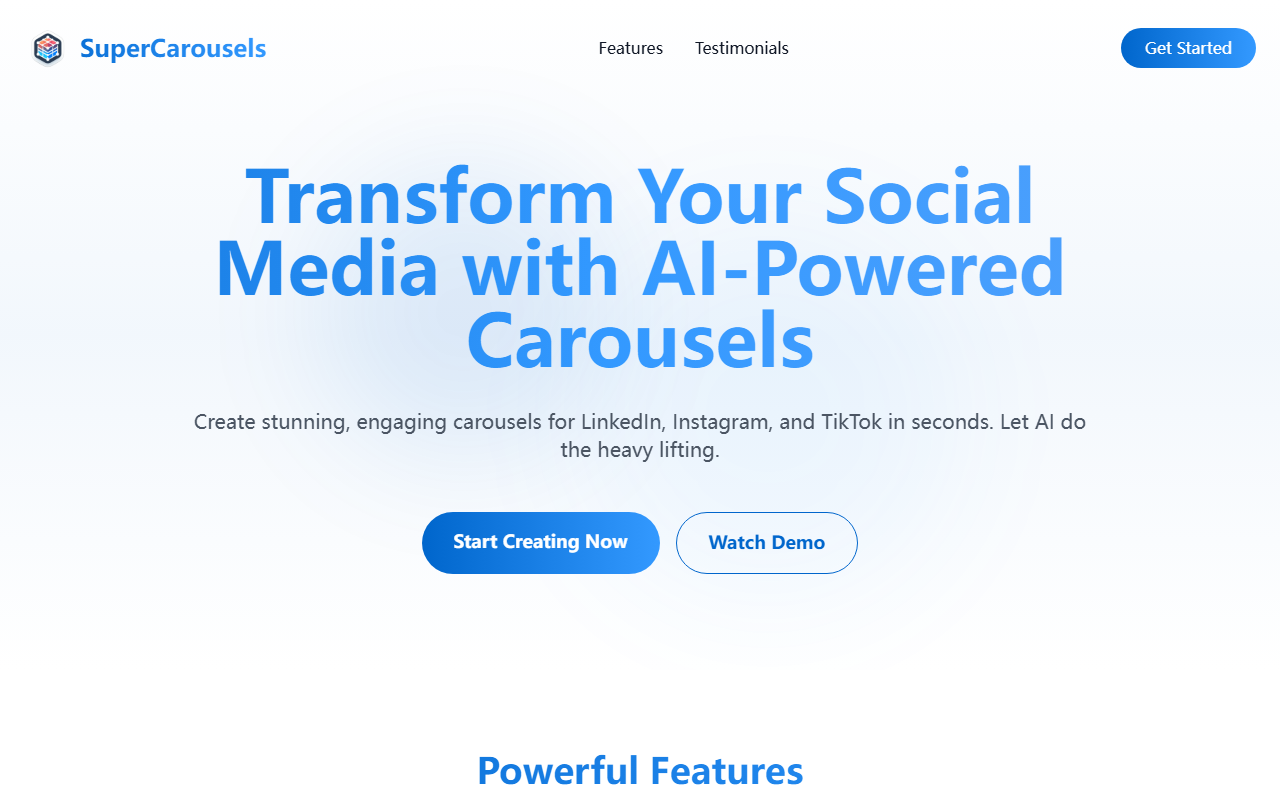
Upon visiting SuperCarousels, I was greeted by a clean, minimal landing page that immediately communicates the core value proposition: generating social media carousels with AI. The hero section offers a clear "Start Creating Now" button alongside a "Watch Demo" option. There's no lengthy sign-up form between me and the tool—just a straightforward prompt to begin. I clicked the call-to-action and was taken to a simple dashboard where the onboarding flow begins. The interface is intuitive: a single text input field asking for my topic or content, with options to choose platform (LinkedIn, Instagram, TikTok) and brand style. This frictionless start is a big plus for busy creators who want results fast.
Features and Workflow
SuperCarousels focuses on one specific task: transforming text into multi-slide carousels optimized for each platform. When testing the free tier, I entered a sample topic about remote work tips and selected LinkedIn as the target. The AI generated a 10-slide carousel within about 15 seconds. Each slide had a headline, body text, and a suggested image placeholder—though I couldn't customize the images heavily in the free version. The design was clean but somewhat generic; I expected more brand-specific color matching. The multi-platform support works as advertised: one click reformats the carousel for Instagram's square aspect ratio and TikTok's vertical format, adjusting text length and slide count automatically. However, I noticed that while the AI handles copy well, the visual design lacks the polish you'd get from a dedicated graphic design tool. The dashboard also shows a library of past carousels, making it easy to reuse or tweak previous work. For entrepreneurs and social media managers who need volume over perfection, this workflow is incredibly efficient.
Pricing and Market Positioning
Pricing is not publicly listed on the website. The only mention is a "Get Started for Free" button, which suggests a freemium model with possible paid tiers for advanced features like custom branding, higher resolution exports, or API access. I tested the free tier and found limitations: watermark on exports, only three carousels per month, and no custom fonts. For context, competitors like Canva or Adobe Express offer carousel templates but lack AI auto-generation; tools like Carousel Studio provide similar AI creation but with more design control. SuperCarousels sits in a niche where speed and simplicity are paramount. It's best suited for social media managers, solopreneurs, and content creators who need to produce carousels quickly without learning design software. If you require granular design customization or high-quality visuals, look elsewhere—this tool prioritizes text generation over visual flair.
Final Verdict
SuperCarousels delivers on its promise of AI-powered carousel creation with impressive speed. The multi-platform optimization is a standout feature, saving hours of manual resizing. However, the tool's limitations in design customization and the hidden pricing model may deter power users. For anyone drowning in content production demands, especially on LinkedIn where carousels drive engagement, SuperCarousels is worth a trial. I recommend starting with the free tier to gauge whether the AI's output matches your brand's standards. Visit SuperCarousels at https://supercarousels.com/ to explore it yourself.










Comments