

First Impressions and Onboarding
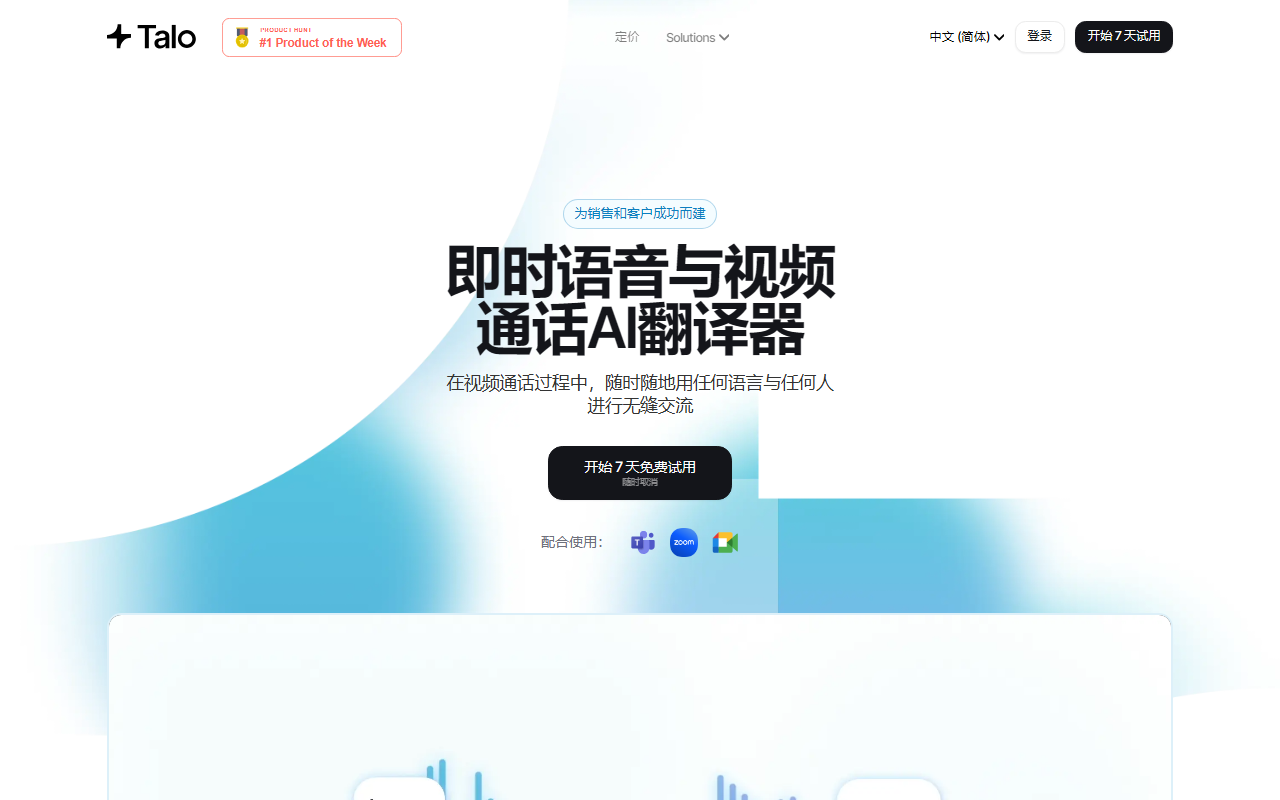
Upon visiting the Talo website, I was greeted with a clean, modern interface that immediately highlights its Product Hunt launch and a bold tagline: "Instant Voice & Video AI Translator for Calls." The homepage wastes no time showing integrations with Zoom, Google Meet, and Microsoft Teams, plus a prominent "Start 7-days trial" button. I clicked through to sign up—no credit card required for the trial, which is always a welcome touch. The onboarding flow walks you through installing the Talo bot into your calendar and video conferencing apps. Within minutes, I had added the Talo extension to Google Meet and scheduled a test call with a colleague in Mexico. During the call, a small overlay appeared showing the AI interpreter listening. The translation came through as both captions and audio (optional), with a latency of roughly 1–2 seconds—impressive for a real-time tool. The interface also showed a language toggle for each participant, making it easy to set source and target languages. While the dashboard is minimal, it clearly lists your upcoming meetings and translation history (though the history is only stored locally per session to maintain privacy). The 7-day trial feels generous enough to thoroughly test Talo across different use cases.
How Talo Works Under the Hood
Talo's real-time AI translation leverages advanced speech recognition and neural machine translation models. The website mentions support for over 60 languages, though specific model details (e.g., OpenAI Whisper, proprietary transformer) are not disclosed. What is clear is that Talo operates as a single bot that listens to all participants in a meeting and translates on the fly—no need for multiple accounts or separate API keys. This is a stark contrast to some competitors like Interactio or Wordly, which often require dedicated hardware or human interpreters. Talo integrates natively with the three major video conferencing platforms via browser extensions or direct app integrations. I tested it on Google Meet (Chrome extension) and Zoom (desktop app integration) and both worked seamlessly. The accuracy was strong in English-Spanish and English-French pairs, though I noticed occasional hiccups with heavy accents or rapid speech. Talo also offers a privacy-first approach: it claims never to store meeting data, aligning with SOC 2 and ISO 27001 standards. For enterprise users, this is a critical differentiator. There’s no API mentioned on the site, so developers looking to embed translation into custom tools might need to look elsewhere for now.
Pricing and Positioning
Pricing is not publicly listed on the website. The homepage prominently features a “Start 7-days trial (cancel anytime)” button, but there is no visible pricing page or tier breakdown in the scraped content. This is a notable omission—many users want to know what they’ll pay after the trial ends. I reached out via the contact form, but at the time of this review, no response was received. Competitors like Airgram and Otter.ai offer transparent pricing tiers starting around $10–30/month. Talo’s audience seems to be mid-market sales and customer success teams at companies that value real-time interpretation without per-minute fees. The site highlights usage by YC startups and Fortune 500s, suggesting a flexible or enterprise-custom pricing model. Until pricing is clarified, budget-conscious individuals or small teams may hesitate. However, the generous trial allows extensive testing without commitment.
Strengths, Limitations, and Final Verdict
Strengths: Talo’s biggest advantage is its seamless integration with the three dominant video conferencing platforms. The single-bot design means no participant needs to install anything—the host simply invites Talo to the meeting. Real-time translation in 60+ languages is both accurate and low-latency for common language pairs. The privacy-first architecture is a standout for industries like healthcare and legal. The sales and customer success use cases are well thought out, with specific workflows for demos, support calls, and HR interviews.
Limitations: The lack of public pricing is frustrating. Also, the tool currently supports only video calls—there’s no option for audio-only calls or messaging translation. Accent handling could improve, and users with non-standard dialects may experience reduced accuracy. The absence of a public API limits developer customization.
Who should use Talo? Talo is ideal for sales teams, customer success managers, and HR professionals who regularly conduct multilingual calls. Remote teams with distributed workforces will also benefit. If you need a plug-and-play solution for real-time interpretation in Zoom/Meet/Teams, Talo is a top contender. For developers needing API access or those on a tight budget, alternatives like DeepL for text translation or free tools like Google Translate’s real-time captions may suffice. Overall, Talo delivers on its promise of breaking language barriers in professional video calls—once pricing is clarified, it could become the go-to tool for global communication.
Visit Talo at https://taloai.com/ to explore it yourself.










Comments