

First Impressions and Onboarding
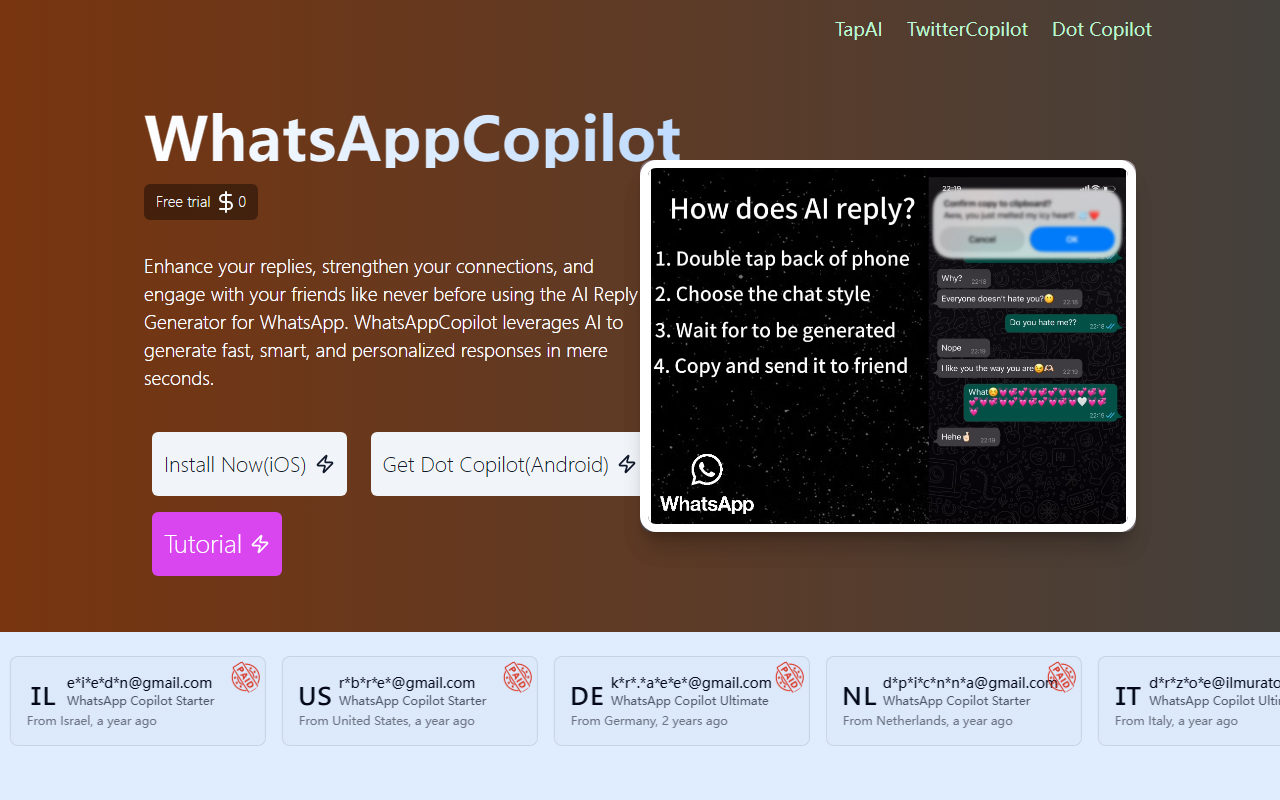
Upon visiting the TapAI website, the first thing that strikes you is the clarity of the value proposition: boost iOS productivity with a mere double-tap and the power of ChatGPT. The homepage immediately promotes a free trial and provides a tutorial video on setting up Back Tap on an iPhone. I downloaded the app as instructed and tested the free tier. The setup process involves installing a shortcut command and granting accessibility permissions, which takes about three minutes. The dashboard appears only after triggering the tool — there is no standalone app; TapAI works as an overlay activated by double-tapping the back of your iPhone. This minimal interface is both a strength and a limitation, as we’ll see.
Core Features and Performance
TapAI is designed to extract text from whatever is on your screen — a chat message, a webpage, a receipt — and process it using ChatGPT. The supported actions include creating calendar events in Apple Calendar, adding to-dos to Apple Reminders, tracking expenses in Google Sheets, summarizing web pages, translating on-screen text, and generating smart replies for messaging apps like WhatsApp, Telegram, and Line. During my tests, I used the free tier (which grants 5 requests). I double-tapped while viewing a WhatsApp conversation with a friend mentioning a dinner date. TapAI correctly extracted the date, time, and place and offered to create a calendar event. The entire process took under 10 seconds and worked without leaving WhatsApp. For web page summarization, it pulled key points from a long article in Safari and pasted the summary into Apple Notes. The free tier uses GPT-4o-mini, which was fast and accurate enough for basic tasks. However, the Ultimate tier promises GPT-4o with visual capabilities, allowing it to read receipts via camera or screenshots — a notable upgrade.
A key strength is the seamless integration with Apple’s native ecosystem. Unlike many third-party productivity apps, TapAI doesn’t force you to switch contexts. The double-tap activation is genuinely convenient once you’re used to it. Data privacy is also addressed: the website states that user data is sent directly to ChatGPT without being stored or shared by TapAI. I appreciate this transparency, though it still relies on OpenAI’s policies.
Pricing and Plan Analysis
TapAI offers four tiers: Free (0 requests per day?), then three yearly subscriptions. The free plan provides only 5 requests total, which is essentially a trial. The Starter plan costs $9 per year for 10,000 requests — excellent value for heavy users. The Advanced plan is $19 per year but oddly includes only 1,000 requests (10% of Starter) while upgrading the model to GPT-4o. The Ultimate plan is $29 per year also with 1,000 requests but adds visual processing, priority support, and priority feature updates. This pricing structure is confusing: why does the cheaper Starter offer more requests? I suspect a typo on the website, but as of writing, that’s what is published. For most users, the Starter plan is the sweet spot if you primarily need text-based extraction and processing. The Advanced and Ultimate tiers are better suited for those who need GPT-4o’s higher reasoning capabilities despite fewer requests. Compared to alternatives like Android’s Copilot or Apple’s own Shortcuts automations, TapAI is simpler to set up and more focused on AI-powered understanding, but it lacks customizations that power users might want.
Verdict and Recommendations
TapAI is an excellent choice for iOS users who want to automate repetitive information extraction tasks without learning complex shortcuts. Its double-tap interface is intuitive, and the integration with Apple’s ecosystem feels native. The limitations are clear: iOS only, the free plan is too restrictive for meaningful daily use, and the Advanced plan’s request count is bafflingly low. Additionally, the dependency on ChatGPT means you need an internet connection. I recommend the Starter plan for anyone who frequently copies text from chats or web pages and wants to turn them into actionable items. If you need multimodal understanding (like processing receipts or images), the Ultimate plan justifies its price. Avoid the Advanced plan unless ChatGPT-4o is critical for your workflow. Visit TapAI at https://tapai.aicanvas.app/ to explore it yourself.










Comments