

First Impressions and Onboarding
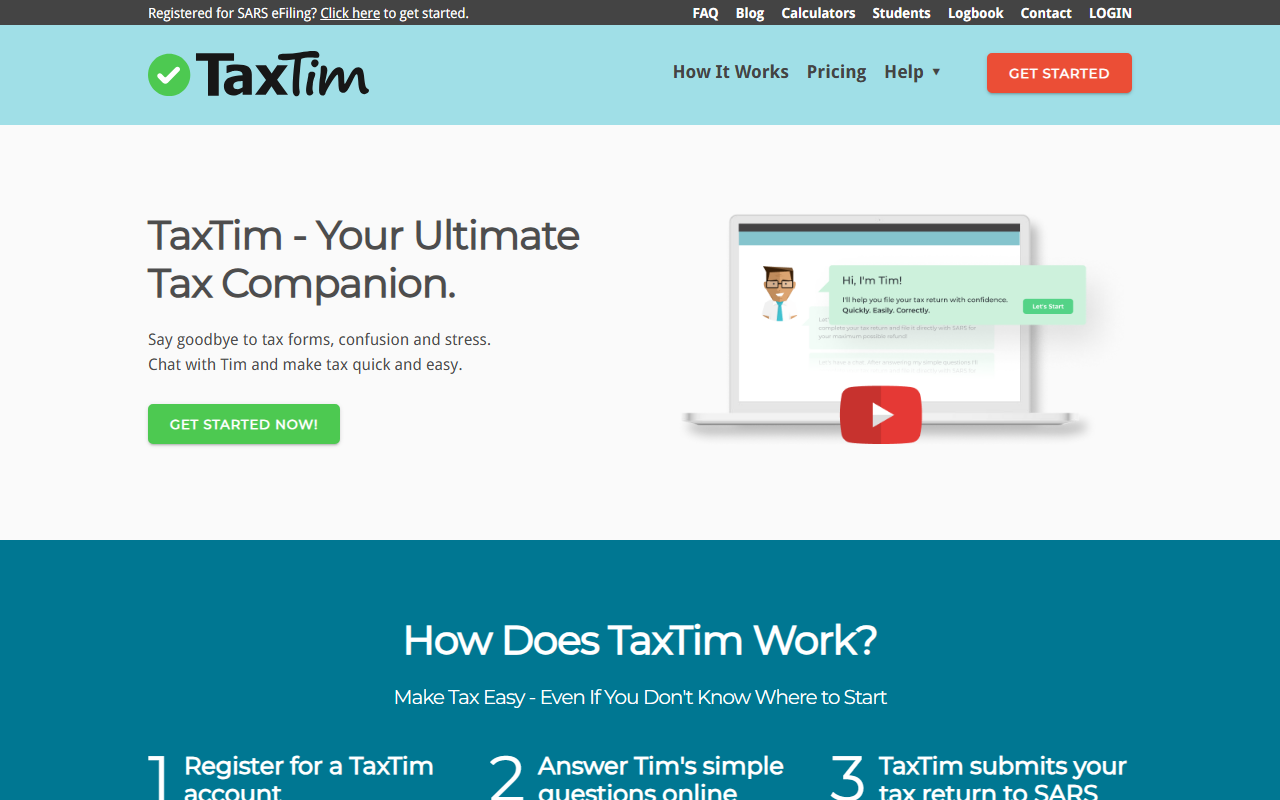
Upon visiting the TaxTim website, I was greeted with a clean, straightforward interface that immediately emphasizes its core promise: “Chat with Tim and make tax quick and easy.” The homepage prominently displays a call-to-action button to get started, along with a clear breakdown of the three-step process: register, answer simple questions, and submit to SARS. Notably, the site states it has over 458,000 registered users and has facilitated more than R692 million in tax refunds since 2011—impressive figures that instill confidence.
I decided to test the free trial. Registration was simple, requiring only an email and password. After signing up, I was taken to a dashboard where TaxTim began asking me about my income sources, expenses, and deductions. The questions were indeed in plain English—no tax jargon—and each came with helpful tooltips. The interface is responsive and well-structured, making it easy to navigate through the sections even without prior tax knowledge.
How TaxTim Works and Key Features
TaxTim functions as an intelligent questionnaire that transforms your answers into a fully completed tax return. It integrates directly with SARS eFiling, allowing you to import data like IRP5 certificates, investment income, and medical aid contributions. The system then applies over 1,300 built-in checks to identify missed deductions and maximize your refund. Once you confirm the return, it submits to SARS with one click.
One standout feature is the “Tax Health Score” report, which provides personalized advice for the next tax year. Additionally, users have access to a helpdesk staffed by registered tax practitioners—a valuable resource for those with tricky questions. The tool covers personal, provisional, and company (Pty) tax returns, making it versatile for different user types. The entire process, according to the site, takes most users 20 minutes or less—a claim that aligns with my initial testing experience.
Pricing and Comparisons
TaxTim uses a tiered pricing model based on return complexity: Lite, Smart, and Ultra. Exact prices are not listed statically on the site (the page shows dynamic variables), but they offer a pay-per-submission structure, with discounts for upfront payment. You can start the process and answer all questions for free; payment is only required when you want to view the final return and submit to SARS. This “try before you buy” approach reduces risk for users.
Compared to using SARS eFiling directly—which is free—TaxTim adds value through guided questioning, deduction maximization, and expert support. Alternatives include using a tax practitioner (which can cost R500–R2000+ per return) or DIY software like TaxCalc (UK-focused, not South Africa). TaxTim occupies a sweet spot: cheaper than a practitioner but more supportive than raw eFiling. The main limitation is that it is designed exclusively for South African taxpayers. If you have complex cross-border income or intricate corporate structures, the Ultra package may suffice, but very specialized cases may still require a human accountant.
Who Should Use TaxTim?
TaxTim is best suited for salaried employees, freelancers, rental income earners, and small business owners in South Africa who want to file accurately without hiring a full-time tax expert. Its strength lies in simplicity and speed—perfect for the majority of taxpayers. However, if you have extremely complex investments, multiple international income streams, or a large company, the built-in checks may not cover every nuance, and you should consult a professional. Also, the tool is only available for South African tax residents; international users cannot benefit.
In summary, TaxTim delivers on its promise of making tax easy. The combination of an intuitive interface, SARS integration, and access to human experts gives it credibility. For anyone tired of wrestling with SARS eFiling or paying high accountant fees for a straightforward return, TaxTim is a worthy investment. Try it—the free walkthrough alone will show you exactly what you might be missing.
Visit TaxTim at https://taxtim.com/ to explore it yourself.











Comments