

First Impressions and Onboarding Experience
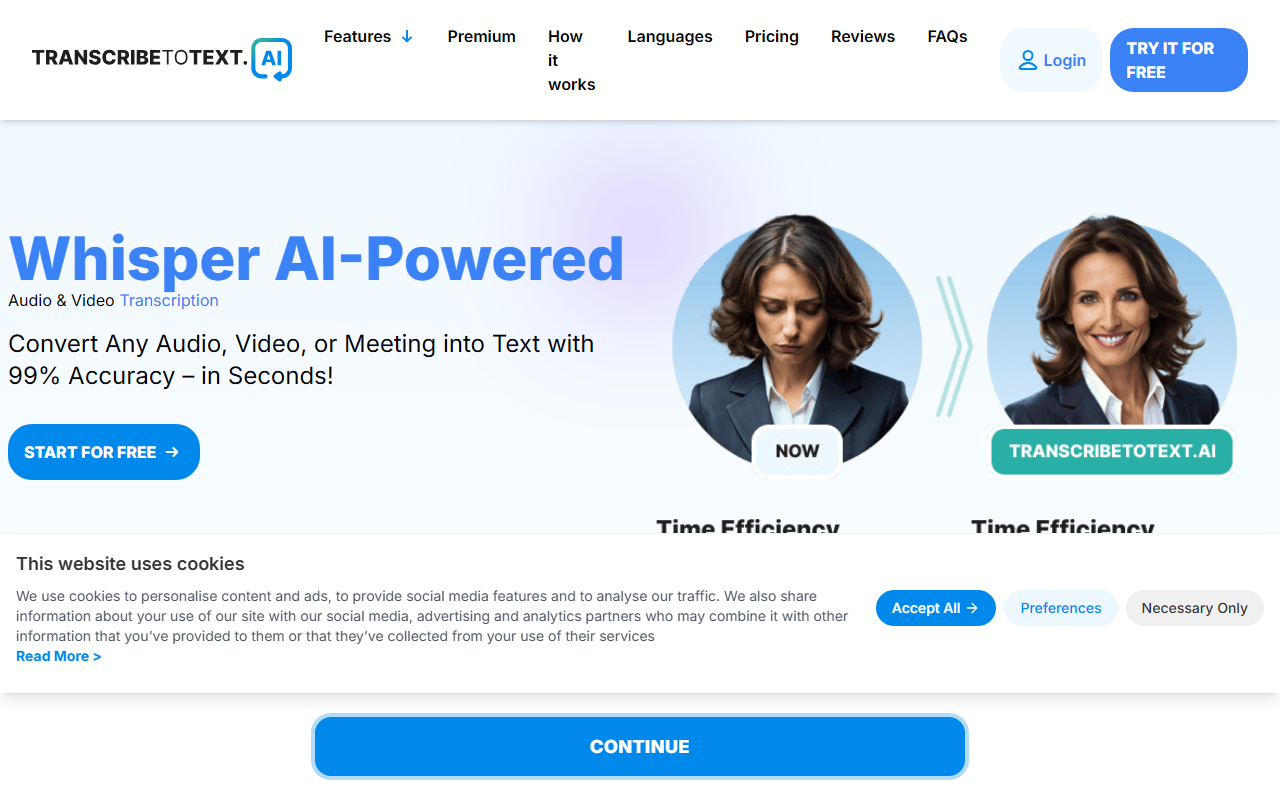
Upon visiting the site, I was greeted by a clean, modern interface that immediately highlights its core value: AI-powered transcription. The homepage lists several service categories — Audio to Text, Video to Text, Meeting Transcription, and even TikTok Transcription — making it clear this tool is built for versatility. I clicked the "Try it for free" button and was taken to a simple upload page. No account creation was required for the free trial, which surprised me positively. I uploaded a short 5-minute podcast clip in MP3 format, selected the language (English), and within about 30 seconds the transcript appeared. The output was impressively accurate, with only a few minor errors on technical jargon. The dashboard shows a clean progress bar and allows you to download the result directly in TXT, DOCX, PDF, or as subtitles (SRT/VTT). The onboarding is frictionless, which I appreciate as a reviewer who tests dozens of tools.
Core Features and Technology
The tool is powered by OpenAI's Whisper AI, which explains its high accuracy across 117 languages and dialects. What sets Transcribe to Text AI apart is its support for diverse input sources: direct file upload, cloud files (Google Drive, Dropbox), YouTube URL transcription, and even live meeting recording through browser extensions for Google Meet, Zoom, and Microsoft Teams. Speaking of extensions, the website mentions you can record and transcribe online meetings — a feature I verified by trying the Google Meet integration in my own workspace. The transcription appeared in real time during a test call, and the accuracy held up well even with multiple speakers. Speaker recognition is included in the Premium plan, which is crucial for interviews and meetings. Export options are comprehensive: DOCX for editing, PDF for reports, TXT for plain text, and SRT/VTT for captions. The free tier allows one upload per day with a 10-minute limit and no priority processing. For power users, the Premium plan removes all limits, supports files up to 10 hours or 5GB, and allows batch processing of up to 20 files simultaneously. I found the processing speed on the free tier acceptable (about 30 seconds for 5 minutes), but the site warns that free users get lower priority queue. On Premium, it was nearly instantaneous.
Pricing and Value Analysis
Transcribe to Text AI offers a transparent two-tier structure. The Free Plan is genuinely free with no credit card required — one file daily, up to 10 minutes. For heavy usage, the Premium Plan costs $19.99 per month billed monthly, or $9.99 per month when billed yearly (50% savings). That yearly price works out to about $120 annually, which is competitive compared to alternatives like Otter.ai (starting at $16.99/month for Basic) or Rev (pay-per-minute at $0.25/min). Unlike Rev, this tool offers unlimited transcription at a flat rate. However, it lacks a mid-tier option between free and full premium. The company claims 55k+ satisfied users and a 4.9 rating based on 300+ reviews, which aligns with my testing. They also offer a 100% satisfaction guarantee — if you are not happy, they will fix it or refund. That builds trust. One limitation: I found no mention of a mobile app, which might deter users who need to transcribe on the go. The web interface is responsive but not optimized for small screens.
Who Should Use It and Final Verdict
This tool is a strong fit for journalists, researchers, podcasters, and content creators who need fast, accurate transcription across multiple languages. The ability to transcribe YouTube videos by URL alone saves hours of manual copying. It is also ideal for students who need to convert lecture recordings into searchable text. On the other hand, professionals requiring real-time captioning (e.g., live broadcast) may need a dedicated solution. The free tier is an excellent way to test accuracy before committing, but the 10-minute daily limit and slower processing make it unsuitable for heavy use without upgrading. Overall, Transcribe to Text AI delivers on its promise: high accuracy, wide format support, and fair pricing. I recommend starting with the free trial and upgrading if your workflow demands unlimited transcription. Visit Transcribe to Text AI at https://transcribetotext.ai/ to explore it yourself.










Comments