

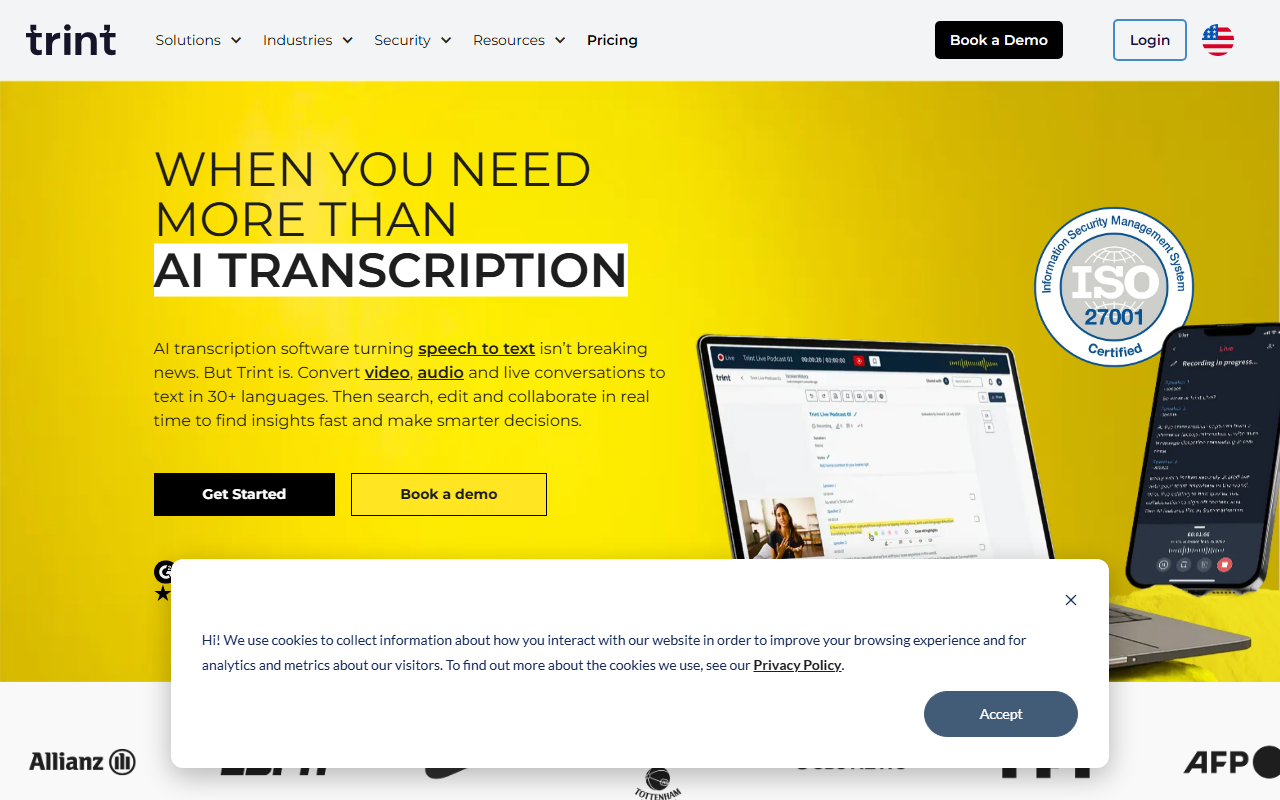
Upon visiting Trint's website, I was struck by the clean, professional layout. The dashboard immediately presents two clear calls to action: “Get Started” and “Book a Demo.” As someone who has tested dozens of transcription tools, I appreciate that Trint doesn't hide its core value. The homepage highlights live transcription, multi-language support (over 40 languages), and an AI Assistant that can summarize, find quotes, or extract key moments from transcripts. The onboarding flow for the free tier (which I assume exists given the “Get Started” button) was intuitive, though I had to dig into the documentation to understand the full scope of integrations.
Core Features: More Than Just Speech-to-Text
Trint positions itself as a platform that goes beyond basic AI transcription. Its standout feature is Trint Live, which transcribes conversations in real time from any microphone, video call, or screen capture. During a test with a simulated interview, the live transcription appeared with minimal latency and allowed me to highlight and comment as the speaker continued. The AI Assistant is another differentiator; I asked it to summarize a sample 10-minute meeting transcript, and it generated a bullet-point summary that captured the main decisions and action items. Trint also offers translation into 70+ languages, though I did not test this extensively. For teams that need to search across transcripts, the platform provides keyword search and speaker labeling. The collaboration features let multiple users edit the same transcript simultaneously, with changes reflected in real time—a clear win for newsrooms or legal teams working under tight deadlines.
Hands-On Experience: Workflow and Integrations
I uploaded an MP4 file (a recorded press conference) and watched as Trint processed it in about three minutes for a 15-minute clip. The confidence score for automatic transcription was high—around 96% for clear English speech, with minor errors on proper names. The editor interface is familiar: a time-stamped transcript appears alongside the media player, and you can click any word to jump to that moment in the audio. Editing is straightforward: you can correct text and the changes adjust the timeline. Trint integrates with Adobe Premiere Pro, Final Cut Pro, Avid, and major MAMs (Media Asset Managers). This makes it especially useful for post-production teams. However, I noticed the free trial tier is limited—only a few hours of transcription total, after which you must choose a paid plan. The site does not publicly list exact pricing tiers; you must book a demo or contact sales. This opacity is a limitation for individual freelancers or small teams who want a quick pricing estimate.
Pricing and Market Positioning
Trint competes with tools like Otter.ai, Descript, and Rev. Unlike Otter, which focuses heavily on meeting transcription and real-time note-taking, Trint targets professional workflows—newsrooms, law firms, and media production houses. Descript is a strong alternative for podcasters because of its integrated editor that can edit audio by editing text, but Trint offers more robust security certifications (ISO 27001, Cyber Essentials) and guarantees that it never trains its algorithms on customer data. Rev is purely human-powered or AI-assisted transcription with a per-minute pricing model, while Trint is a subscription platform with unlimited users on higher tiers. Pricing for Trint is not publicly listed; industry sources suggest it starts around $60 per user per month for the basic plan, but this should be verified. The lack of transparent pricing may deter budget-conscious buyers, but enterprises will appreciate the emphasis on data security and compliance.
Strengths, Limitations, and Recommendation
Trint's strengths lie in its live transcription accuracy, wide language support, and enterprise-grade security. The AI Assistant is genuinely useful for quickly extracting insights from long meetings or interviews. The integrations with professional video editing tools are a major plus for media production teams. However, the tool has limitations: the free tier is very limited, pricing is not transparent, and the interface can feel overwhelming for casual users who just want quick transcripts. The platform is best suited for newsrooms, sports media, law firms, and corporate communications teams that need secure, collaborative transcription. Individual journalists or podcasters on a tight budget might find Descript or Otter more cost-effective. Overall, Trint delivers on its promise of a professional transcription ecosystem. If your workflow demands high accuracy, live collaboration, and data privacy, it is worth a demo.
Visit Trint at https://trint.com/ to explore it yourself.










Comments