

First Impressions and What Twing Promises
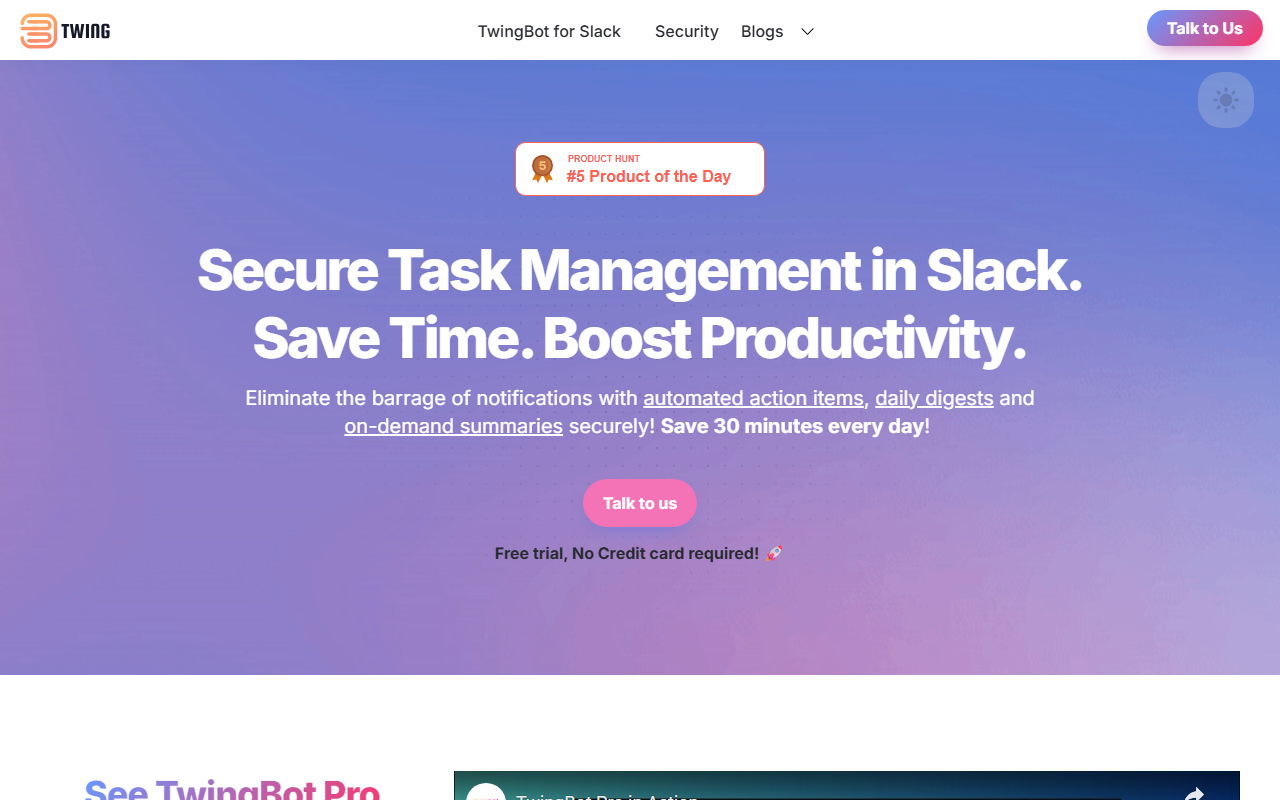
Upon visiting the Twing website, I encountered a clean landing page that immediately communicates the core value: an AI-assisted workspace designed to help you avoid distractions and prioritise work that matters. The tagline "Boost Productivity with Twing" is backed by a simple yet compelling pitch. Twing pulls data from all your work apps — emails, Slack chats, support tickets — and organises action items into a single AI-powered priority view. The site features a prominent "Join the Waitlist →" button, indicating the product is not yet available; it's slated for release in July 2024. This pre-launch status limits hands-on testing, but the described workflow is ambitious and addresses a universal pain point: notification overload and scattered task management.
The interface is not live, but based on the description and visual mockups, the dashboard would present a unified to-do list that learns from your behaviour. The promise of "Essential Notifications, Zero Distractions" suggests a smart filter that only interrupts you for truly high-priority requests, while everything else stacks silently in your view. For anyone drowning in Slack pings and flagged emails, that sounds like a lifeline.
Expert Analysis: How Twing Solves a Real Problem
Twing falls under the AI Office category, specifically as an AI-assisted work management tool. It aims to solve fragmentation — the problem of important tasks living in separate apps (email, Slack, Jira, etc.) and competing for your attention. The AI learns implicitly from your work patterns (like which emails you respond to first) and explicitly via customization options, allowing you to tune the priority engine to your style. This goes beyond standard task managers (e.g., Todoist or Asana) by actively aggregating inputs from multiple sources and applying a distraction-reducing layer.
From a technical perspective, the site mentions an OpenAI DPA, indicating that Twing likely leverages large language models (LLMs) from OpenAI to interpret context and urgency. This suggests features like natural language parsing of tasks and intelligent ranking. The "secure" tag hints at data privacy measures, which are critical for work apps. However, no API availability or integrations are explicitly listed — only references to Slack, email, and support tickets. The Security Policy and Privacy Policy links suggest a commitment to handling data responsibly, but without a live product, it's impossible to verify.
Pricing is not publicly listed on the website. The emphasis on a waitlist and "Coming this July, 2024" means Twing is still incubating. Potential competitors include Motion (AI calendar and task prioritisation), Akiflow (time blocking with integrated views), and Superhuman (for email-focused priority). Unlike those, Twing seems to focus more on passive notification aggregation and distraction prevention, rather than proactive time scheduling.
Strengths, Limitations, and Who Should Care
The strongest aspect of Twing is its laser focus on reducing interruptions. Most productivity tools add more to-do lists; Twing promises to subtract noise while surfacing what matters. The implicit learning loop — where the AI adapts continuously — could be a game-changer for users who struggle to consistently manually prioritise. Additionally, the emphasis on "zero distractions" could encourage deeper work, a rare feature in a world of persistent pings.
However, there are genuine limitations. The most obvious one: the product hasn't launched yet. Relying on a waitlist means we can't test the AI's accuracy, quality of integrations, or real-world performance. The website offers no demo video or concrete examples of the UI. The vague mention of "all your work apps" without a specific list (e.g., Outlook, Teams, Asana, Linear) raises questions about how deep the integration will be. Also, the learning curve: an AI that learns implicitly may initially misprioritise tasks, potentially causing frustration during the training period.
This tool is best suited for knowledge workers, managers, and freelancers who juggle multiple communication channels and feel overwhelmed by notifications. They value focus and are willing to let an AI filter their inbound requests. Conversely, it is not for users who prefer full manual control over their task list or who require a highly customisable, project-specific workflow (like detailed Gantt charts or team dependencies). Those users might prefer a traditional project management tool.
Final Verdict and Recommendation
Twing enters a crowded space of AI productivity tools, but its unique value proposition — AI-powered distraction reduction via a unified priority view — gives it strong differentiation. The product is clearly still in development, as evidenced by the waitlist and July 2024 target. I was unable to test any features, so I cannot vouch for performance, but the concept is well-articulated and addresses a genuine need.
I recommend adding your name to the waitlist if you are frustrated by the constant interruption cycle and believe an AI can learn your priority signals. Early adopters might get to shape the product via feedback. However, manage expectations: the tool may not cover every integration you need at launch, and the AI's effectiveness will depend on your work patterns. For now, Twing is a promising idea waiting to be proven. Visit Twing at https://trytwing.com to explore it yourself.













Comments