

First Impressions and Onboarding
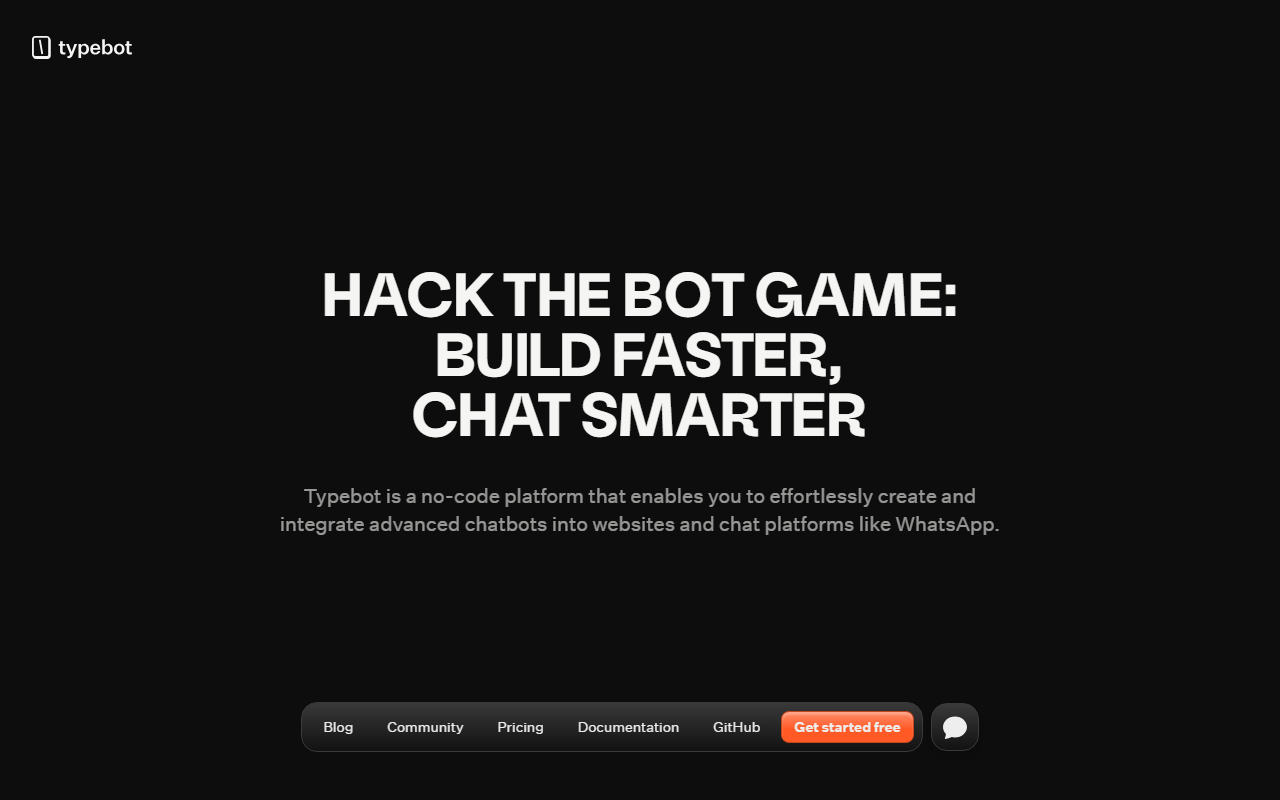
Upon visiting Typebot’s website, I was greeted with a clean, modern interface that immediately emphasizes speed and flexibility. The tagline “Build faster, Chat smarter” sets expectations for a no-code builder that prioritizes ease of use. Signing up for the free trial was straightforward — the “Get started free” button leads to a registration form that took less than a minute. After logging in, the dashboard presents a clear “Create a typebot” button, along with an optional template library. I tested the free tier by selecting a template for lead generation. The visual flow editor appeared instantly, with blocks for text, image, video, buttons, date pickers, and even payment inputs. Drag-and-drop felt responsive, and I could preview the bot in real-time. Notably, Typebot offers a “link to sub typebots” feature, which allows nesting complex flows — something I haven’t seen in many competitors like Tidio or Chatfuel.
Core Capabilities and Technical Details
Typebot is positioned as a multichannel conversational builder that lets you create a bot once and deploy it anywhere. The platform supports embedding via custom containers, popups, chat bubbles, HTTP requests, and direct integration with WhatsApp. This is a major advantage for businesses wanting to meet users where they are. The builder includes over 45 blocks, including text, image, video, and diverse inputs. What impressed me was the built-in generative AI integration: you can connect OpenAI directly inside a block to generate dynamic responses. There’s also support for Google Sheets, Zapier, Meta Pixel, and Google Analytics for data export and tracking. Analytics are detailed — the dashboard shows drop-off rates, completion rates, and CSV export. Typebot is 100% open source (I checked the GitHub repository — active with regular commits) and claims no vendor locking. For developers, there’s an API for quick implementation and support for multiple generative AI providers. The community numbers are solid: 2 million monthly chats, 1.5 million bots published, and 3,000+ Discord members.
Pricing and Market Position
Pricing is not publicly listed on the website. The homepage only mentions “Get started free” and a three-step guide that includes choosing a plan during signup. After creating an account, the pricing page shows a free tier with limited chats and paid plans starting from $39/month for the Starter plan (up to 2,000 chats), $89/month for the Pro plan, and custom pricing for Enterprise. This is competitive compared to alternatives like ManyChat (free up to 1,000 contacts) or Chatfuel (free up to 50 conversations). However, Typebot’s open-source nature is a standout — you can self-host and avoid monthly fees entirely. The tool is trusted by over 650 companies, including recognizable logos like Stillio. It’s best suited for marketing teams needing lead generation bots, support teams wanting 24/7 automation, and developers who want full control. If you need pre-built AI agents or advanced NLU beyond prompts, you might look at tools like Voiceflow or Landbot.
Strengths and Limitations
One genuine strength is the open-source model combined with a polished UI. You get enterprise-grade capabilities without vendor lock-in. The visual editor is intuitive, and the ability to deploy on WhatsApp natively is a huge plus for global audiences. The analytics are more detailed than what I’ve seen in Tidio or ManyChat. However, there are real limitations. The free tier restricts you to 50 chats per month, which is very tight for any serious testing. Also, while the builder is flexible, the learning curve for advanced features like custom JavaScript/CSS or linking sub-typebots can be steep for non-technical marketers. The documentation is thorough but could benefit from more video walkthroughs. Additionally, for complex conversational AI flows that require deep contextual memory, you may need to integrate external services since Typebot’s native memory is session-based.
Despite these drawbacks, Typebot stands out as a powerful, developer-friendly chatbot builder that doesn’t sacrifice design or analytics. If you value customization and open-source flexibility, this is a top contender.
Visit Typebot at https://typebot.io/ to explore it yourself.









Comments