

First Impressions and Onboarding
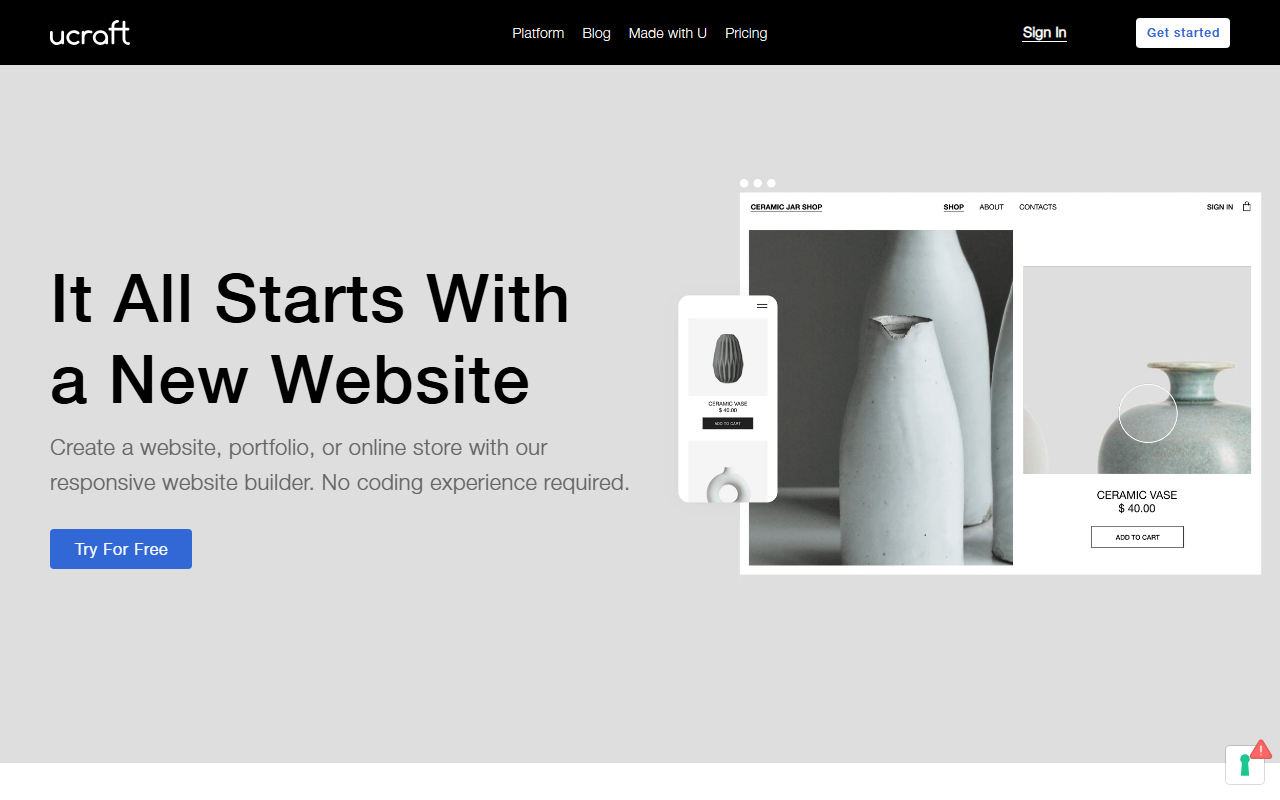
Upon visiting the Ucraft site, I was greeted by a clean, modern landing page that immediately promotes its core message: 'It All Starts with a New Website.' The call-to-action button labeled 'Try For Free' is prominently displayed, which makes starting a test drive effortless. After signing up, the dashboard shows a straightforward, uncluttered interface. The onboarding flow guides you through selecting a template from over 120 designer-made options, categorized by industry—eCommerce, Business, Blog, and more. I chose a minimalist photography template to test the builder. The editor uses a classic left-side panel for elements like text, images, and buttons, while the main canvas updates in real time. No coding experience is required, and the drag-and-drop mechanism feels responsive, though not as fluid as some competitors like Wix or Squarespace. The menu for managing sites, account settings, and billing is tucked away in a top bar, which might take a moment to locate, but overall the initial setup is quick and intuitive.
Core Features and AI Integration
Ucraft positions itself as a website builder for small business owners, entrepreneurs, and artists, but its tie to the Image AI / AI Design category comes from a single feature: the Hoory AI Assistant. This tool is described as a way to 'evaluate customer experience on your website and set up automated support.' In my testing, Hoory appears as a chatbot integration that can be added to your site to handle basic FAQ and lead capture. It is not a generative AI design tool like DALL-E or Midjourney; rather, it is a rule-based assistant that learns from typical customer queries. Other AI-adjacent tools include a Logo Maker that generates simple logos from templates—not truly AI-driven, but customizable. The core value of Ucraft remains its drag-and-drop builder, free hosting on Google Cloud, and eCommerce capabilities. You can accept payments via multiple gateways and set up shipping with leading carriers. The blogging platform is functional but basic. For AI design purists, Ucraft's offering is thin; the Hoory assistant is more of a support chatbot than a creative AI.
Pricing and Market Positioning
Ucraft’s pricing is publicly listed on the website, and it follows a tiered subscription model. There is a free tier that includes a Ucraft subdomain and limited features. Paid plans start at around $10 per month for the 'Pro' plan, which removes branding and adds a custom domain. The 'Team' plan adds collaboration features at roughly $25 per month, and the 'Business' plan for eCommerce is about $35 per month. All plans include free hosting on Google Cloud, which is a notable advantage compared to other builders that charge extra for hosting. Compared to direct competitors like Wix and Squarespace, Ucraft’s pricing is competitive, though its template selection and AI features are less extensive. Wix has a more advanced AI site generator (Wix ADI), while Squarespace offers better design polish. Ucraft is best suited for users who want a no-frills, affordable website builder with reliable hosting and a straightforward eCommerce setup. It is less ideal for those seeking advanced AI design generation or highly customized visual effects.
Strengths, Limitations, and Verdict
Strengths include the free Google Cloud hosting, which ensures fast loading times and security, and the affordable entry-level pricing. The drag-and-drop editor works well for non-technical users, and the template library, though not huge, covers common business types. The Hoory AI assistant adds a layer of customer support automation that is useful for small eCommerce stores. However, there are real limitations. The AI features are minimal—the Hoory assistant is not generative AI; it is a simple chatbot. There is no AI-powered design generation to create layouts or images from text prompts, which may disappoint users expecting a true AI design tool under the Image AI category. Additionally, the editor’s interface can feel slightly sluggish when adding custom CSS or third-party integrations. Overall, Ucraft is a solid website builder for budget-conscious users who need a professional-looking site quickly, but it is not a leader in AI design. I recommend it for small business owners, bloggers, and artists who prioritize simplicity and cost over advanced AI features. For those who need genuine AI-powered design generation, look toward tools like Wix ADI or Canva’s AI features. Visit Ucraft at https://ucraft.com/ to explore it yourself.










Comments