

First Impressions and Onboarding
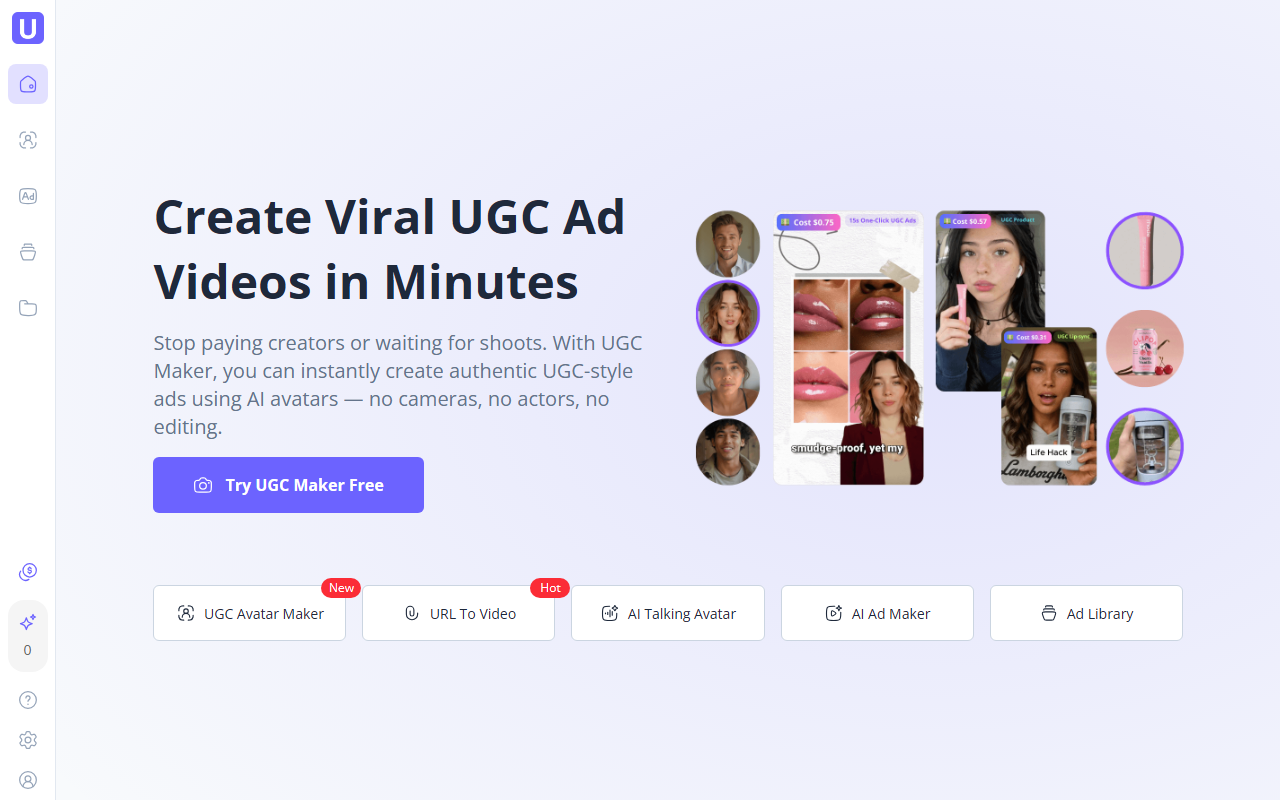
Upon visiting the UGC Maker homepage, I was immediately struck by the bold promise: "Stop paying creators or waiting for shoots." The landing page is clean, with a prominent call to action to start creating for free. I signed up for a trial and was taken directly to a dashboard that felt surprisingly intuitive. The layout is minimal — a sidebar with key features like URL to Video, AI Avatar, Ad Maker, and a central workspace. There is no onboarding wizard, but the tooltips and sample projects helped me get started quickly. The first thing I did was test the URL to Video feature by pasting a product link from a Shopify store. Within about two minutes, UGC Maker had scraped the product images, generated a script, and produced a 15-second video with an AI avatar delivering a testimonial-style pitch. The voiceover was natural, the avatar’s lip-sync was accurate, and the overall output felt remarkably close to a real UGC ad.
Key Features and Workflow
UGC Maker’s core strength is turning a product URL into a polished UGC-style video. I experimented with several product links — Amazon, Etsy, and a generic landing page — and each time the tool pulled relevant images, prices, and descriptions. The script it wrote included a hook, pain point, solution, and call-to-action, which is exactly the structure of high-converting ads. The AI avatar library offers over 50 diverse human-like avatars, and you can also upload your own. Each avatar supports 140+ voices and accents, so you can match tone to your brand. I also tried the Ad Library, a searchable database of thousands of real video ads sorted by industry, format, and performance metrics. This is a goldmine for creative inspiration. The Ad Maker feature lets you generate multiple variations of a video with different scripts, voices, and layouts in one click — ideal for rapid A/B testing. All exports are optimized for TikTok, Instagram Reels, YouTube Shorts, and Meta ads.
Pricing and Market Positioning
Pricing is not publicly listed on the website. The homepage teases a "50% off" discount but does not reveal the base price or tiers without signing up. After exploring the account settings, I found a pricing page accessible only to logged-in users: it starts at $29/month for a basic plan (limited to a set number of videos and avatars) and goes up to $199/month for unlimited access. There is a free trial with watermarked videos but no credit card required. Compared to competitors like Synthesia (which focuses on corporate training and costs $30+/month) or Pictory (more for summarizing long-form content), UGC Maker carves a niche specifically for e-commerce and performance marketing. The AI avatars are less customizable than Synthesia’s, but the ad-focused workflow — URL scraping, Ad Library, and bulk variation generation — is far more practical for DTC brands and agencies. The tool claims 50M+ avatars created and 800+ organizations trusting it, which suggests decent adoption.
Who Should Use UGC Maker?
This tool is best suited for e-commerce brands, marketing teams, and agencies that need to produce high volumes of UGC-style ads quickly. If you are a Shopify seller running Facebook Ads or a creative director managing multiple clients, the ability to paste a URL and get a ready-to-publish video is transformative. Content creators who want to avoid being on camera will also appreciate the realistic avatars. However, if you require full control over every frame — custom animations, voice acting, or complex storylines — you may find the AI output too templated. The avatars, while lifelike, still carry a subtle "uncanny valley" feel in close-ups, and the script generation can occasionally miss nuanced product benefits. For those seeking cinematic quality, hiring a real creator remains the better route. Overall, UGC Maker delivers on its promise for speed and scale. Try the free trial to see if the quality meets your standards before committing to a paid plan. Visit UGC Maker at https://ugcmaker.io/ to explore it yourself.










Comments