

First Impressions and How Letty Works
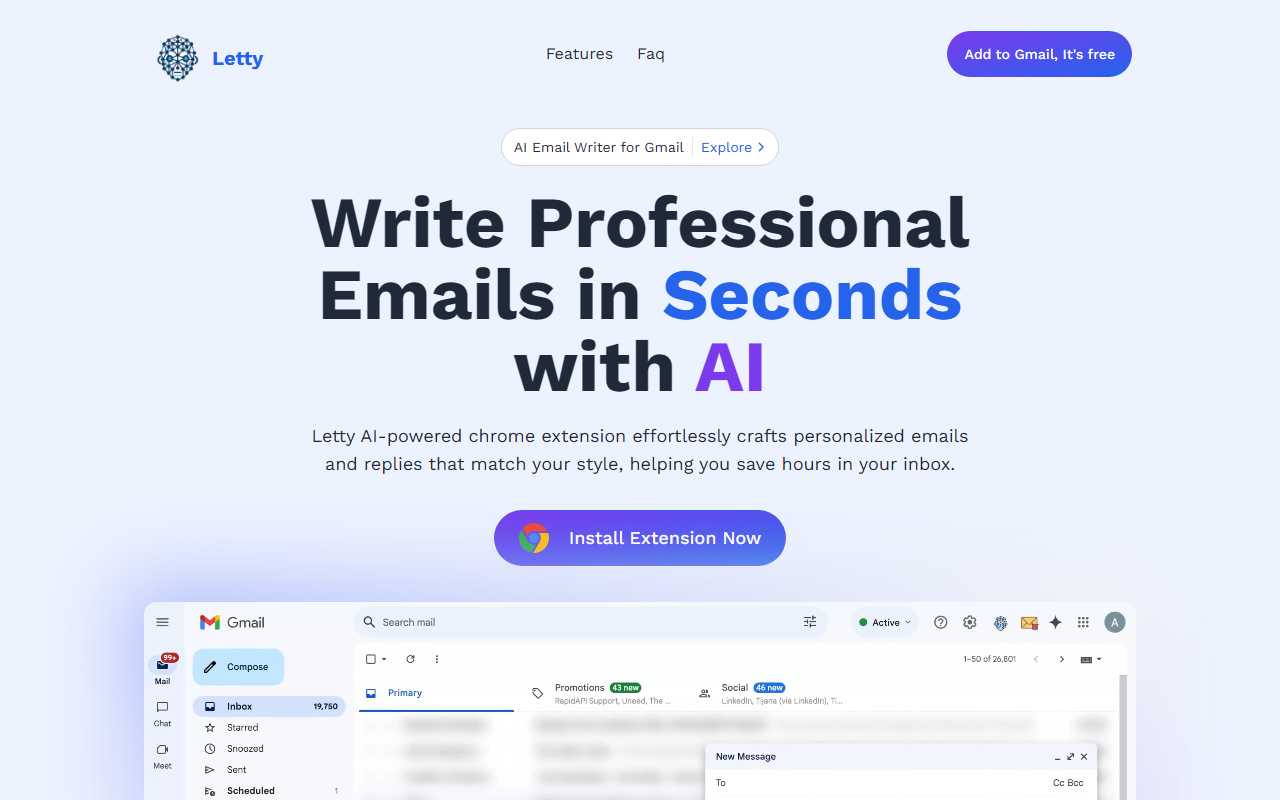
Upon visiting the Letty website, I was greeted with a clean, modern landing page that immediately pitches the core value: writing professional emails in seconds using AI. The Black Friday banner offers 30% off with code BF2024, which adds urgency. I installed the Chrome extension for Gmail, and the onboarding was smooth—a simple one-click authorization. Once active, the extension sits inside Gmail, adding a small 'Letty' panel on the right side of the compose window. When testing the free tier, I opened a thread and clicked 'Smart Reply.' Letty analyzed the email context and generated three short, context-aware reply options. You can edit them before sending. The response quality was decent—polite and on-topic, though not as nuanced as a human would be for a complex negotiation. What impressed me was the 'Train Letty' feature: you upload documents, FAQs, or a website URL, and Letty uses that content to craft replies that incorporate your specific knowledge. I tested it by uploading a small FAQ about a fictional product, and when asked in an email about pricing, Letty pulled the correct answer. This is a genuine time-saver for sales or support teams who handle repetitive queries.
Pricing, Credits, and Platform Support
Letty offers three pricing tiers. The Free plan costs $0 per month and gives 10 AI credits monthly, with a training character limit of 400,000. The Premium plan is $9 per month (or less annually) for 150 credits and up to 4 million training characters, plus priority support. The Platinum plan at $19 per month removes credit limits entirely and bumps training characters to 10 million, plus early access to new features. Credits are refreshed at the start of each calendar month. Note that the free tier's 10 credits are very restrictive—you can only compose or reply 10 times before hitting the cap. The paid plans are reasonably priced compared to similar tools like Grammarly Business ($15/month) or Copilot (formerly Jerry, $10/month), but unlike those, Letty focuses exclusively on email generation and does not offer grammar checking or tone analysis. Currently, Letty only supports Gmail. The FAQ mentions Outlook and Zoho are coming soon, but for now, anyone using a different email client cannot use this tool. There is no API or standalone web app, so you must use Chrome with Gmail.
Training and Personalization Strengths
Letty’s standout feature is the ability to train the AI on your own data. You can upload documents (PDF, DOCX, TXT) or provide a website URL, and the system generates a vectorized index of up to 10 million characters on the Platinum plan. In my testing, after uploading a small product guide, the AI’s replies referenced specific product details correctly. This makes Letty more useful for customer-facing roles than generic AI writers. The dashboard shows the character count of your uploaded files, which is helpful for tracking usage. You can also set preferences for formality level, tone, and signature style. The personalization is limited to text-based content—there is no integration with CRM systems or databases. Still, for someone who regularly answers similar questions, Letty can cut drafting time considerably. The extension is lightweight; I didn’t notice any slowdown in Gmail. However, the AI relies on OpenAI’s models (likely GPT-3.5/4), which are not disclosed directly but inferred from response quality and training behavior.
Limitations and Final Verdict
Letty has clear limitations. The credit system on the free tier is too stingy for real-world testing—you’ll exhaust it within a day if you have a busy inbox. The Premium plan’s 150 credits are more reasonable, but power users will need Platinum. Only Gmail support is a dealbreaker for organizations using Outlook or webmail. There is no mobile app, so you cannot use Letty on your phone’s email client. The AI’s replies, while context-aware, sometimes lack the creativity or empathy required for sensitive emails. For example, when I tested a complaint email, Letty suggested a generic apology rather than a tailored response. Compared to alternatives like Mailbutler or Superhuman’s AI, Letty is more focused on data-driven personalization but less polished in conversation flow. Who should try Letty? Customer support agents, salespeople, or anyone who sends similar emails repeatedly and uses Gmail. The free tier is worth installing to see if the training feature suits your workflow. For others, especially those needing multi-platform support or unlimited usage, look elsewhere or wait for the announced expansions. Visit Letty at https://useletty.com/ to explore it yourself.










Comments