

Overview and First Impressions
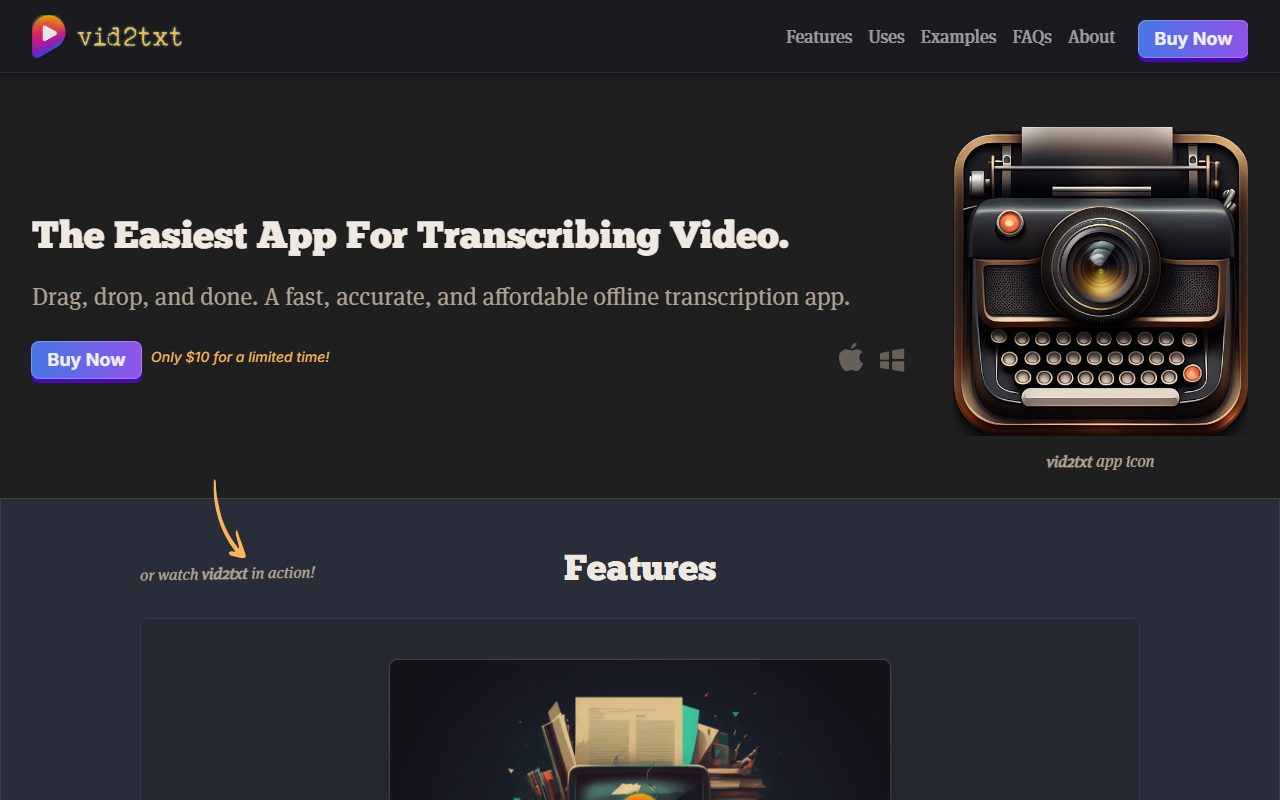
Upon visiting the Vid2txt website, you are greeted by a minimalistic design that repeats the same tagline multiple times: "The Easiest App For Transcribing Video." The site is intentionally sparse — it immediately pushes a "Buy Now" button with a price of $10 for a limited time. This is a desktop application, not a web service. There is no free trial mentioned, nor does the site reveal what underlying speech-to-text engine powers the transcription. The entire marketing revolves around the idea of a one-time purchase for a utility that works entirely offline, a refreshing departure from the endless subscription models of competitors like Otter.ai or Descript.
Vid2txt is positioned as a "utility application that only does one thing, but does it really well." The promise is simple: drag and drop any video or audio file, and get back a .txt, .srt, or .vtt file — all processed locally on your machine. The website lists support for common formats: mp4, mov, wmv, mkv, avi, flv, wav, mp3, m4a. For privacy advocates, the offline processing is a major selling point. No data ever leaves your computer.
Core Features and User Experience
Because Vid2txt is a downloadable app (available for purchase through the website), I cannot review the interface itself without buying it. However, the site does include a demo video (labeled "watch vid2txt in action!") that shows the workflow: you open the app, drag a video file into the window, and the transcription appears as a text file. The app generates multiple output formats simultaneously — a thoughtful touch for users who need subtitles (SRT/VTT) as well as plain text.
The key feature is speed and accuracy. According to the marketing copy, transcription is "lightning-fast" and "accurate." Without a hands-on test, I cannot verify these claims, but the technology likely uses an open-source model (such as OpenAI Whisper) that can run locally on modern hardware. The lack of an internet connection requirement means no latency from cloud processing, and no risk of data leaks. The trade-off is that the accuracy depends entirely on your computer's capabilities and the quality of the speech. For clean audio (e.g., podcast recordings or lectures), results should be good; for noisy environments, performance may vary.
Another limitation: the app is described as "offline transcription app," which implies it is a native desktop application. There is no mention of a web version or mobile app. This restricts usage to Windows or Mac (likely both, though the website does not specify system requirements). Furthermore, there is no cloud sync, no collaborative editing, and no integration with other tools. This is a strictly local utility.
Pricing and Market Positioning
Vid2txt is sold for a one-time fee of $10. The website says "only $10 for a limited time," but does not state a regular price. This is aggressively anti-subscription, undercutting services like Otter.ai (which charges $8.33/month for Pro) or Descript (starting at $24/month). For users who only need occasional transcription, this is a bargain. The purchase presumably grants lifetime access to the app, with no quotas or hidden fees. However, it is unclear whether future updates are included. The lack of any free tier or trial makes it a leap of faith for potential buyers.
Compared to competitors, Vid2txt occupies a niche: ultra-simple, one-time payment, offline-only. It does not aim to compete with cloud-based collaborative tools. It is best suited for privacy-conscious individuals — journalists, students, researchers, or content creators who want a quick, no-frills transcription without worrying about monthly bills or data exposure. It is not for teams needing shared workflows or enterprise-grade features like speaker identification.
Final Verdict and Recommendation
Vid2txt offers a compelling value proposition for its target audience. The price is low, the promise is clear, and the offline nature is a genuine differentiator. However, the lack of a trial period and the minimal information about the underlying model or system requirements are drawbacks. The website could also benefit from more transparent details: what happens after purchase? Is it a download link? Are there Mac and Windows versions? I would recommend Vid2txt primarily to users who are already comfortable with local software and value data privacy over collaboration features. For anyone who needs cloud access, team features, or a web interface, look to Otter.ai or Trint instead. If the $10 price point and offline processing match your needs, this is a straightforward, affordable tool worth trying — but proceed without expectations of continuous updates or support.
Visit Vid2txt at https://vid2txt.com/ to explore it yourself.













Comments