

First Impressions: A Purpose-Built Platform for Creators
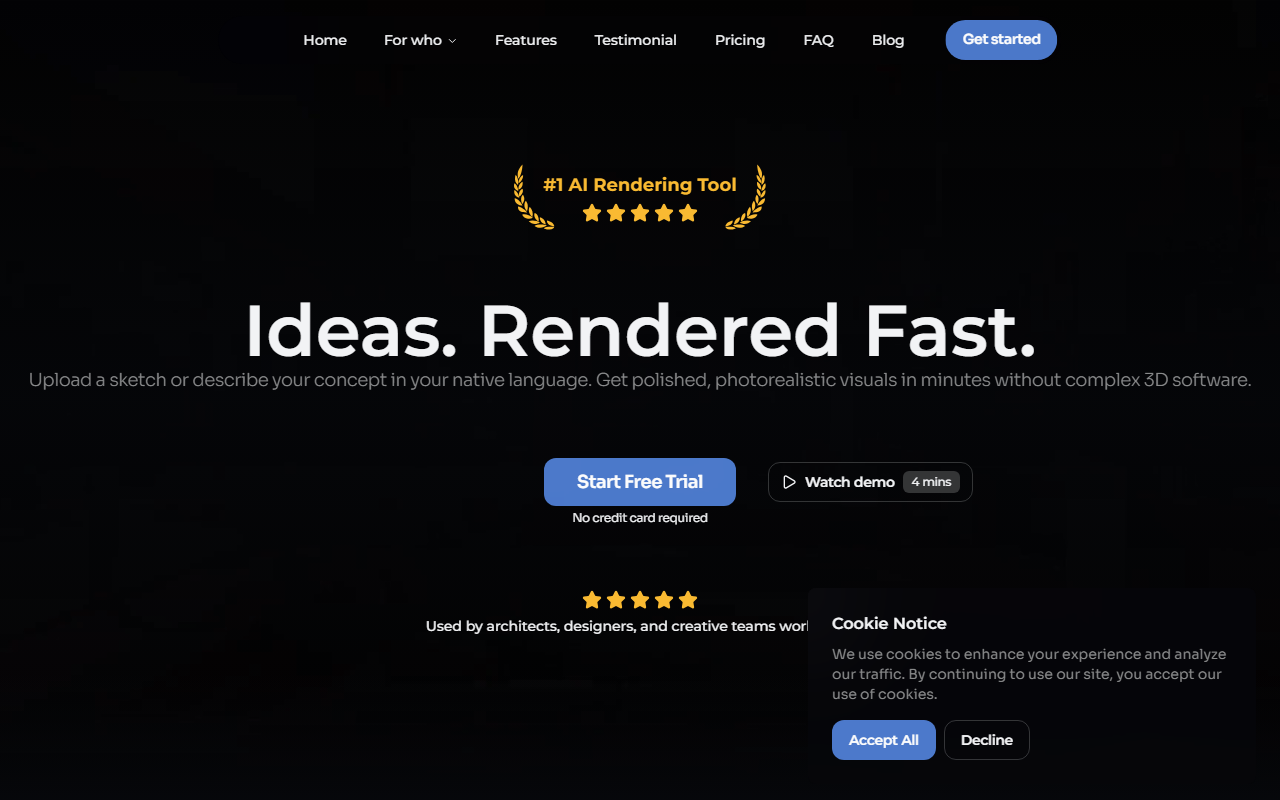
Upon visiting Visualizee.ai, I was greeted with a clean, focused landing page that immediately communicated its target audience: professional creators. The headline "From concept to reality. Instantly." is backed by four core pillars — Conversational AI, Purpose-Built Modes, Context-Aware Geometry, and Multi-Image Orchestration. The design is minimal, with a clear call-to-action to start a free trial. No credit card is required, which lowered the barrier for testing.
During the onboarding, I selected the Architecture & Spaces use case. The dashboard presents a straightforward workflow: describe your vision in plain language (supporting 140+ languages) or upload reference images. The free tier offers 5 renders at 1K resolution, which was sufficient to gauge the quality. I tested a prompt about converting a sketch into a photorealistic exterior under different lighting conditions. The result was impressive — the AI maintained the original geometry while adjusting materials and shadows consistently.
Core Capabilities and Workflow
Visualizee.ai differentiates itself through specialized modes: Inspiration, Render, Motion, and Upscaling. Each mode is tailored to a stage of the creative pipeline. For example, Motion mode uses models like Sora 2 and Veo 3.1 to animate still renders. The Context-Aware Geometry feature ensures consistent multi-angle views — a boon for architects needing elevation, perspective, and section renders from the same model. The Multi-Image Orchestration allows uploading up to 14 images and applying one natural language prompt to transform them all with uniform style and lighting.
I found the conversational AI particularly effective. Instead of crafting complex prompt strings, I simply described what I wanted: "a modern kitchen with warm oak cabinets, morning sunlight, and a marble island." The system automatically generated a detailed prompt and produced a render that closely matched the description. This removes a major friction point for non-AI-savvy designers. The platform also offers blog resources and video case studies, showing real-world applications in construction, tuning shops, and product design.
Pricing and Value Proposition
Visualizee.ai offers four pricing tiers. The Free Trial provides 5 renders at 1K resolution with no credit card required. The Hobby plan at $15 per month includes 187+ renders, 7,500 credits, 75 seconds of video, and up to 2K resolution. The Pro plan ($35/mo) raises the limit to 481+ renders, 19,250 credits, 275 seconds of video, up to 4K resolution, plus Pro Video Models and a priority queue. The Max plan ($80/mo) delivers 1,200+ renders, 48,000 credits, 685 seconds of video, Multi-Image Orchestration, up to 32 MP image upscale, and 30% off credit packages. Compared to alternatives like Midjourney (starting at $10/mo for limited generations) or DALL·E (pay-per-use credits), Visualizee.ai is positioned for volume-heavy professional workflows where video and multi-image consistency are critical.
Strengths, Limitations, and Final Verdict
Strengths include the purpose-built modes that match real creative workflows, support for 140+ native languages, and the ability to handle batch uploads with consistent results. The context-aware geometry is a standout feature for architects and product designers who need coherent multi-view renders. However, the free tier is very limited — only 5 renders — making it tough to fully evaluate video or upscaling capabilities. The credit system (renders vs. credits) may confuse new users. Additionally, there is no public API, which limits integration for automated pipelines.
This tool is best suited for architects, interior designers, automotive stylists, game developers, and marketing professionals who need high-quality renders and motion content quickly. Casual users or those focused solely on static image generation might find cheaper or simpler alternatives. Overall, Visualizee.ai delivers on its promise of professional-grade AI rendering with a curated interface. I recommend the Pro plan for team use, but the Hobby tier is a solid starting point for indie creators. Visit Visualizee.ai at https://visualizee.ai to explore it yourself.










Comments