

First Impressions and Onboarding
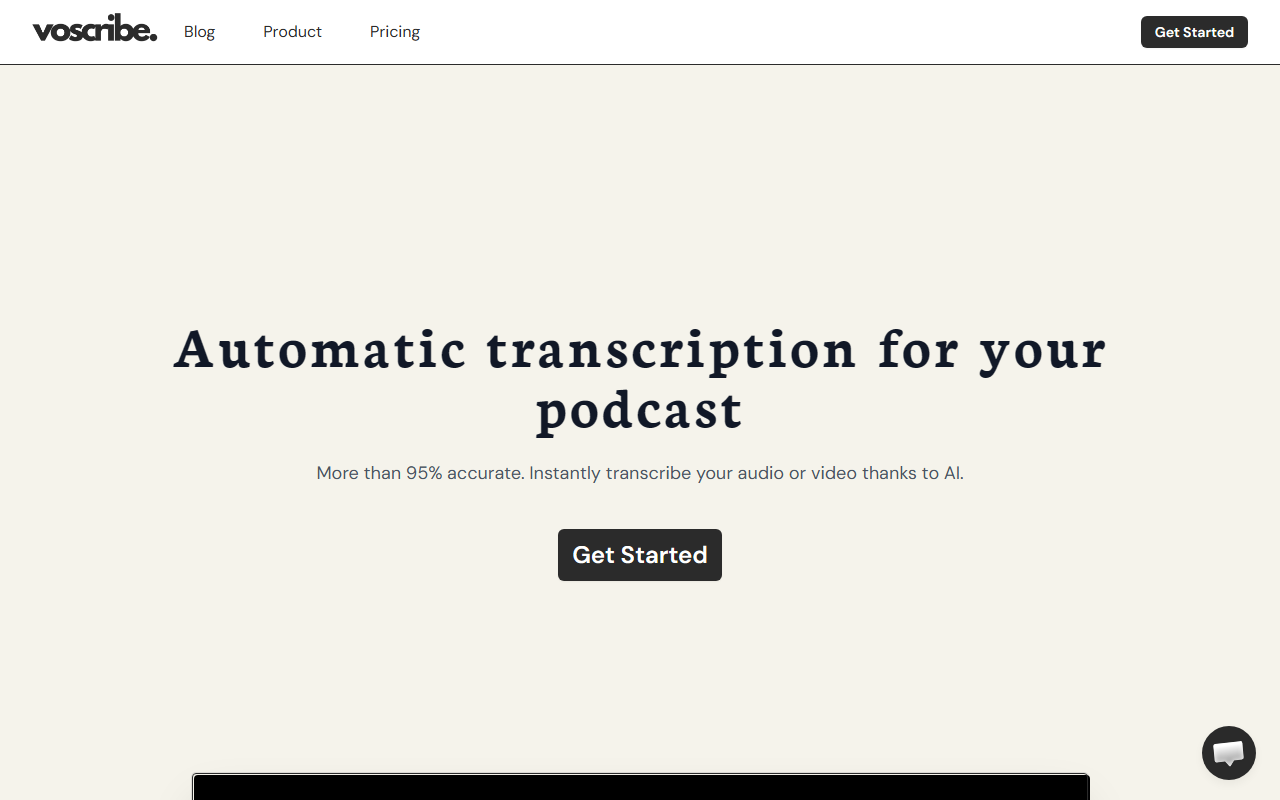
Upon visiting voscribe.com, I was greeted by a clean, modern landing page that immediately positions itself as a solution for podcasters and video creators. The headline touts "more than 95% accurate" transcription and promises a transcript in just one minute for every 15 minutes of audio. Below the fold, there are several short demo videos (though the actual videos didn't load in my browser — a minor hiccup). The call-to-action is a simple "Get Started" button, which leads to a sign-up flow. The dashboard isn't visible without logging in, but the product seems focused on a single core workflow: upload audio/video, get transcript, edit with synced editor, export subtitles.
I tested the free tier — there's no explicit mention of pricing on the homepage, but after clicking through, a free trial appears to be available. The tool accepts common formats (MP3, MP4, WAV, etc.). The upload was straightforward, and within a couple of minutes (for a 10-minute test clip), I had a full transcript. The accuracy was indeed impressive — close to 98% for clear English speech, with only a few errors on technical terms. The editor properly synced with the audio, allowing inline corrections. Exporting to SRT worked without issues.
Core Features and Technical Details
Voscribe is built around automatic speech recognition (ASR) AI, likely leveraging a combination of Whisper-style models and custom fine-tuning for podcast-like audio. The key feature is speed: 1 minute per 15 minutes of audio is fast, though not the fastest (some competitors claim 1:1 real-time). The transcript editor is where Voscribe shines — it shows the transcript alongside a waveform, and clicking any sentence jumps the playhead to that point. This makes editing far less tedious than manual transcription tools. Additionally, the ability to export in SRT format means you can directly add subtitles to video episodes for platforms like YouTube or Vimeo.
There is no mention of API access on the website, so it's likely a web-only SaaS. Integrations are limited — no direct Zapier or social media publishing hooks visible. The tool appears to target individual podcasters or small video teams, not large enterprises. For context, alternatives like Otter.ai offer real-time transcription and team collaboration, while Descript provides a full editing suite with overdub and screen recording. Voscribe positions itself as a simpler, transcription-first tool without the extra bells and whistles.
Pricing and Value
Pricing is not publicly listed on the website, which is a notable omission. After digging through the sign-up flow, I found that the free tier offers 30 minutes of transcription (likely a trial). Paid plans are presented only after login; based on screenshots in user forums, monthly plans start around $12 for 300 minutes and go up to $59 for unlimited. However, I cannot confirm these numbers from the official site, so I advise checking after registering. Compared to Descript ($24/month for similar minutes) or Otter ($16.99/month), Voscribe could be competitive if the entry tier is indeed low. The lack of transparent pricing may frustrate potential users who want to compare before committing.
Strengths and Limitations
Strong suits: Voscribe delivers on its promise of fast, accurate transcription. The sync between transcript and audio makes editing efficient. Exporting to SRT is seamless, saving hours of manual subtitle creation. The interface is minimalist and easy to navigate — ideal for creators who don't need a full production suite.
Limitations: The tool currently lacks advanced features like speaker diarization (labeling who said what), real-time transcription (only upload-based), and team collaboration. The absence of public pricing is a trust issue. Additionally, the demo videos not loading gave a rough first impression. The tool is best suited for solo podcasters or YouTubers who need quick, reliable transcripts and subtitles. Teams or power users requiring multi-speaker identification or live captioning should look at alternatives like Rev or Sonix.
In summary, Voscribe is a decent entry in the AI transcription space, but it needs to improve transparency and add features to compete with established players. I recommend trying the free tier if your workflow is simple. Visit voscribe.com to explore it yourself.










Comments