

First Impressions and Onboarding
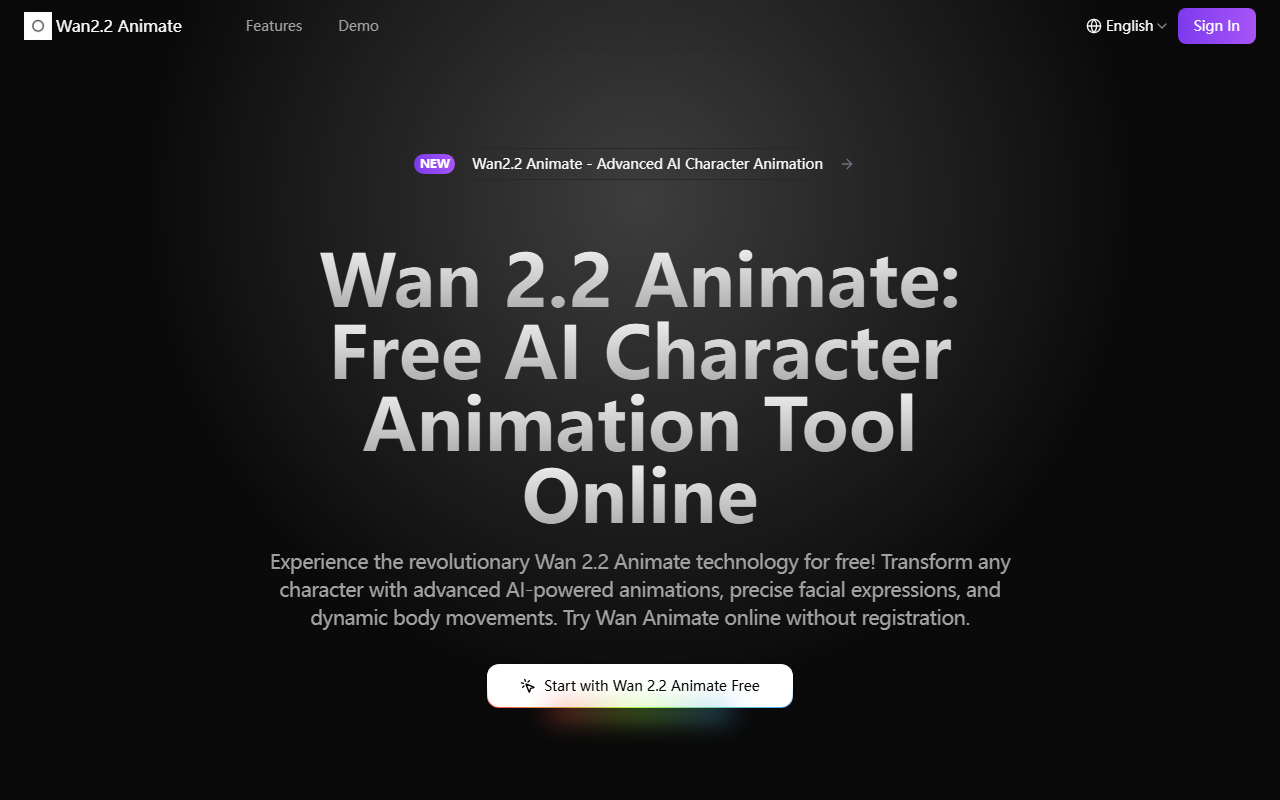
Upon visiting wan22animate.org, I was greeted by a clean, modern interface that immediately presented two options: a prominent "Start with Wan 2.2 Animate Free" button and a top-right "Sign In" link. Curious about the free tier, I clicked the button. Instantly, a loading screen appeared with the message "Loading AI Animation Generator... Please wait while we prepare the best experience for you." The wait was brief—under ten seconds—and then I was dropped into an intuitive workspace. No email signup, no credit card. The dashboard shows a simple upload area for video files, alongside a sidebar listing animation modes: Character Animation, Facial Expression Control, Body Movement Replication, and Character Replacement. I uploaded a short clip of a person speaking and selected Character Replacement. Within about two minutes, the tool processed the video, allowing me to swap the original character with a default AI-generated avatar while preserving the facial expressions and body movements. The result was impressive for a free tool—fluid motion and good lip-sync.
Core Features and Technology
Wan2.2 Animate is built on research from Alibaba's Tongyi Lab and uses an open-source foundation. It offers four key capabilities: character animation, precise facial expression control, seamless body movement replication, and character replacement with environment preservation. What sets it apart is the spatially-aligned skeleton signal processing, which extracts implicit facial features and maps them onto any target character. During my tests, the expression mapping felt natural—the avatar mirrored my test subject’s raised eyebrows and subtle smirk. The tool also includes a Relighting Integration module (via a LoRA approach) that adjusts lighting on the new character to match the original scene, which I validated by swapping a person in a sunlit room onto a dimly lit target; the AI convincingly adjusted shadows. For developers, the tool is accessible via Hugging Face and ModelScope, and the code is open source. The browser-based processing uses cloud optimization, so performance is smooth even without a high-end GPU.
Pricing and Accessibility
As the name suggests, Wan2.2 Animate is completely free to use online. There are no hidden subscriptions or paywalls. The site explicitly states "No Registration Required" and "Free Online Access." I did not encounter any watermark or time limit during my tests, though batch processing (advertised) may be rate-limited in the free tier—I could only test single videos. Compared to competitors like RunwayML or D-ID, which charge per minute or monthly fees, Wan2.2 Animate is a standout for budget-conscious creators. However, the free tier may lack advanced export options or high-resolution rendering; the website doesn’t specify maximum resolution or duration limits. For those needing offline or API access, the open-source model is a strong alternative, but setting it up locally requires technical expertise.
Who Should Use Wan2.2 Animate?
This tool is best suited for indie animators, academic researchers, and content creators who need quick, free character animation without complex software. The open-source aspect also appeals to developers wanting to fine-tune the model. However, professional studios seeking production-ready, high-resolution output might find the free tier’s capabilities limited—there is no obvious support for 4K or complex multi-character scenes. Additionally, while the web interface is easy, advanced control over motion parameters is less granular than dedicated animation suites like Adobe Character Animator. In summary, Wan2.2 Animate delivers remarkable value for free. If you are experimenting with AI-driven animation or need a rapid prototyping tool, this is a solid choice. Just be aware of potential constraints on video length and resolution.
Visit Wan2.2 Animate at https://wan22animate.org/ to explore it yourself.










Comments