

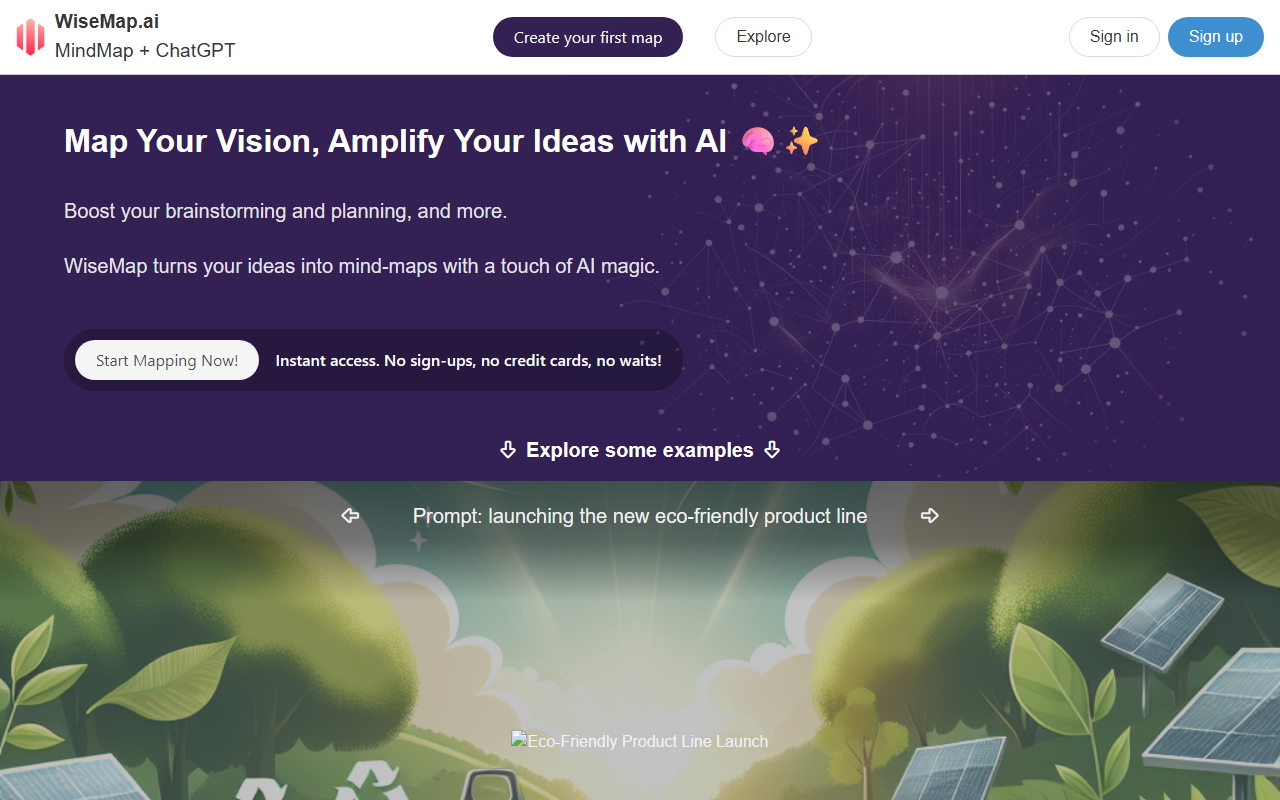
First Impressions and Onboarding
Upon visiting WiseMap.ai, I was greeted by a clean, modern interface that immediately highlights its core value proposition: "MindMap + ChatGPT." The homepage features a large "Start Mapping Now!" button with the promise of instant access — no sign-ups, no credit cards, no waits. I clicked it and was taken directly to the map creation screen. The onboarding flow is minimal: you enter a prompt (e.g., "Design a marketing plan for a SaaS application") and within seconds, WiseMap generates a structured mind map with nodes and sub-nodes. I tested the prompt "family trip to Japan" and the AI returned a map with branches for itinerary, budget, accommodation, and activities. The map is fully interactive: you can drag nodes, edit text, and collapse or expand branches.
Core Features and AI Integration
WiseMap’s standout feature is its seamless ChatGPT integration. The AI doesn’t just create a static map; you can chat with your map to refine it. For example, I asked the AI to "add more sightseeing options" to the Japan trip map, and it instantly inserted new nodes under the activities branch. This conversational interaction feels natural and significantly speeds up brainstorming. Other features include Auto-expand (one-click addition of related ideas), AI-generated backgrounds (unique images for your map canvas), and unlimited manual edits — WiseMap positions itself as a canvas, not a rigid template. I also noticed a "Search the web for relevant content" option for registered users, which suggests a premium feature for richer context. The free tier is surprisingly generous: you can create maps without an account, but features like web search and sharing require registration. Pricing is not publicly listed on the website, but the site mentions earning credits by sharing maps — hinting at a freemium model.
Use Cases and Market Positioning
WiseMap is ideal for solopreneurs, educators, and project planners who want to quickly visualize ideas. The use cases listed — brainstorming, innovation management, educational purposes, goal setting, daily planning, and personal project organization — align with what I experienced. Compared to tools like MindMeister or XMind, WiseMap differentiates itself by embedding conversational AI directly into the mapping workflow. Unlike those tools, which focus on manual diagramming, WiseMap automates the initial structure and allows iterative refinement through chat. However, it lacks advanced collaboration features like real-time multi-user editing (as far as I could test). The tool is best suited for individuals or small teams who value speed and AI assistance over complex diagramming. For users needing deep integrations with project management software or rich formatting, alternatives like Miro or Whimsical may be more appropriate.
Strengths, Limitations, and Final Verdict
Strengths: The no-sign-up free tier is a major plus, allowing you to test the core functionality immediately. The AI-generated maps are surprisingly thoughtful; my test on "healthy eating plan" produced a well-organized map with categories like meal prep, nutrients, and exercise. The ability to chat with the map and have it dynamically update is genuinely impressive and feels like a glimpse into the future of brainstorming tools. The interface is responsive and works well on both desktop and mobile browsers.
Limitations: The tool lacks export options beyond the displayed image view and a "copy to edit" link — there's no PDF or native file export for popular mind map formats. The AI-generated backgrounds, while novel, sometimes feel irrelevant to the map content. Also, without a pricing page, it's unclear what you get beyond the free tier; I suspect advanced features like web search and unlimited AI expansions are gated behind a subscription. The user reviews on the site are sparse and from named individuals (likely early collaborators), so independent validation is limited.
Recommendation: Try WiseMap if you want to quickly transform a rough idea into a structured mind map without friction. It's especially useful for brainstorming sessions where speed and AI assistance matter more than fine-grained control. For in-depth project planning or team collaboration, look for more mature tools. The lack of transparent pricing is a minor concern, but the free access makes it risk-free to test. Visit WiseMap to explore it yourself.










Comments