

First Impressions: A DAW That Doesn't Pretend to Be AI
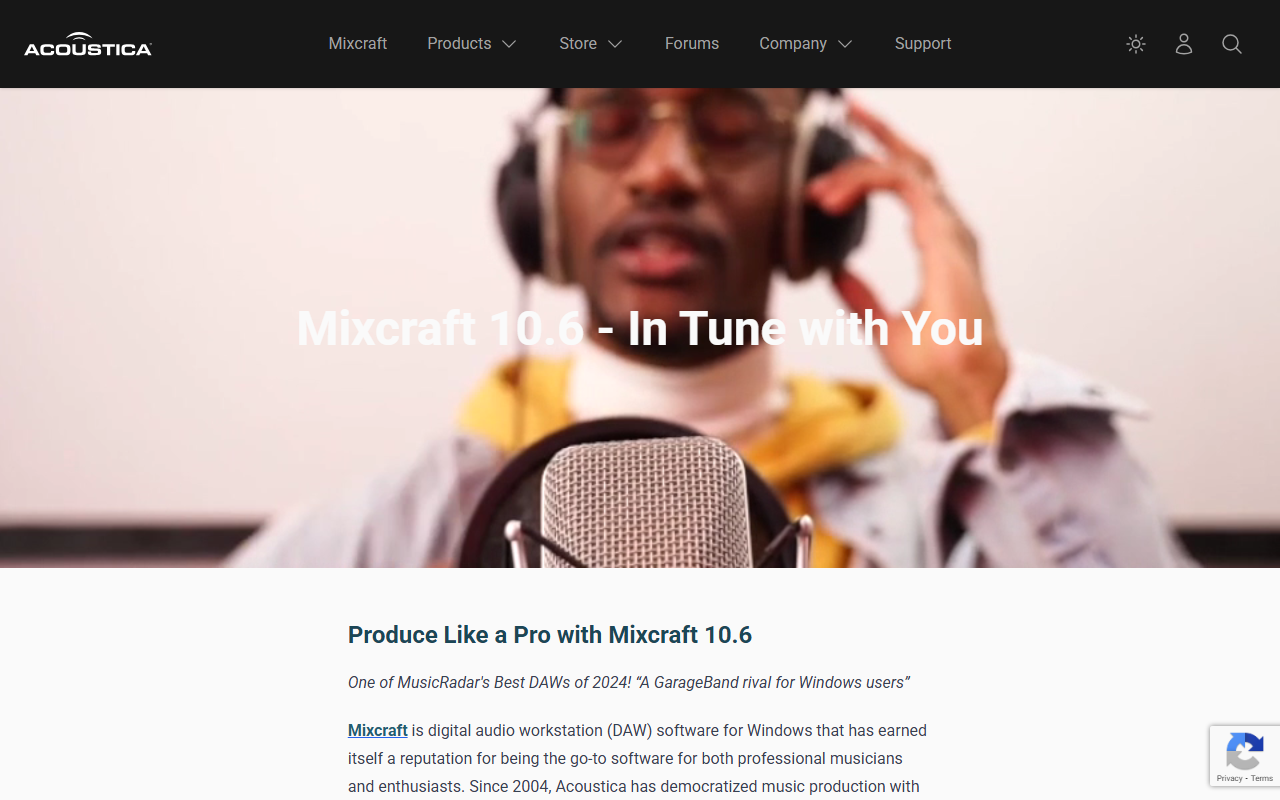
Upon visiting Acoustica.com, I landed on a straightforward storefront. The hero banner touts Mixcraft 10.6 as “One of MusicRadar's Best DAWs of 2024” and immediately positions it as a Windows alternative to GarageBand. The layout is clean, with a top menu for Store, Cherry Audio, and Search. I scrolled through the Latest News section and spotted a Humble Bundle collaboration, a 50% discount on Mixcraft Home Studio, and a new Discord server. I then watched the parallel compression tutorial video by QA Manager Eric Vanlandingham. The interface shown in the video is colorful, with customizable panels and a familiar timeline-based workflow. Notably, nowhere on the site does Acoustica claim any AI features. For a tool listed under “Audio AI > AI Design,” this is a significant gap. Mixcraft is a traditional digital audio workstation (DAW) that focuses on manual recording, editing, and mixing rather than machine learning assistance.
Feature Deep Dive: What You Get and What's Missing
Mixcraft 10.6 includes multi-track recording, MIDI sequencing, a mixer, automation lanes, and support for VST and DirectX plugins. It bundles virtual instruments from Cherry Audio and a library of loops and effects. I observed from the tutorial that it offers standard dynamics processing, EQ, reverb, and delay. The workflow is designed for hands-on control, which will appeal to musicians who prefer to tweak every parameter. However, there are no AI-driven tools such as automatic stem separation, vocal tuning, or smart mastering. Competitors like Logic Pro (with its Stem Splitter) and Adobe Audition (AI noise reduction) have embraced these capabilities. Acoustica has not. The company, founded in 2004, has built a loyal following among Windows users who value stability and ease of use. The Discord community and regular tutorial videos indicate active support. But if you need AI-assisted audio design, this DAW will not satisfy that need.
Pricing, Competition, and Final Recommendation
Pricing information is partially visible: the homepage advertises 50% off Mixcraft Home Studio and Rent-to-Own options. Full tier details (Home Studio vs. Pro Studio) are available in the store. Compared to FL Studio (lifetime free updates) and Ableton Live (industry standard, pricier), Mixcraft offers a lower barrier to entry. Its strengths are affordability, a gentle learning curve, and professional-grade tools for Windows. Limitations are platform exclusivity (no macOS version) and the absence of any AI features. For Windows-based home studio owners, podcasters, and beginner musicians, Mixcraft 10.6 is an excellent choice. For those seeking modern AI audio capabilities, it is not the right tool. I recommend trying the free trial (if available via the store) to confirm it fits your workflow.
Visit Acoustica at acoustica.com to explore it yourself.











Comments