

First Impressions: A Platform Built for the C-Suite
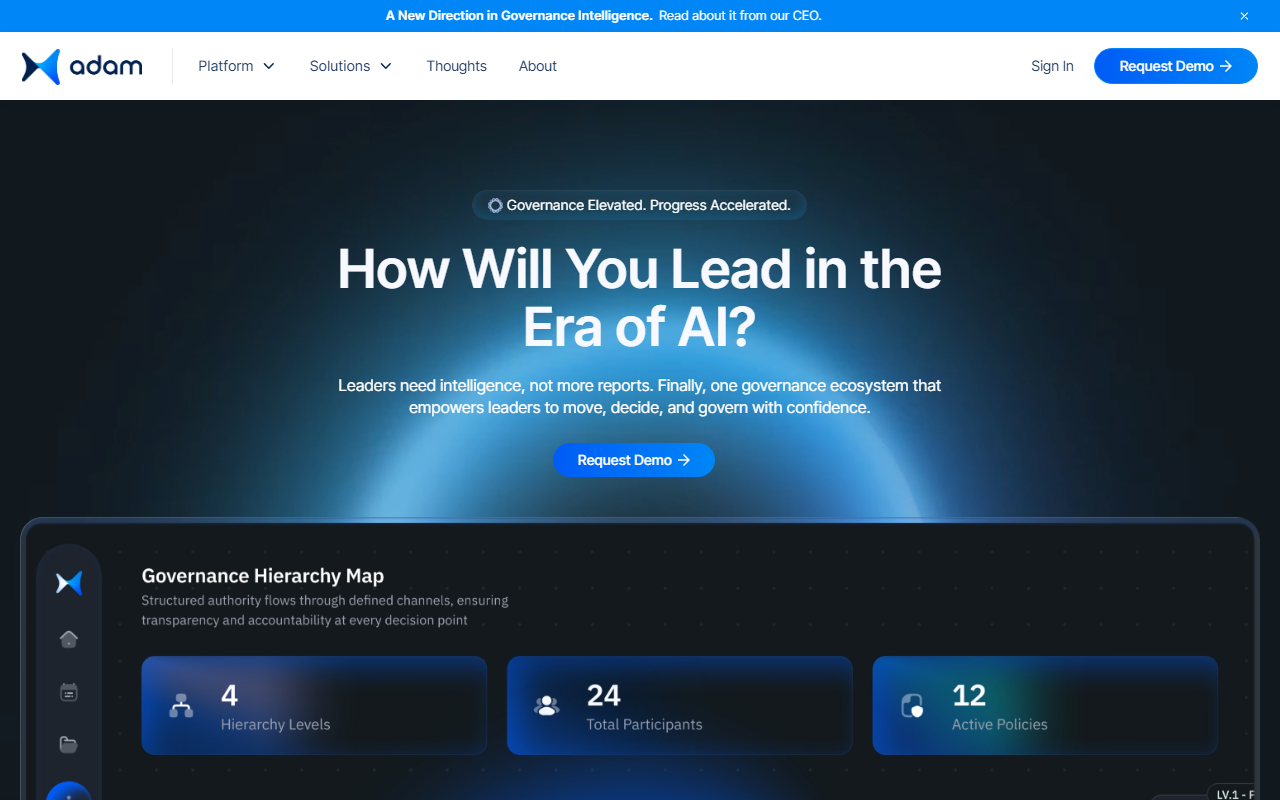
Upon visiting adam.ai, I was immediately struck by the polished, high-stakes tone. The headline 'Governance Elevated. Progress Accelerated.' sets clear expectations: this is not a generic meeting assistant. The dashboard (visible in the product demo screenshots) appears to center around a unified workspace for board and committee workflows—agendas, minutes, action items, and real-time AI insights. The navigation is clean, with sections for Solutions, Thoughts, and About, plus a prominent 'Request Demo' call to action. There is no self-serve signup for a free tier; the platform is clearly sold through enterprise sales. I tested the 'Request Demo' flow, which asks for name, email, company, and role. The response suggests a sales-led onboarding process, typical for governance software.
What adam.ai Does and How It Works
adam.ai describes itself as an 'Intelligent Governance Ecosystem.' It solves the specific problem of fragmented governance workflows—scheduling, agenda preparation, minute-taking, decision tracking, and compliance. Unlike many AI meeting tools that focus on transcription (e.g., Otter.ai or Fireflies.ai), adam.ai targets senior leadership: ministers, board chairs, CEOs, and their strategic enablers. It integrates AI for proactive preparation (e.g., highlighting risks in pre-read materials), real-time decision capture, and post-meeting accountability. The technology likely leverages large language models under the hood, though the website does not specify which model. There is no mention of a public API, and integrations (such as Outlook, Teams, or SharePoint) are implied but not detailed. The platform also emphasizes compliance with global security standards—SOC 2, GDPR, etc.—though specific certifications are not listed on the page.
Pricing, Target Audience, and Market Position
Pricing is not publicly listed on the website. The only route to get a price is to request a demo. This indicates a high-ticket enterprise product. From persona pages, it serves four groups: Leaders, Strategic Enablers, Operation Teams, and AI/Digital Experts. It also has use cases for Board & Committee Management and Ministries & Executive Offices. This is a niche focus compared to competitors like Boardable (geared toward nonprofits) or Aprio (board portal for private companies). adam.ai positions itself as an AI-first governance platform, not just a digital board book. Its global recognition (4.8 stars cited) and press releases from early 2026 suggest rapid product evolution. However, without pricing transparency, small boards or startups may find it inaccessible. The tool is best suited for large enterprises, government entities, or organizations with formal governance structures. Anyone looking for a simple meeting assistant should look elsewhere.
Strengths, Limitations, and Verdict
adam.ai’s genuine strength is its laser focus on governance intelligence—moving beyond basic meeting notes into decision accountability and strategic alignment. The AI-driven insights for pre-meeting prep and post-meeting follow-through are a clear step above generic transcription tools. Another plus: the platform appears designed to scale with leadership roles, offering distinct features for chairs, secretaries, and CEOs. On the limitation side, the lack of a free trial or even a price list makes it hard to evaluate without a sales call. Additionally, the niche focus means it may be overkill for teams that simply need better meeting notes. The website also relies on aspirational language without concrete case studies or measurable outcomes (e.g., 'time saved' metrics). Despite that, for a ministry or a Fortune 500 board, adam.ai could be a game-changer. My recommendation: if you are a chief of staff, company secretary, or governance officer in a large institution, request a demo. If you run a smaller team, wait for a more accessible plan or try a tool like Fellow or Notion first.
Visit adam.ai at https://adam.ai/ to explore it yourself.













Comments