

First Impressions and Onboarding
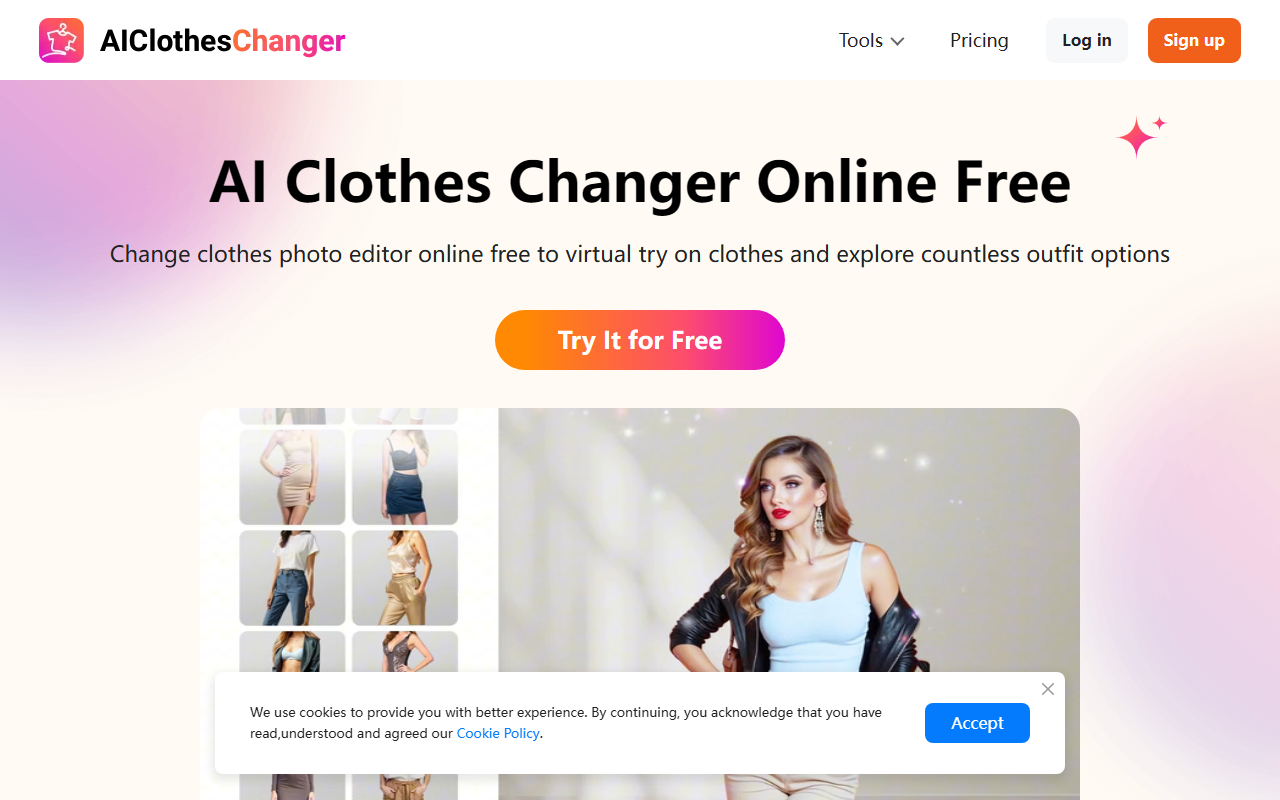
Upon visiting AIClothesChangers, the site presents a clean, modern landing page with a clear call-to-action: "Try It for Free." The menu bar offers quick access to tools like AI Clothes Changer, AI Outfit Generator, and even a Buzz Cut Filter. Logging in isn't required to start, though a sign-up option exists for saving history. I clicked "Try Now for Free" and was taken directly to the upload interface—a straightforward drag-and-drop area for a portrait photo. The onboarding is minimal: no tutorial, just a simple three-step guide on the page. In less than 30 seconds, I had uploaded a half-body photo and was ready to change outfits.
Key Features and Workflow
The tool offers four primary functions: AI Clothes Changer (replace outfit), AI Outfit Generator (create new outfit from description), AI Clothes Swap (swap clothes between two photos), and AI Hairstyle Changer. For this review, I tested the Clothes Changer. After uploading my photo, the left sidebar shows a grid of preset clothing options—casual, formal, party, sporty, and more. You can also upload your own garment images. I selected a simple blazer and clicked "Generate." The AI processed for about 5–7 seconds and then displayed a realistic rendition of me wearing the blazer. The results were impressive: the fabric texture blended naturally, and the collar aligned with my body shape. However, the free tier limits you to five generations per day, which is sufficient for casual testing. The interface also includes a "Fine-tune" button that lets you adjust the area of replacement, useful if the AI misdetects the clothing region.
Performance, Limitations, and Who Should Use It
The image quality is generally high, especially for standard poses and well-lit photos. The AI handles wrinkles, folds, and color gradients reasonably well. However, I noticed artifacts when the input photo had complex backgrounds or dramatic lighting. Also, the preset outfit library is relatively small—around 30 options—which limits variety unless you upload custom clothes. Compared to dedicated virtual try-on solutions like Zelig (which focuses on e-commerce integration) or Vue.ai (more enterprise-oriented), AIClothesChangers is simpler and aimed at the average consumer. It lacks API access for developers and does not offer batch processing. Privacy is emphasized: the site claims uploaded images are never shared without permission. Overall, it's best for individual users: online shoppers wanting to preview outfits, fashion influencers testing looks before shoots, or anyone curious about AI clothing changes. Professionals needing high-fidelity, brand-specific outputs should look elsewhere.
Pricing and Final Verdict
Pricing is not publicly listed on the website beyond the free tier (5 generations per day). There is a "Pricing" link in the header, but clicking it leads to the same landing page with no additional details—likely a placeholder or under development. This opacity is a limitation; heavy users may want to know subscription costs upfront. The tool excels in ease of use and instant results, making it accessible to non-technical users. I recommend AIClothesChangers for anyone who wants a no-commitment way to experiment with AI wardrobe swaps. For professional use, explore alternatives with clear pricing and higher customization. Visit AIClothesChangers at https://aiclotheschangers.com/ to explore it yourself.













Comments