

What AICosts.ai Does and Who It’s For
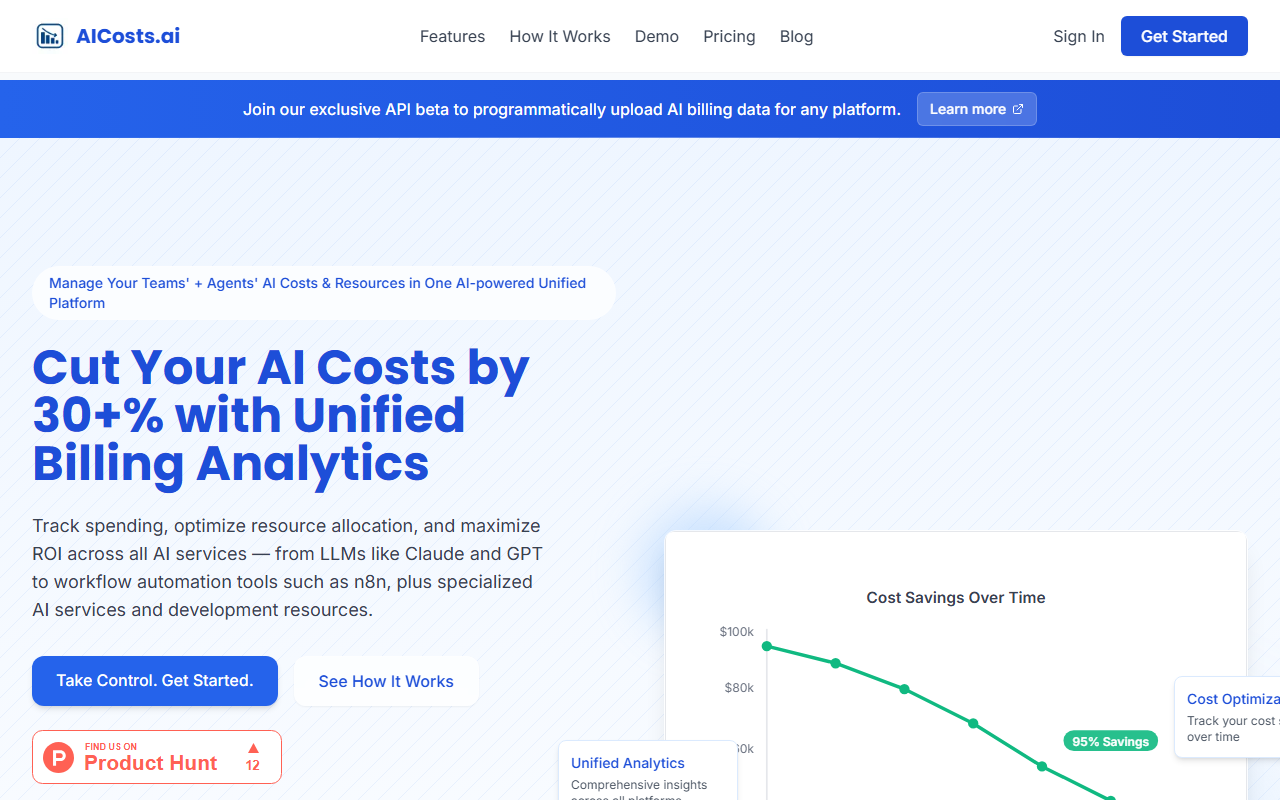
Upon landing on the AICosts.ai site, the headline immediately telegraphs the promise: “All your AI costs in one dashboard.” For anyone managing multiple AI providers — OpenAI, Anthropic, Bedrock, Vertex, Azure OpenAI, and 40+ others — the pain of logging into separate billing portals every week is real. AICosts.ai aims to eliminate that friction by aggregating spend data from every connected provider into a single, unified view. The tool is built for finance teams tracking AI spend across vendors, engineering leads at AI-native startups, CTOs who want one number instead of ten, and even solo developers running three or more AI services. The site explicitly lists these personas, which tells me the team has thought deeply about their target audience. It’s not a tool for someone using only one provider — the value proposition multiplies with every additional API key you add.
Exploring the Dashboard: Core Features
After signing up for a free trial, I was taken directly to the dashboard. The default view shows a card with total month-to-date spend (in the demo: $4,128.42) and a 7-day chart breaking down daily spend by provider — OpenAI, Anthropic, Bedrock appear as colored bars. The layout is clean and uncluttered, with a left sidebar listing connected platforms and quick access to export and settings. The core features are all live and verified, as the site proudly states. Let me highlight what I found most practical. First, read-only ingestion: you paste provider API keys (encrypted server-side with AES-256-CBC) and AICosts.ai queries the billing endpoints for you. They never sit in your inference path or read prompts. Second, the forecasting module projects the next 30 days using a 7-day trailing sample with an 80% confidence band shown as ±margin — refreshingly honest because it doesn’t pretend to be precise. Third, budget alerts: set monthly budgets per platform or overall, and get deduplicated email alerts at 50%, 80%, and 100% usage. Fourth, the what-if cost comparison tool shows what the same token volume would have cost on cheaper alternative models — a real money-saver for teams that don’t have time to manually compare. For providers without billing APIs, you can upload PDF or CSV invoices, and the tool parses them into the same structured format. Export is available in CSV or JSON anytime.
Pricing, Privacy, and Limitations
A notable gap: pricing is not publicly listed on the website. The call to action is “Start free trial” without any indication of what happens after the trial ends. This lack of transparency could turn away budget-conscious teams that need to know costs upfront. Privacy is well handled — read-only keys, encrypted storage, and a clear statement that they never touch prompts or completions. The limitation of the tool is its focus: it only tracks costs. It does not help optimize model selection in real time, nor does it route traffic to cheaper models automatically (the “what-if” comparison is manual insight, not an automated switch). For those running a single provider, the dashboard offers little value. Additionally, the forecast uses a short 7-day window, which may miss seasonal or campaign-driven spikes. The agent workflow integration, while clever — logging operations via n8n or Make and uploading CSVs — feels like a workaround rather than a native connector. Still, for multi-provider teams, the time saved by not logging into ten portals each week is substantial.
Final Verdict: Should You Use AICosts.ai?
AICosts.ai delivers exactly what it promises: a unified cost tracking dashboard for AI providers. Its strengths are clear — broad provider support, read-only security, useful forecasting and budget features, and the ability to handle providers that lack billing APIs. The primary weakness is the missing pricing transparency, which makes it hard to evaluate long-term fit. Alternatives like Vantage (focused on cloud infrastructure) or custom scripts in Google Sheets exist, but none offer the same breadth of AI-specific integrations out of the box. I would recommend AICosts.ai to any team actively paying multiple AI provider bills — especially finance managers and CTOs who need a single source of truth for spend. Solo developers on three or more APIs will also find it useful. If you only use one provider, skip it. For everyone else, start the free trial and see how many hours it saves you. Visit AICosts.ai at https://aicosts.ai/ to explore it yourself.










Comments