

First Impressions and Onboarding
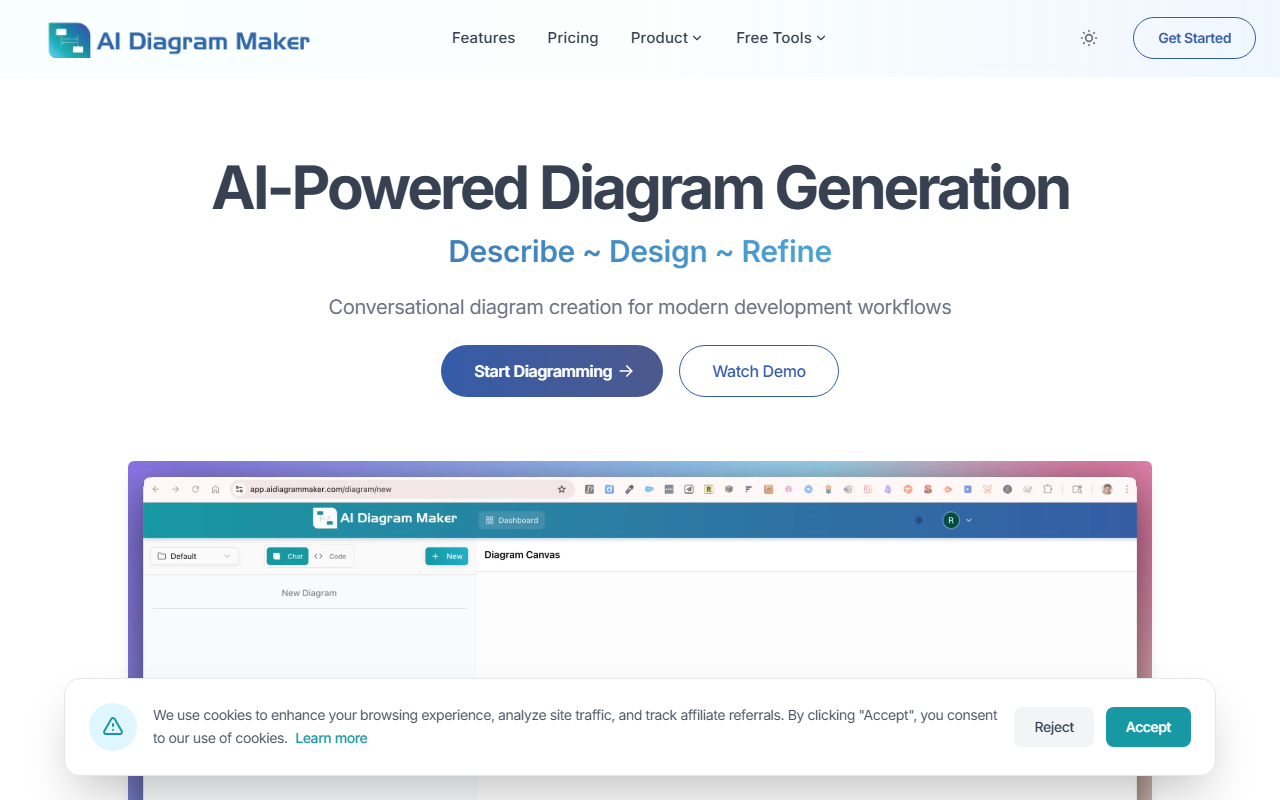
Upon visiting AI Diagram Maker, the homepage immediately pitches a bold claim: reduce diagram creation from 30 minutes to 20 seconds. The clean, developer-focused landing page features a split comparison of the “old way” versus the “new way.” A simple text input box invites you to describe your architecture or flow in plain language. I typed: “User calls login api, it validates credentials with database. If success redirects to home, if failure redirects to login.” Within seconds, the tool generated a clean flowchart with proper decision diamonds and arrows. The interactive demo worked smoothly, showing exactly how the conversational interface handles iterative refinements—something traditional tools like Lucidchart or Draw.io require manual dragging and aligning.
Core Features and Performance
AI Diagram Maker offers several powerful input methods: plain text, uploaded images or documents, code from GitHub repositories, and even ASCII art. The AI automatically positions shapes and applies consistent styling, eliminating the friction of manual layout. I tested the “code to diagram” feature by pasting a small Node.js code snippet; it parsed the architecture and produced a reasonable container diagram. The tool also includes an MCP server, which integrates directly into IDEs like VS Code, Cursor, and Claude Desktop. This is a standout for developers who want to generate diagrams without leaving their editor. The dashboard shows a gallery of example diagrams—ER diagrams, sequence diagrams, and flowcharts—all with professional polish. One limitation: during testing, the free tier seemed to be available but did not clearly indicate usage limits; the website mentions revision history only for Plus and Max plans, but exact pricing is not publicly listed. This lack of transparency may frustrate users evaluating the tool for long-term use. Additionally, complex system architectures with dozens of nodes occasionally required multiple prompts to get perfect spacing, though the conversational refinement largely compensates.
Pricing and Plans
AI Diagram Maker does not publicly list its pricing on the website. The feature list references “Plus and Max plans” for version history, and the site uses affiliate cookies, suggesting a freemium model. Without clear tiers or a pricing page, potential customers must sign up or contact sales to discover costs. This contrasts with competitors like Mermaid (open source and free) or Lucidchart (transparent pricing starting at $7.95/month). For a tool that markets itself as a faster alternative, the missing pricing information is a notable gap. I recommend the team add a pricing section to build trust and allow informed decisions.
Verdict and Recommendations
AI Diagram Maker excels at rapid prototyping and conversational diagramming, making it ideal for software architects, full-stack developers, and teams practicing agile documentation. Its MCP server integration differentiates it from traditional GUI-based tools. However, casual users who need only occasional diagrams may find the lack of visible pricing and free tier limits a barrier. I recommend this tool for developers who value speed and IDE integration over granular manual control. For anyone tired of dragging boxes and aligning arrows, AI Diagram Maker delivers on its promise of 20-second diagrams. Visit AI Diagram Maker to explore it yourself.













Comments