

First Impressions of Google AI Test Kitchen
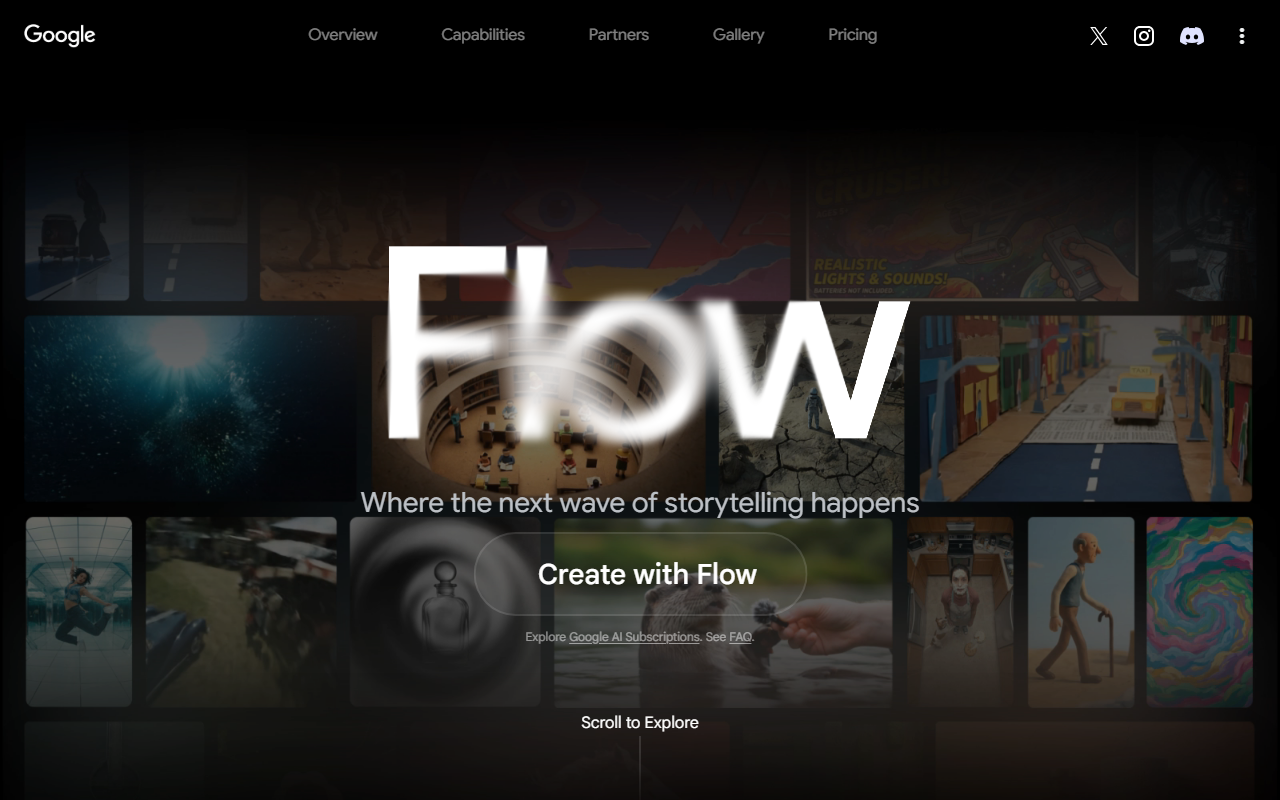
Upon visiting the site, I was redirected from the original aitestkitchen.withgoogle.com domain to labs.google/fx. The homepage is minimalist: a dark header with dropdown menus for “Labs.google/fx” and “FAQ,” plus a “Sign in with Google” button. Below the bold tagline “Don't settle for ordinary. Create anything,” three experimental tools are showcased: Project Genie, Flow (video generation), and MusicFX. Each has a large “Launch” button. The interface feels like a curated showcase rather than a full platform. I was struck by how little explanation is given upfront—Google assumes you already know what these tools do. After signing in with my Google account, I launched Flow to test video generation. The workflow is simple: type a text prompt (e.g., “a fox jumping over a fence in a forest”) and click generate. The output takes about 30 seconds and delivers a 4‑second video. The quality is decent but not groundbreaking—the movement is smooth but the scene’s consistency can break at the edges. This is clearly an experimental playground, not a production tool.
Exploring the Creative Toolkit
Project Genie is described as “Create and explore infinitely diverse worlds.” It appears to be an image generation tool with infinite canvas capabilities, similar to generative filling but aimed at world‑building. Flow focuses on text‑to‑video, using an underlying model likely based on Google’s VideoPoet or a similar diffusion transformer. It lacks fine‑grained controls like camera motion or style selection; you simply type and wait. MusicFX (originally launched as part of AI Test Kitchen) generates short musical loops from text prompts (e.g., “lofi hip‑hop beat with piano”). All three tools are free to use within session limits—after generating a few videos or images, I hit a cooldown that required waiting before the next generation. No API is publicly documented; these are purely for consumer experimentation. Google does not disclose the exact model versions, but the output quality and speed match their recent research papers. The tools integrate with your Google account for saving projects locally, but there is no cloud storage or shareable link generation visible on the dashboard.
Strengths and Limitations
Strengths: The frictionless sign‑in and zero‑cost access lower the barrier for curious creators. Each tool is purpose‑built and avoids feature bloat—you can experiment within minutes. The video generation from Flow is notably faster than many open‑source alternatives, and MusicFX produces surprisingly coherent audio. The branding as a “kitchen” emphasizes the experimental nature, which sets user expectations correctly. Limitations: The lack of parameter controls (resolution, duration, seed) limits reproducibility. Also, the toolset is small compared to competitors like Runway Gen‑3 or Pika Labs, both of which offer more advanced editing features (e.g., inpainting, camera control). Google AI Test Kitchen does not provide a commercial license for generated content—terms imply usage for personal research only. Finally, the site is essentially a landing page with no blog, tutorials, or community forum; troubleshooting requires guesswork.
Unlike Adobe Firefly, which integrates into professional workflows, Google AI Test Kitchen is purely a sandbox. It is best suited for researchers, hobbyists, or product designers who want to quickly prototype visual or audio concepts. If you need polished, production‑ready video assets, look elsewhere. The tools are clearly in alpha—expect occasional failures or bizarre outputs. For example, during my test of Project Genie, the “infinite world” concept produced a repetitive tile pattern after three expansions, revealing the model’s limited context window.
Who Should Try This Tool?
Google AI Test Kitchen is perfect for early adopters who enjoy exploring cutting‑edge AI without paying a dime. If you are a content creator on a budget or a student researching generative media, this is a solid starting point. However, professionals needing reliability, advanced controls, or commercial rights will be disappointed. The lack of pricing is a double‑edged sword—free but unstable. Google’s history shows that experimental products can be discontinued (e.g., previous AI Test Kitchen features like “Talk to Books” disappeared). Therefore, do not build a dependency. For a more robust alternative, consider RunwayML (paid, with a free tier) or Pika Labs (free in beta, with more editing features).
In summary, Google AI Test Kitchen offers a tantalizing glimpse into Google’s AI future, but it remains a toy, not a tool. Use it to spark ideas, but carry a grain of salt.
Visit Google AI Test Kitchen at https://aitestkitchen.withgoogle.com/ to explore it yourself.










Comments