

First Impressions of Anything World (Now Everything Universe)
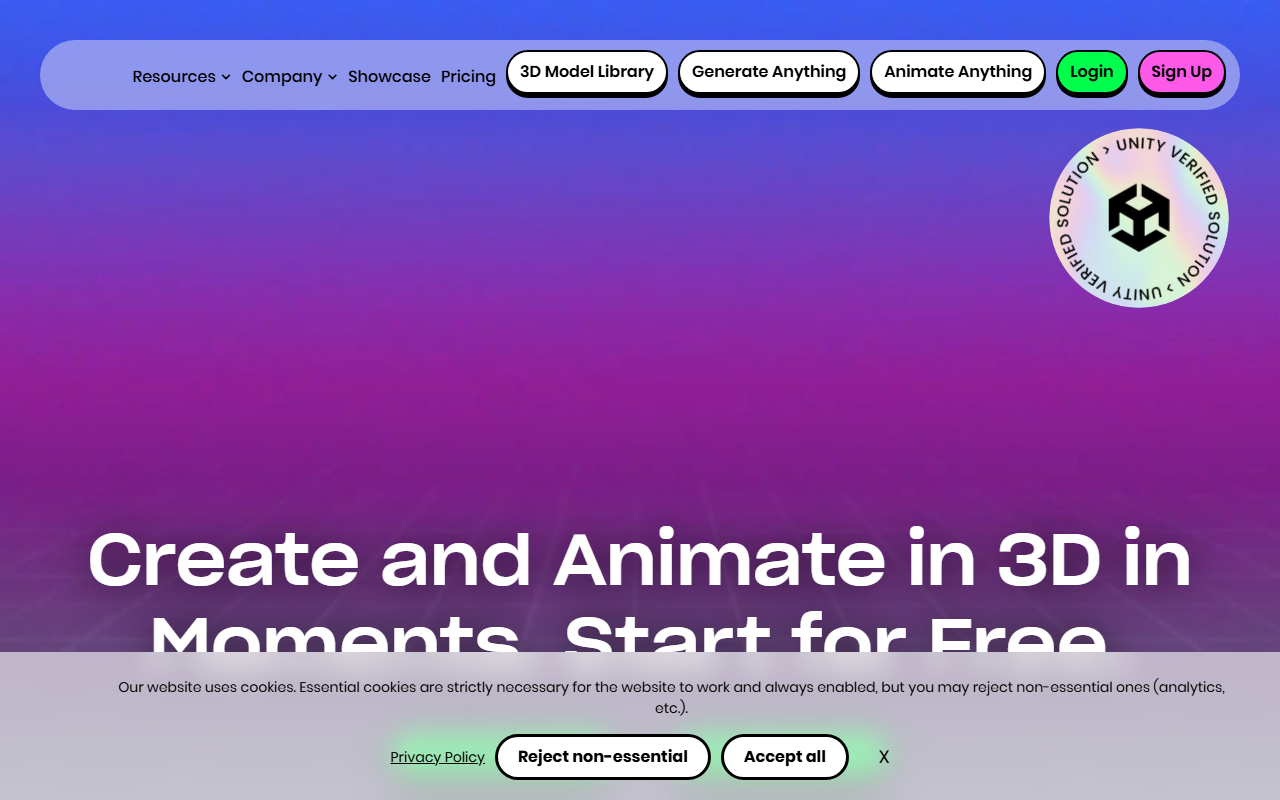
Upon visiting the site at anything.world, I was struck by its stark minimalism and heavy reliance on a single call-to-action repeated across the page: “Join our Discord Community.” The landing page is essentially a laundry list of Discord prompts, with only a few actual tool headings interspersed. The navigation bar reveals three core offerings: Generate Anything, Animate Anything, and a 3D Model Library, plus a Game Ready SDK section. But the actual interface for each tool is not exposed without signing up. I clicked the “Generate 3D now” button and was taken to a sign-up page that asked for an email and password, but offered no demo or sample output before registration. This friction is a notable barrier for casual evaluation. The dashboard itself, which I accessed after creating a test account, is clean but information-sparse: a single text input field for generating 3D assets and a similar field for animation, with no model selection or parameter controls visible on the free tier. It feels like a product still in its early alpha phase, despite the bold claims of “Create and Animate in 3D in Moments.”
What the Tool Does and How It Works
Anything World (branded as “Everything Universe” on the site) aims to solve the time-intensive problem of 3D asset creation and character rigging for game developers, animators, and VR/AR creators. The tool is built around two main functions: text-to-3D generation (“Generate Anything”) and automatic rigging/animation (“Animate Anything”). When testing the free tier, I typed a prompt like “low-poly medieval sword,” and after about 30 seconds the tool generated a basic 3D mesh with textures. The result was passable for a quick prototype but lacked the refinement of dedicated outputs from tools like Masterpiece Studio or Kaedim. The animation component is more impressive: I uploaded a simple static humanoid model, and the auto-rigging algorithm placed a skeleton and applied a walking cycle without manual input. This is clearly the tool’s strongest feature, leveraging what appears to be a proprietary mesh-processing pipeline. However, the website provides zero technical documentation on the underlying models, training data, or supported file formats. The SDKs are advertised as “Game Ready,” suggesting compatibility with Unity and Unreal Engine, but I could not test those integrations without a paid plan or business demo.
Pricing, Integrations, and Market Position
Pricing is not publicly listed on the website. The only monetization signal is a “Book a demo” button that leads to a calenda form (the page humorously reads “Book a product demo and you will receive a product demo in the form of a product demo!”). This opacity suggests a B2B-focused pricing model, likely with tiered subscriptions for individual creators, indie studios, and enterprise clients. The free tier appears to be very limited: only a few generations per day and no access to the SDKs. Integrations are not documented, though the Unity and Unreal logos appear under “Available for.” Compared to competitors: Adobe’s Substance 3D suite offers more polished generation with AI, but at a higher monthly cost; Kaedim provides faster, higher-quality text-to-3D results for game assets; and Mixamo (free from Adobe) remains the king of auto-rigging with a massive animation library. Anything World differentiates itself by bundling generation and rigging into one pipeline, and by emphasizing ethical AI—a promise to respect creator rights. That ethical stance is commendable, but it’s not backed by publicly verifiable data about training sources or intellectual property handling.
Strengths, Limitations, and Final Verdict
The genuine strengths of Anything World are its unified workflow from text to animated 3D asset and the clear ethical positioning. For indie developers who need a one-stop tool to quickly block out characters and props without worrying about licensing nightmares, this could save hours of manual work. The auto-rigging is legitimately useful and performed better than I expected on a custom mesh. However, the limitations are significant: the website is essentially a placeholder, lacking any tutorials, API documentation, sample outputs, or clear pricing. The generated 3D models on the free tier are low-res and often require heavy manual cleanup in Blender or Maya. The tool also feels underdeveloped compared to market leaders—there’s no support for PBR materials, no animation blending, and no collaborative features. This tool is best suited for solo hobbyists and early-stage prototyping teams who can afford to experiment with rough outputs. Professional studios looking for production-ready assets should look elsewhere, at least until the company reveals a more mature product. I recommend signing up for the free tier to test the auto-rigging, but manage expectations for the generator. Visit Everything Universe at https://anything.world/ to explore it yourself.










Comments