

First impressions and interface
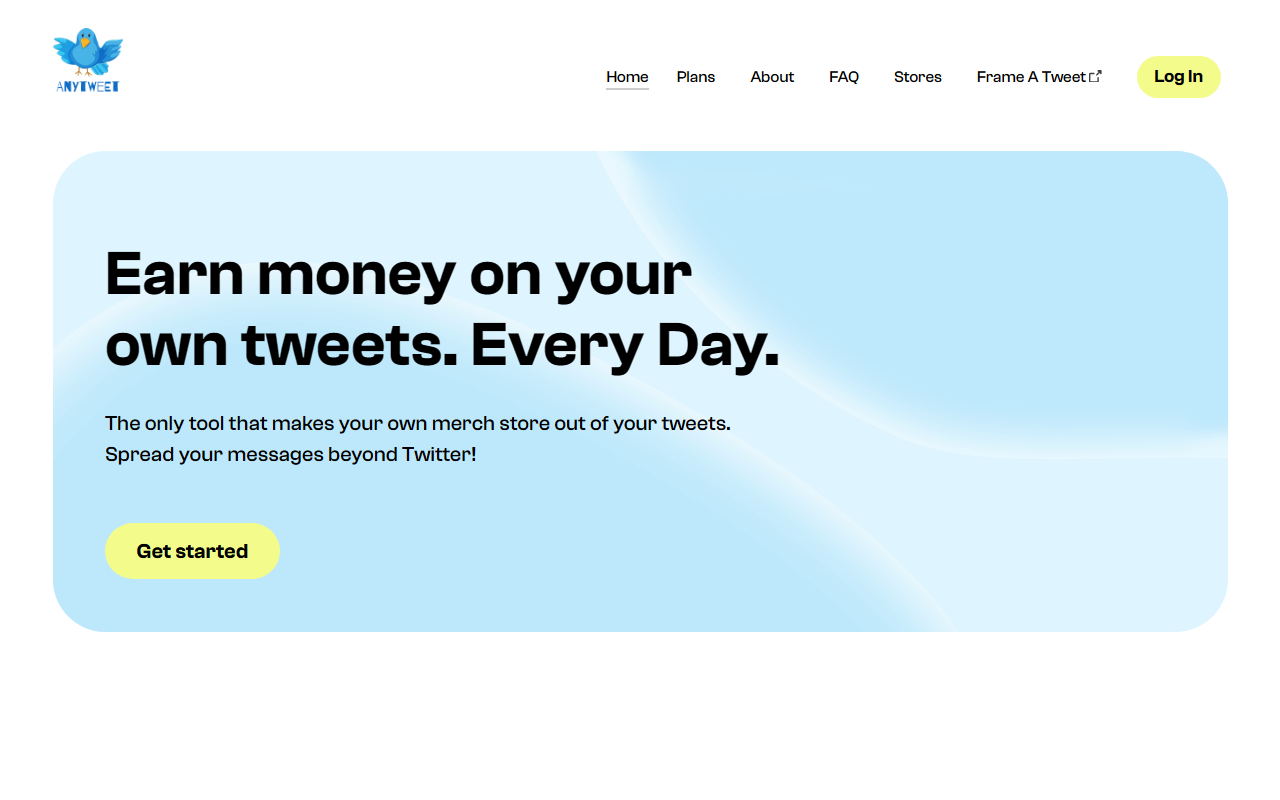
Upon visiting Anytweet, the landing page is clean but minimal. The first thing I noticed was a banner saying “You need to enable JavaScript to run this app.” Once enabled, the homepage presents a strong pitch: “Earn money on your own tweets. Every Day.” The dashboard is not accessible without logging in via Twitter – there is no guest tour or demo. The site uses a simple menu with Home, Plans, About, FAQ, and Stores. The “Plans” page likely holds pricing, but strangely no pricing is listed anywhere on the site. This omission immediately raised questions about transparency. The overall aesthetic is modern, focusing on the value proposition of “merch store out of your tweets.” The site redirects all contact queries to [email protected], suggesting Anytweet is a product of Customnia, a print-on-demand service.
How Anytweet works
The workflow is outlined in three steps: sign in with your Twitter account, select the tweets you want to sell as swag, and share your store’s link to get paid. When I tried to proceed, clicking “Get started” led to a Twitter OAuth authorization screen – no preview of the store builder without connecting an account. The tool promises to automatically fetch your tweets and let you pick which ones to merchandise. It then generates a unique storefront URL where followers can buy items like t-shirts, mugs, or hoodies featuring your tweets. The merchandise quality claims are specific: 6.0 oz., 100% pre-shrunk ringspun cotton T-shirts, with neck and shoulder reinforcement. Printing and shipping take 1–3 business days, with US and international delivery. Bulk orders are also supported. However, no information is provided about the underlying print provider or the exact printing method (e.g., DTG or screen printing). There is no mention of API access or third‑party integrations – Anytweet appears to be a standalone web app that relies entirely on Twitter’s API for tweet retrieval.
Pricing and value
Pricing is not publicly listed on the website. The “Plans” page is present in the navigation but returns the same homepage content when I clicked it – likely a dead link or under construction. This is a significant red flag. Without pricing, potential users cannot evaluate the cost per sale, any subscription fees, or revenue split. Print-on-demand services typically charge a base cost per item, and the seller sets the retail price, keeping the difference. Anytweet likely follows this model, but the lack of transparency makes it difficult to recommend for anyone expecting clear earnings. Competitors like Teespring or Printful offer detailed pricing tables and integration with multiple platforms. Anytweet’s focus on tweets is unique, but without cost details, users risk investing time only to find the margins too thin. The email [email protected] suggests you can request pricing, but that adds friction.
Who should use Anytweet
Anytweet is best suited for active Twitter users with a loyal following who want a quick, no‑hassle way to turn viral tweets into merchandise. The three‑step process is genuinely simple. The inclusion of bulk orders indicates the tool could also serve small teams or event organizers. However, I see several limitations. First, the tool is Twitter‑only – no support for other social platforms. Second, there is no mention of mockup customization or design editing; you can only use the tweet as‑is. Third, the missing pricing data undermines trust. For creators who need full control over store design, inventory, and profits, a general print‑on‑demand service like Redbubble or Spreadshop might be better. Anytweet is a niche solution for turning text‑based content into swag quickly. I would recommend it only to those who are willing to test the free tier (if one exists) or reach out for pricing before committing. Despite the hype, the lack of transparency and limited feature set make it a gamble. Visit Anytweet at https://anytweet.com/ to explore it yourself.













Comments