

First Impressions and Onboarding
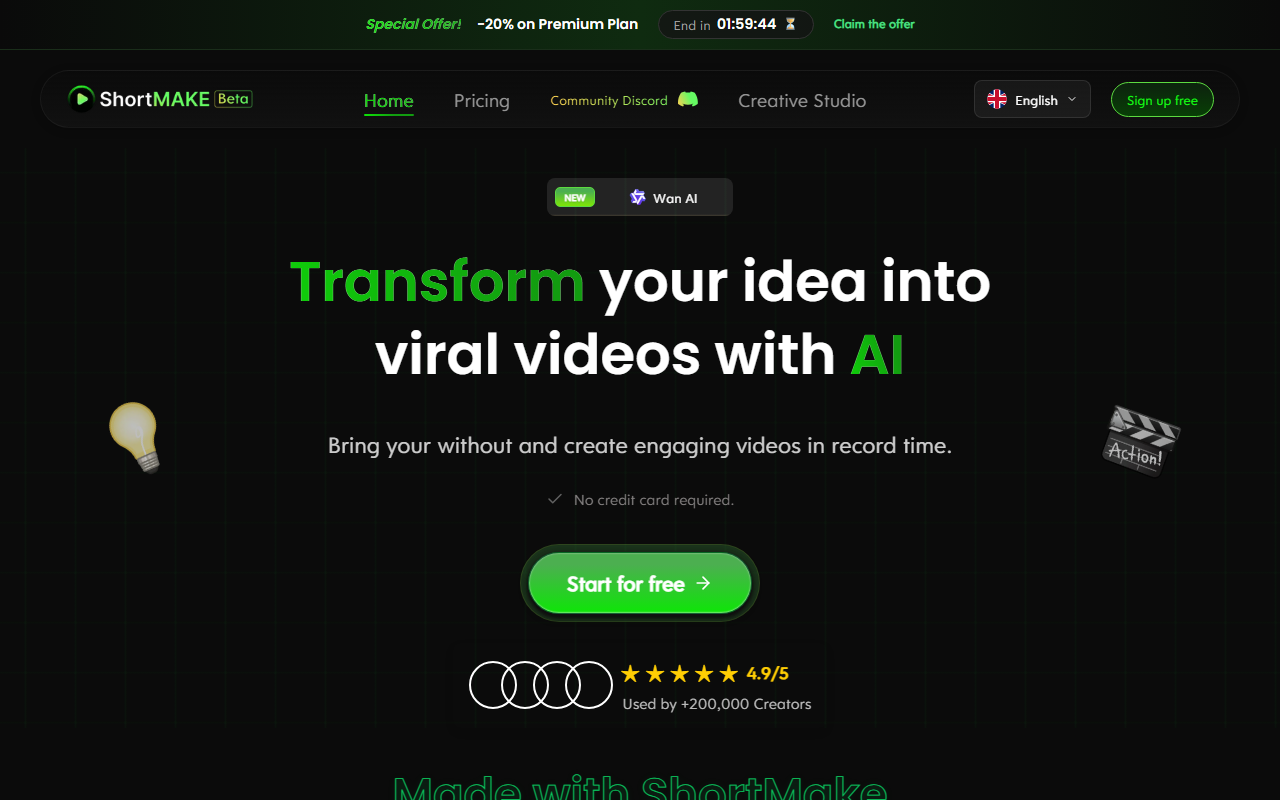
Upon visiting the ShortMake website, the first thing I noticed is a timer counting down a 20% discount on the Premium Plan — a classic urgency tactic. The homepage is visually clean and heavily focused on social proof: a 4.9/5 rating, over 200,000 creators mentioned, and a gallery of example videos with view counts like 1.2M and 3.2M. Signing up is frictionless — no credit card required, just a Start for free button. The dashboard is minimal, guiding you to either enter a video idea or browse the community Discord. I tested the free tier by typing a simple prompt: "A cat baking a cake in a kitchen." The AI generated a script in under a minute, complete with scene descriptions and suggested voiceover lines. The interface is intuitive, with a left-hand sidebar for project settings and a central preview pane.
Core Features and Workflow
ShortMake operates as an end-to-end video creation pipeline. You start by typing a concept; the AI crafts a script and then renders it into a short video. The tool supports multiple AI models — it explicitly mentions SORA 2, Google Veo 3, Kling AI, and Wan AI, suggesting it aggregates outputs from various engines for image and video generation. During my test, the video took about 5 minutes to render, consistent with their claim of 7 minutes total workflow. Key features include realistic AI voiceovers (multiple languages and emotions), 23 subtitle styles, and the ability to export directly for TikTok, YouTube Shorts, Instagram Reels, and Snapchat. The time comparison on the site claims 95% time savings over traditional editing, which aligns with my experience — no manual editing was needed. However, customization is limited; you cannot fine-tune individual frames or add custom transitions. The rendering quality was decent but not flawless — one scene had slightly unnatural lighting. The team is active on Discord, as multiple testimonials highlight, and they appear responsive to feedback.
Pricing and Market Positioning
ShortMake does not openly list its full pricing on the homepage, only showing a 20% off Premium Plan promotion with a countdown. The free tier is clearly available, but the limits of that tier are not detailed. From the site structure, it appears they offer a single premium subscription; exact monthly costs are not disclosed without signing up. This lack of transparency is a limitation for potential users who want to compare costs upfront. In the market, ShortMake competes with tools like InVideo AI and Pictory, but it focuses specifically on ultra-short, vertical videos for social media. Unlike InVideo, which offers more robust editing controls, ShortMake prioritizes speed and simplicity. It is best suited for creators who need to produce high volumes of short content quickly — social media managers, TikTok influencers, and digital entrepreneurs. Those who require granular control over every element should look elsewhere.
Final Verdict: Who Should Use ShortMake?
ShortMake’s strength is its end-to-end automation: you go from idea to publishable video in under ten minutes. The AI script generation is solid, and the voiceover quality is above average. The team’s responsiveness on Discord adds a layer of trust. However, the limited customization and unclear pricing structure are genuine drawbacks. The site claims 4.9/5 from over 200,000 creators, which is impressive, but remember that user testimonials are curated. I would recommend ShortMake to content creators who value speed over detailed editing and who regularly need short videos for platforms like TikTok and Reels. If you have a steady flow of ideas and want to avoid burnout, this tool can be a genuine time-saver. Just be prepared for occasional rendering quirks and the need to accept the default aesthetics. Visit ShortMake at https://app.shortmake.com/ to explore it yourself.













Comments