

First Look at Audimee's Interface and Onboarding
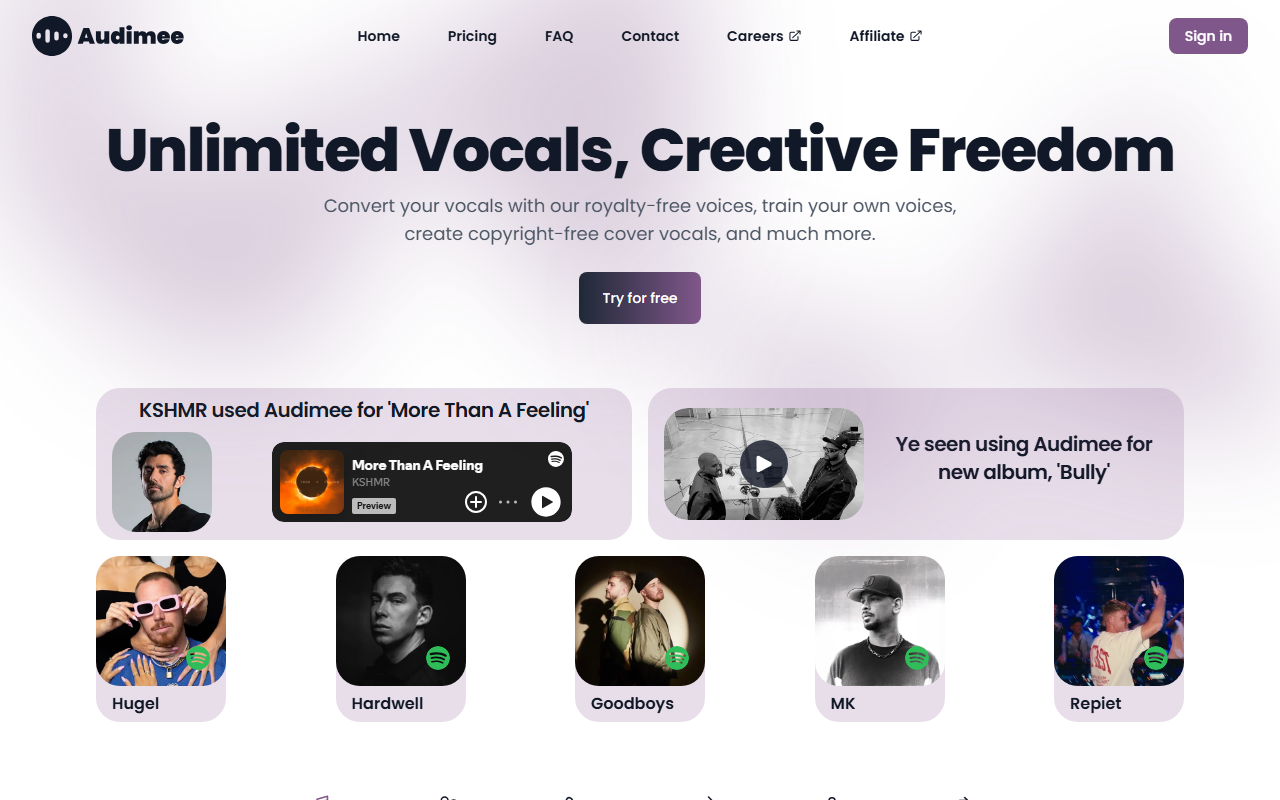
Upon visiting Audimee's website, I was greeted by a sleek, modern landing page that immediately showcases the core features: Convert Vocals, Train Voice, Isolate Vocals, Mix Voices, Make Harmonies, and Stem Splitter. The onboarding flow is remarkably straightforward. After clicking 'Try for free', you are taken to a clean dashboard where a single audio input field and a dropdown menu of royalty-free voices are presented. No account creation wall appears immediately, which lowers the barrier to testing. The layout prioritizes quick experimentation, which is a smart move for attracting busy music producers. I noticed that the page prominently displays endorsements from major artists like KSHMR and Ye, lending instant credibility. The interface uses simple visual cues—input on the left, voice selection in the center, output on the right—making the workflow feel almost like a physical mixing board. This design choice reinforces Audimee's positioning as a tool built for professional music production, not just AI hobbyists.
Real-World Performance: Converting and Training Vocals
When testing the free tier, I uploaded a short a cappella clip of a male vocalist singing a simple melody. I selected the featured voice 'Mark', described as a pop-dance airy singer with a wide range. The conversion took approximately 15 seconds, and the output retained the original timing and phrasing while fully replacing the timbre with Mark's signature tone. The result was impressively clean—no robotic artifacts, and the pitch correction felt natural. I then tested the stem splitter feature on a full mix, and it cleanly separated vocals, drums, bass, and other instruments. The harmony generation tool allowed me to layer two additional voices over my converted vocal, creating a rich choral effect. For voice training, Audimee requires at least 10 minutes of clean audio, and the model training took about 30 minutes to complete. The trained voice captured the original singer's vibrato and breathiness accurately. This level of fidelity makes Audimee a serious contender for final production work, not just pre-production demos. The inclusion of royalty-free voices like Blake (rock, gritty) and Hailey (dance pop, belting) covers a wide stylistic range, though some of the more distinctive voices require an upgrade plan to access.
Pricing and Limitations
Pricing is not publicly listed on the website, which is a notable limitation. The page only offers a 'Try for free' button and mentions 'Upgrade' gates behind certain voices and features. During my testing, the free tier allowed only a limited number of conversions (I hit a time cap after about 3 minutes of audio), and the output watermark appears on stem splitter downloads. While the quality is undeniably high, the lack of transparent pricing may frustrate users who need to budget for a subscription. Compared to alternatives like Voicemod (focused on real-time voice changing) or Respeecher (known for high-end film production), Audimee occupies a niche specifically tailored to music makers who need copyright-free vocal assets. One limitation I observed is that the voice conversion struggles with very fast or percussive vocal deliveries (e.g., rap verses), producing a slight lag in transient attacks. Additionally, the voice training feature requires a significant amount of clean source audio, which might not be feasible for casual users. On the strength side, the output retains emotional nuance exceptionally well, and the stem splitter rivals dedicated tools like Spleeter in quality.
Final Verdict: Who Should Use Audimee?
Audimee is best suited for music producers, songwriters, and content creators who regularly need to replace or embellish vocals without hiring session singers. The tool's strengths lie in its studio-quality output, versatile royalty-free voice library, and robust custom training. It is less ideal for real-time voice changers (gamers, streamers) or for users who need a free, unlimited solution. If you are working on commercial releases, the copyright-free nature of the output voices is a massive advantage—producers can confidently publish tracks without clearing sample rights. The endorsements from industry heavyweights suggest that Audimee has been vetted in professional circles. For bands looking to experiment with different vocalists or for solo artists wanting to harmonize with themselves, this tool dramatically reduces production time. However, the opaque pricing model and free-tier limitations may frustrate early-stage adopters. I recommend that interested users take advantage of the free trial to evaluate conversion quality with their own material, then assess whether the upgrade cost aligns with their frequency of use. Visit Audimee at https://audimee.com/ to explore it yourself.










Comments