

First Impressions and Onboarding
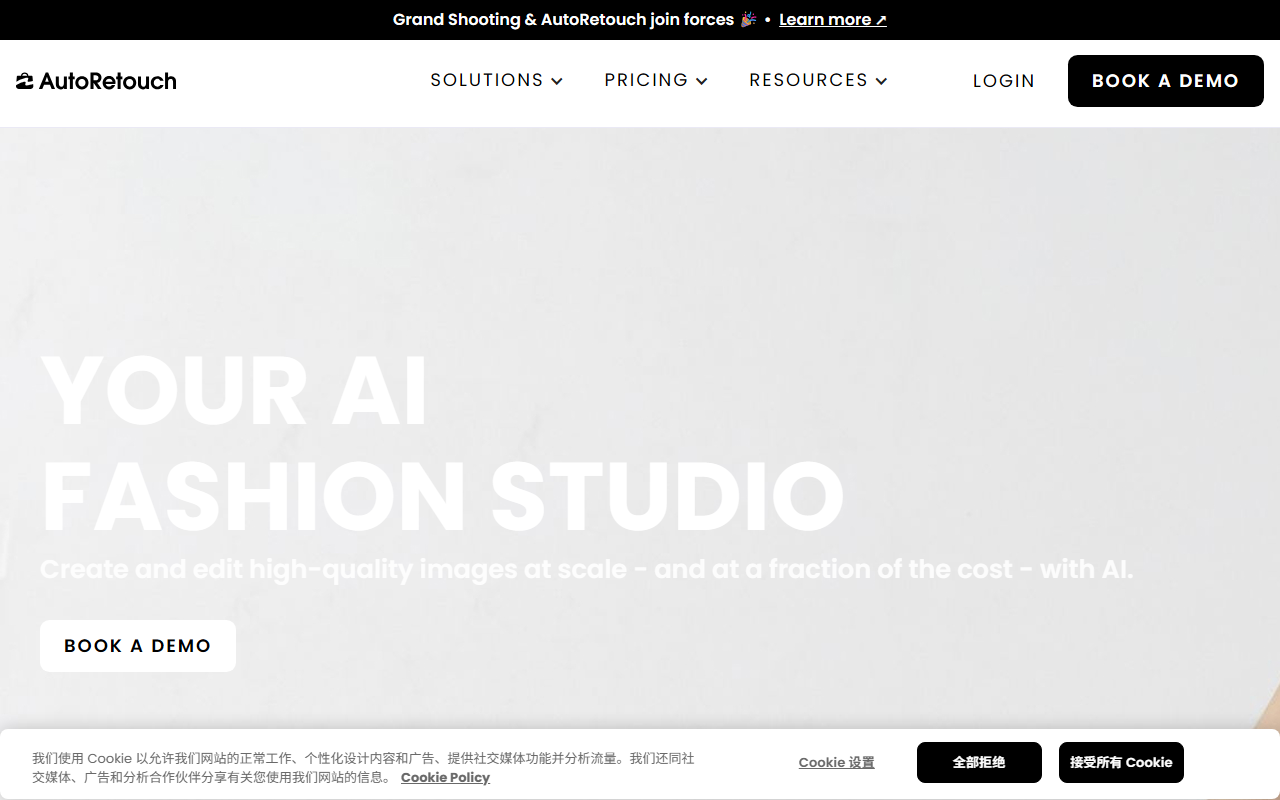
Upon visiting autoretouch.com, I was immediately greeted by a clean, brand-forward interface that emphasizes its partnership with Grand Shooting. The hero section pushes a single call-to-action: "Book a Demo". There is no self-serve trial available — a clear signal that AutoRetouch targets organizations with structured procurement. The navigation includes tabs for Pricing, Resources, and Docs, but clicking Pricing simply scrolls to a section that repeats the demo request form. No price tiers are publicly listed. I tested the workflow by exploring the “Explore Use Cases” dropdown; the copy is polished but action-driven. A demo booking is mandatory to see the platform in action, which fits their tagline “Stop Testing AI. Deploy It.”
Core Features and Technology
AutoRetouch positions itself as an end-to-end media production engine for fashion and retail. Under the hood, it uses proprietary AI models for three main capabilities: AI Shoot, AI Video, and AI Editing. AI Shoot generates on-model product images without requiring real photo shoots — a significant cost saver. AI Video creates product videos from the same source assets. AI Editing automates tasks like background removal, color correction, and shoe straightening (a feature explicitly praised by a client testimonial). The platform emphasizes “human quality assurance,” meaning outputs pass through a manual review layer before deployment. This is a notable differentiator from fully automated tools that sometimes produce artifacts. The platform integrates with existing e-commerce workflows to standardize supplier content and optimize images for channels like PDPs and marketplaces. I noticed that the client success stories shout features like “unparalleled flexibility” and “shoe straightening,” which suggests the AI has been trained on specific retail pain points rather than general image editing.
Pricing and Market Position
As mentioned, pricing is not publicly listed on the website. This is common for enterprise SaaS that custom-tailors plans based on image volume, number of products, and QA requirements. Compared to general-purpose AI image generators like Adobe Firefly or Midjourney, AutoRetouch is far more constrained but also far more practical for fashion brands. It competes more directly with tools like ZMO.ai and Vue.ai, which also offer model-free product photography. However, AutoRetouch’s emphasis on human-in-the-loop QA and its specific video generation capability set it apart. The website claims the platform is “trusted by leading fashion brands and marketplaces” and includes a testimonial from a Farfetch procurement representative, which adds credibility. Without transparent pricing, smaller brands or individual sellers may find the commitment barrier too high, but for midsize to large retailers, the cost of demo and custom quote is standard.
Who Should Use AutoRetouch?
After analyzing the feature set and positioning, I believe AutoRetouch is best suited for fashion brands and marketplaces that need to produce thousands of product images and videos at scale while maintaining consistent quality. The human QA layer ensures outputs meet brand standards, which is critical for catalogs. On the other hand, solopreneurs, small boutiques, or users who need quick, one-off edits should look elsewhere — the lack of a self-serve tier and the inevitable per-image pricing model would be prohibitive. A genuine limitation is the opacity of the AI models’ capabilities: the site doesn't detail what base models (e.g., Stable Diffusion, proprietary) are used, nor does it offer API documentation for custom integrations (though “docs” link exists, I could not access it without logging in). Still, if you are a retailer tired of testing AI tools that fail in production, AutoRetouch deserves a demo. Visit AutoRetouch at https://autoretouch.com/ to explore it yourself.










Comments