

First Impressions and Onboarding
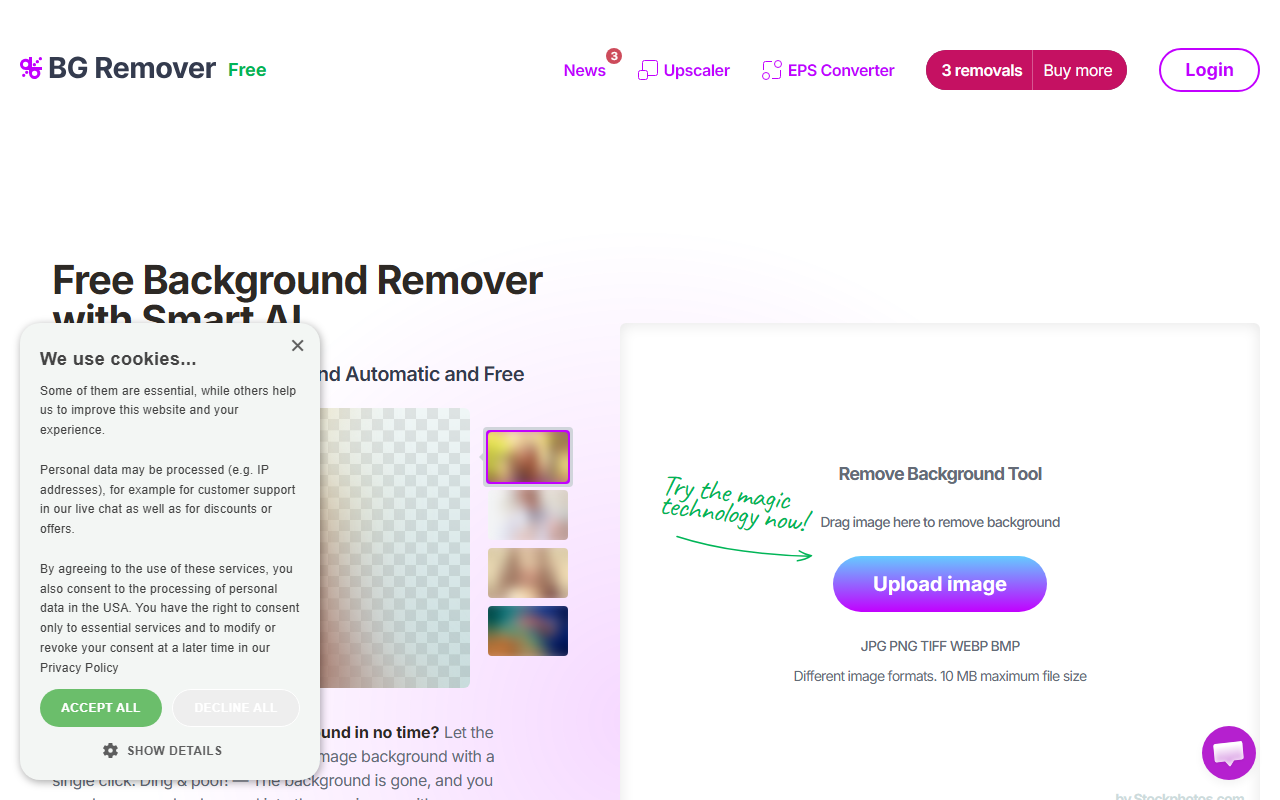
Upon visiting the Stockphotos.com AI Background Remover page, I was greeted by a clean, minimal interface. The hero image shows a sample before-and-after comparison, and the call-to-action is straightforward: a drag-and-drop zone or an upload button. The site lists supported formats—JPG, PNG, TIFF, WEBP, BMP—and a 10 MB file size limit. I tested the free tier immediately. After uploading a photo of a pet, the tool processed it in roughly 7 seconds, which matches the claimed 8-second turnaround. The result was a transparent PNG with well-defined edges, no visible pixelation. The download button appeared instantly, and I also noticed a prompt to register or log in after using the first free removal. The onboarding flow is frictionless for casual users, though I found the login wall slightly intrusive after three removals.
There’s no forced account creation for the first few tries, which is a plus. The dashboard also reveals links to related Stockphotos tools: an Upscaler and an EPS Converter. This indicates the company is positioning the background remover as part of a broader image-processing suite.
Core Functionality and Performance
The tool’s core promise is simple: “Remove background online - 100% in 8 seconds — automatically.” In my tests, the AI accurately detected subjects—people, products, animals, and graphics—and removed the background with clean edges. I tried a few challenging images: a person with frizzy hair and a product with reflective surfaces. The hair edges were slightly softened but still usable for most social media or e-commerce needs. The reflective product struggled a bit, leaving a faint halo, but a second upload with a different angle improved the result. The final output is a transparent PNG, which I could then overlay on any background using external design tools. The tool does not offer built-in background replacement; it simply removes the existing one. That’s a limitation compared to all-in-one editors like Adobe Express or Canva, which allow instant background substitution within the same interface.
Stockphotos also provides an API for integration into apps, plugins, or e-commerce platforms. The documentation is accessible after requesting a key. This is a strong point for developers who need automated background removal at scale. However, the API pricing is not publicly listed on the website, which may deter some potential integrators.
Pricing, Limitations, and Market Positioning
Stockphotos.com offers 3 free background removals and 10 free upscales for the Upscaler tool. There is no visible breakdown of paid plans on the background remover page. I navigated to the main Stockphotos site and found that they primarily sell stock photo subscriptions, not standalone removal credits. This suggests the background remover is a loss leader to drive traffic to their stock photo library. Compared to dedicated background removal tools like Remove.bg (which offers 1 free high-res image per month) or Adobe Express (free with limited features), the 3 free removals here are generous for occasional use. However, for power users who need dozens or hundreds of removals daily, this tool falls short unless they invest in the API (price unknown). Another competitor, Background.lol, offers unlimited free removals with watermarks, but Stockphotos provides watermarked-free results on free tier. That’s a key advantage.
Limitations include the 10 MB file size cap, which prevents processing high-resolution RAW files. Also, the tool cannot handle batch uploads—each image must be processed individually. The AI occasionally struggles with complex backgrounds (e.g., multiple overlapping objects), but this is common in the category. Strengths are speed, accuracy on standard subjects, and the no-watermark free tier.
Final Verdict and Recommendations
Stockphotos.com’s AI Background Remover is a solid free option for users who need quick, one-off background removal without watermarks. It excels in simplicity and speed, making it ideal for social media managers, small e-commerce sellers, or casual designers. The API is a bonus for developers, though I wish the pricing were transparent. I would caution heavy users: after the three free removals, you must either create an account (which may grant more? unclear) or look elsewhere. The tool is not suitable for batch processing or high-volume workflows. In summary, try it for free, enjoy the crisp results, but be prepared to move to a paid plan or alternative if you exceed the quota. Visit Stockphotos at https://bgremover.stockphotos.com/ to explore it yourself.










Comments