

First Impressions and Core Functionality
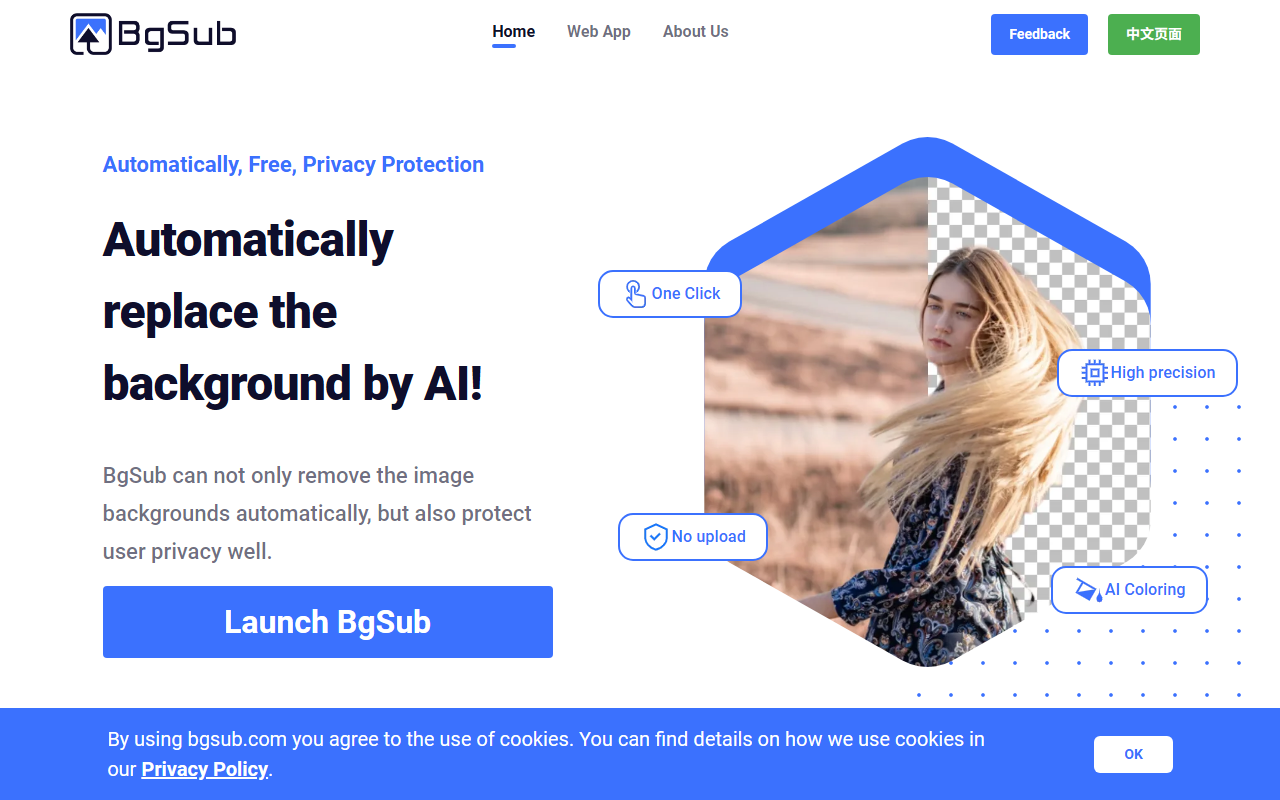
Upon visiting BgSub, the first thing that strikes me is the promise of background removal without uploading images. The homepage is clean, with a prominent 'Launch BgSub' button that leads directly to the web app. The headline reads 'Automatically, Free, Privacy Protection' – a bold claim in a market where most background removers require file uploads to a server. BgSub processes everything client-side, meaning your images never leave your device. This is a significant differentiator from tools like Remove.bg, which upload images to their cloud for processing.
BgSub is positioned as an AI-powered tool for removing and replacing backgrounds, but it also offers additional features like AI coloring, free adjustment of size and position, and artistic effects. The core use cases listed on the site include individuals, photographers, e-commerce, web developers, and marketers. The tool solves the problem of time-consuming manual masking while also addressing privacy concerns – a major win for those handling sensitive images.
User Experience and Features in Practice
The dashboard after launching BgSub is minimalist. There is no sign-up required; you can start editing immediately. I tested the background removal on a portrait photo. The AI processed it in about two seconds, producing a clean cutout with hair details surprisingly well preserved. The tool allows you to replace the background with solid colors, gradients, or custom images. I also tried the AI Coloring feature – it automatically adjusts the color tones of the foreground to better match the new background, which worked reasonably well on a product shot.
BgSub includes free adjustment controls: you can move, resize, and mirror the subject. There is also an 'Artistic effects' section that seems to apply filters like glows or outlines, though these are basic. The interface is not cluttered, but I did notice the absence of a zoom or undo button, which can be inconvenient. When I tested the free tier, there was no watermark on the output – a generous offering. The tool supports common image formats like JPEG and PNG, but no SVG or PSD export.
Pricing, Privacy, and Technical Notes
BgSub does not list any pricing tiers on its website. The tool appears to be entirely free for individual use as of this writing. However, if you need batch processing or API access, you may need to contact them via email. This lack of transparent pricing could be a hurdle for businesses considering scaling their usage. The privacy protection is a standout feature: because images are not uploaded, BgSub reduces the risk of data breaches. The site uses AI technology (likely using TensorFlow.js or ONNX for client-side inference) to run models in your browser. Maximum resolution is not specified in the FAQ – that is a limitation for high-res work.
Competitors like Adobe Photoshop offer far more control but require subscription and have a steeper learning curve. Remove.bg offers fast cloud processing but uploads your images. BgSub sits in a niche: no-upload privacy with decent accuracy. The technical execution is impressive for a browser-based tool, but power users may miss advanced features like batch processing without an API.
Strengths, Limitations, and Who Should Use It
BgSub’s genuine strengths are its privacy-first approach, speed, and zero cost. The AI handles complex edges – like hair or fur – better than many free alternatives. The one-click operation is genuinely useful for quick edits on social media or personal projects. However, limitations exist: no batch processing without API (and that may not be free), limited export options, and occasional glitches with transparent backgrounds (the tool sometimes leaves a faint outline). The artistic effects are rudimentary compared to dedicated photo editors.
This tool is best suited for casual users, freelancers, and small businesses who need occasional background removal without compromising privacy. Photographers and e-commerce sellers who require high-resolution outputs or bulk processing should look elsewhere or test the API capabilities first. BgSub is a commendable effort, but don't expect it to replace professional software like Photoshop or Topaz Photo AI. If privacy is your top concern and you need a fast, free solution, BgSub is worth trying.
Visit BgSub at https://bgsub.com/ to explore it yourself.













Comments