

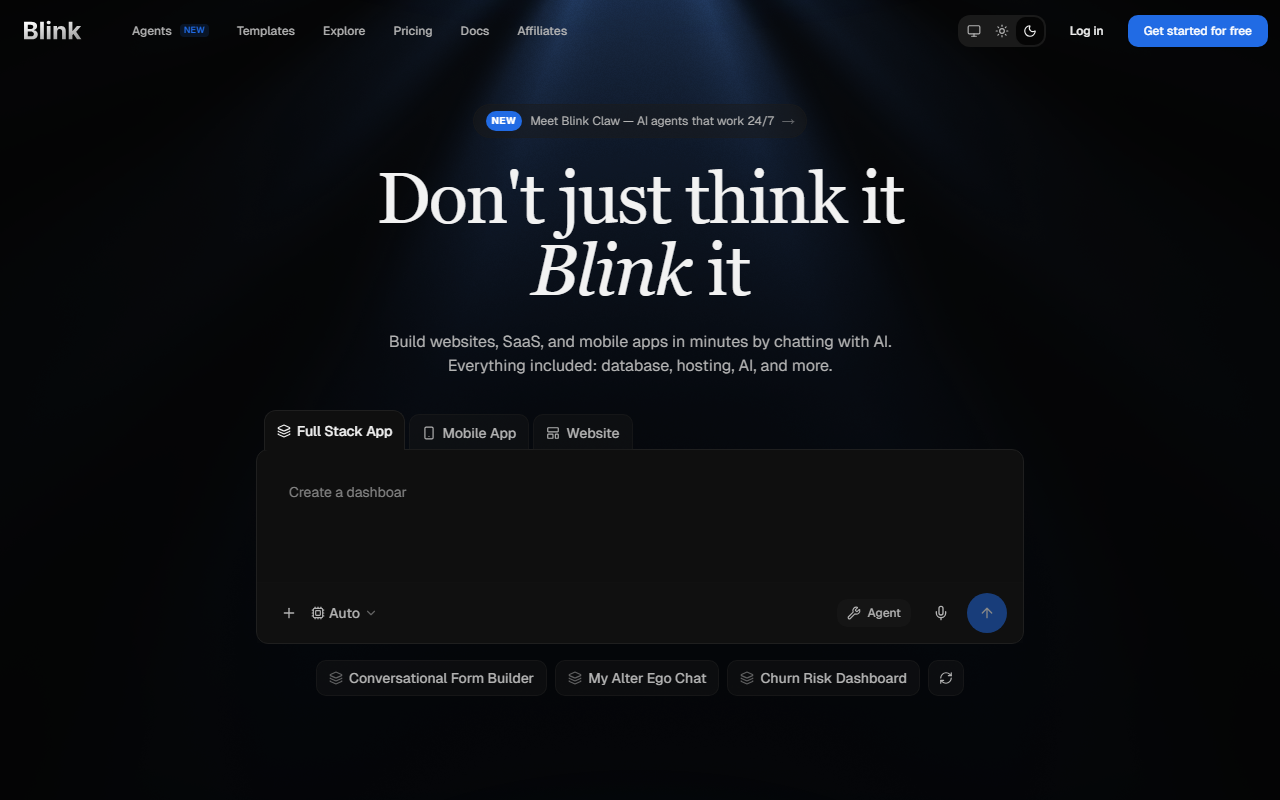
First Impressions and Onboarding
Upon visiting Blink's homepage, the dashboard is clean and modern. The signup process is frictionless — no credit card required for the free plan, which gives 10 credits per month. Each credit roughly corresponds to one app generation or major update. I started with the prompt: "Build a simple CRM with deal tracking and a dashboard to show win rates." Within about 90 seconds, Blink's AI agent created a working app with a Supabase-style database, authentication pages, and a chart component. The interface uses a code editor view but also allows a visual preview. Unlike tools such as Lovable or Bolt.new, Blink automatically deploys to a global CDN — I got a live URL immediately. The onboarding tutorial suggests you can build your first app in five minutes; my experience confirms that timeline for a basic utility.
What Blink Does Best: Full-Stack Automation
Blink’s core advantage is its end-to-end pipeline. It integrates AI agents that handle frontend (React/Tailwind), backend (Node.js or Python edge functions), database (PostgreSQL), authentication (OAuth providers), and even Stripe payments. It also offers real-time capabilities via WebSockets. After my CRM app was built, I added a Stripe checkout flow by typing "Add a subscription tier with $29/month pricing". The AI added the necessary code and updated the database schema. Competitors like Cursor focus on code completion within an IDE, while GitHub Copilot suggests snippets — but Blink removes the need to even open an editor. It is closer to Replit Agent or Lovable, but with more out-of-the-box production features like custom domains and a built-in RAG knowledge base. One limitation I noticed: the free tier's 10 credits vanish quickly if you need multiple iterative refinements; each small edit consumes a credit.
Pricing and Value Proposition
Blink lists exact pricing on its pricing page. Free: 10 credits/month. Starter: $25/month (100 credits). Pro: $50/month (200 credits + daily credits). Max: from $200/month (800–50,000 credits). Team plans also exist with shared workspaces. For comparison, Lovable’s free tier is more generous (50 credits/month), but Lovable lacks built-in authentication and payments. Bolt.new offers similar full-stack generation but has a steeper learning curve. Blink’s pricing is reasonable for professionals who need to deploy multiple apps quickly — the Pro plan likely covers most solo builders. However, heavy users will hit the Max tier quickly, which gets expensive. Another strength: all plans include free hosting, SSL, and a global CDN. No surprise fees. The affiliate program ($100 per referral) suggests the company is confident in word-of-mouth growth. With 50,000+ apps built and $2M in claimed cost savings, the user base appears active.
Trustworthiness and Final Verdict
Blink delivers on its promises for relatively straightforward full-stack apps. The generated code is clean, but not perfect — I found minor UI alignment issues and needed to manually tweak a responsive style. The documentation is thorough, with step-by-step tutorials and a prompts library. Security features like SSL and authentication are handled automatically. However, the AI sometimes misunderstands complex business logic; for example, when I asked for a multi-tenant SaaS with role-based permissions, the generated app had hardcoded roles. Still, for prototyping and building internal tools, Blink is excellent. It is not a replacement for human developers on enterprise-grade software, nor is it as flexible as a fully custom solution. It is best for founders, product managers, and creators who want to ship ideas fast without coding. If you need deep customization or already know how to code, consider Cursor or Lovable instead. For everyone else, Blink is a powerful addition to the no-code ecosystem.
Visit Blink at https://blink.new/ to explore it yourself.










Comments