

First Impressions: A Tool in Transition
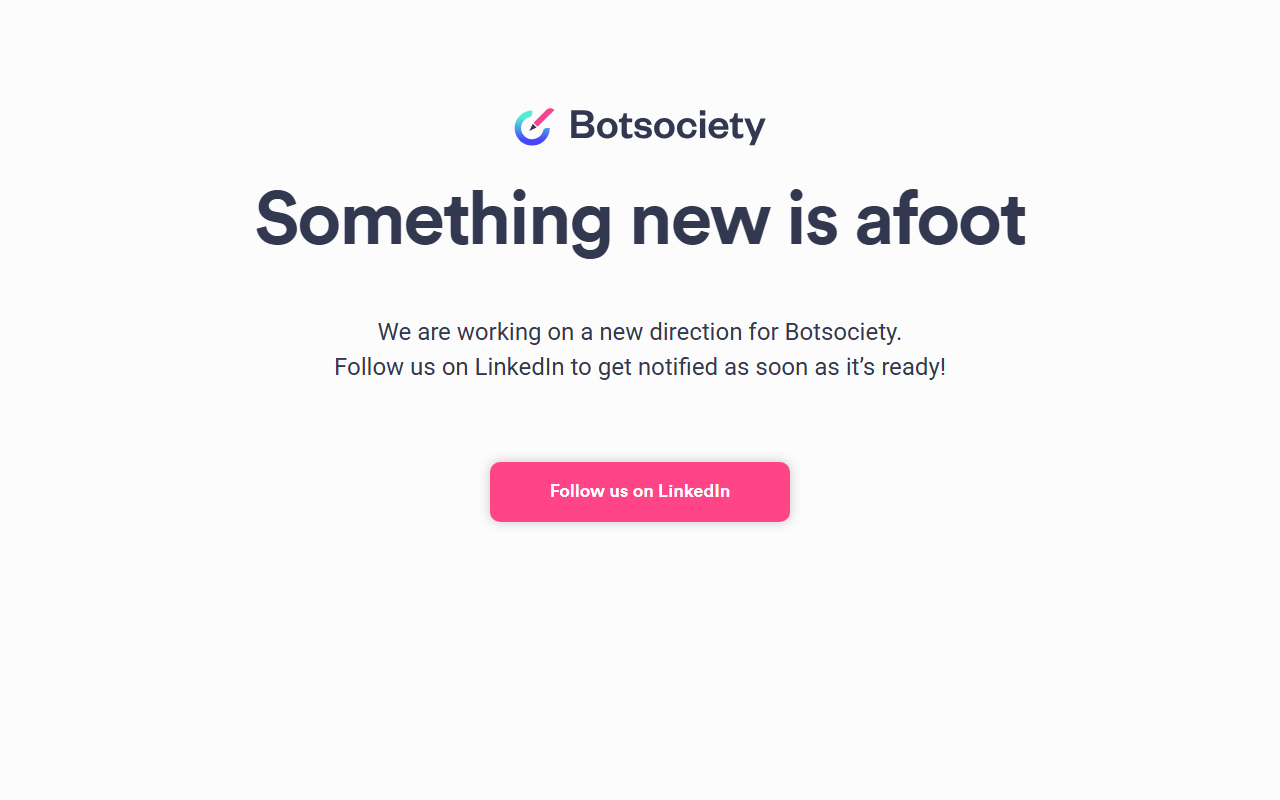
Upon visiting botsociety.io, the experience is remarkably sparse. The homepage displays a brief message: “Something new is afoot. We are working on a new direction for Botsociety. Follow us on LinkedIn to get notified as soon as it’s ready!” There is no dashboard, no sign-up form, and no working demo. This immediate observation tells me that the tool is currently paused while its creators pivot to a new version. For anyone hoping to test or use Botsociety today, the answer is clear: you cannot. The site redirects all curiosity toward LinkedIn, suggesting the company is building something fresh and wants to reconnect with its audience when it launches.
Historically, Botsociety was a specialized prototyping tool for conversational AI designers. Its core value lay in allowing teams to design, preview, and test chatbot or voice assistant flows without writing a single line of code. The interface was visual, with drag-and-drop blocks for conversation paths, and it supported both text-based chatbots and voice assistants (like those for Amazon Alexa or Google Assistant). As a senior tech journalist who has reviewed many AI design tools, I recall Botsociety’s strength in bridging the gap between designers and developers—letting UX experts iterate on dialogue flows before any backend integration.
Core Functionality and What Made Botsociety Stand Out
Botsociety solved a specific problem: how to prototype conversational interfaces that feel natural before committing to full development. The tool let you map out user intents, create branching dialogue trees, and preview conversations on simulated mobile screens or voice interfaces. You could share prototypes with stakeholders for feedback, and export specifications for the engineering team. Unlike general wireframing tools (e.g., Figma, Sketch), Botsociety was purpose-built for conversations, with built-in support for context, slots, and multi-turn dialogues.
Technically, the original platform used its own editor to generate conversational flows and allowed exporting to JSON or other formats. It integrated with common chatbot platforms like Dialogflow (now part of Google Cloud) and Amazon Lex. There was no public API during its active days, but the collaborative features—comments, version history, and team libraries—made it a strong choice for agencies and in-house UX teams. The tool was web-based and required no installation.
Currently, none of these features are accessible. The “work in progress” state suggests the team is rethinking the product from the ground up. What that new direction entails is unknown, but the choice to keep the domain live with a simple placeholder indicates they intend to return with something evolved, possibly leveraging newer AI capabilities (like generative AI for automated flow suggestions or natural language understanding improvements).
Pricing and Alternatives
Pricing is not publicly listed on the website. In its previous incarnation, Botsociety offered a free tier with limited projects and paid plans (Starter around $19/month, Pro at $49/month, and Team at $99/month). Those plans are now suspended. For comparison, the most direct alternative today is Voiceflow, a similar prototyping tool that remains actively developed and offers a free tier with a generous 2,000 user interactions per month. Another strong competitor is Botpress, an open-source conversational AI platform that includes a visual flow editor but is more developer-oriented. For purely design-focused prototyping, Landbot offers a no-code builder with a free plan, though it emphasizes lead generation over voice assistant design.
Botsociety’s niche was its simplicity and focus on high-fidelity previews. Without access to the tool, users who need immediate prototyping should consider these alternatives. Voiceflow, in particular, has a similar interface for designing multichannel experiences and supports both chatbots and voice. Botpress is better for teams who want to deploy directly, while Botsociety was better for early-stage design validation.
Who Should Use It (And When)
At this moment, the honest answer is: no one should use Botsociety for active work. The tool is offline. The audience that should follow the LinkedIn page includes UX designers, conversational AI strategists, and product managers who previously relied on Botsociety for prototyping. If the new direction incorporates modern AI—like automatic dialogue generation or integration with large language models—it could reclaim its spot as a leader in conversational design.
For anyone else needing to prototype a chatbot or voice assistant right now, I recommend exploring Voiceflow or Landbot. They have active communities, transparent pricing, and functional free tiers. Botsociety, when it returns, may offer a more polished and AI-enhanced experience. But until then, the tool is a placeholder with promise, not a deliverable. Stay tuned if you value purpose-built conversational design; otherwise, don’t wait.
Visit Botsociety at https://botsociety.io/ to explore it yourself.













Comments