
First Impressions and Onboarding
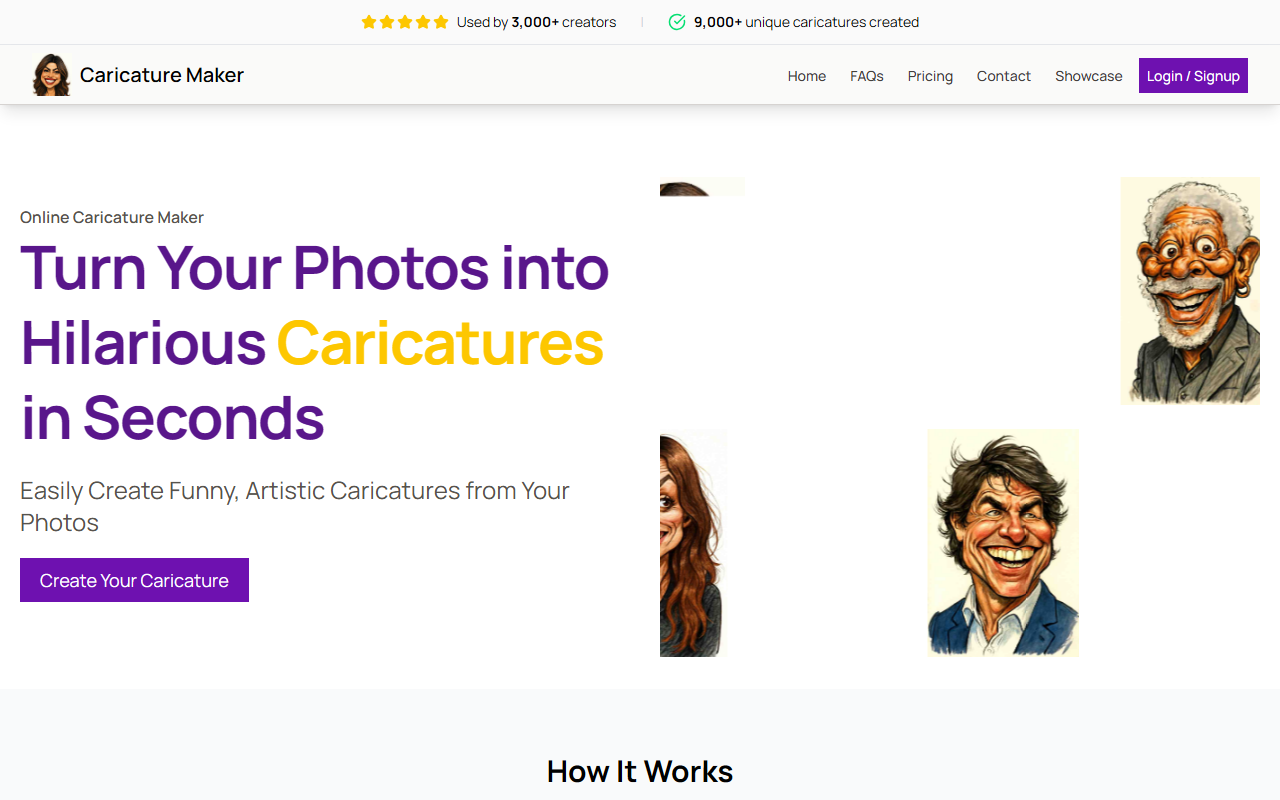
Upon visiting CaricatureMaker.net, I was immediately drawn to its clean, minimalist design. The homepage centers on a clear call-to-action: "Create Your Caricature" with a photo upload button. Social proof is prominently displayed—"Used by 3,000+ creators" and "9,000+ unique caricatures created"—which builds trust from the start. I didn’t need to create an account or sign up; I simply clicked the upload area and selected a front-facing selfie. Within two seconds, the AI generated a preview. The onboarding is as frictionless as promised, making it easy for anyone to jump in.
How It Works and User Experience
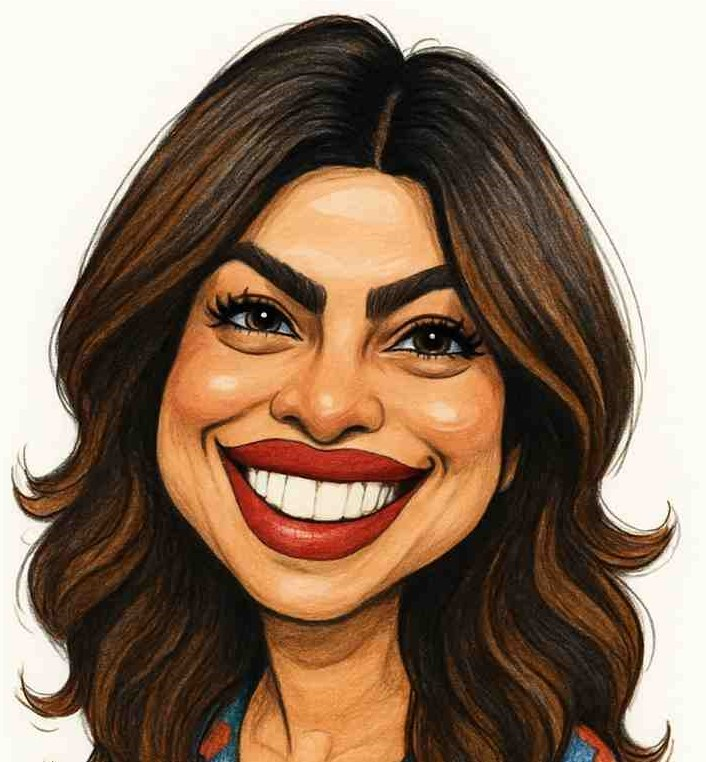
The three-step workflow is exactly as advertised. After uploading a clear, well-lit photo, the AI analyzes key facial features—eyes, nose, mouth—and applies playful exaggeration while retaining a recognizable likeness. I tested several photos: a straight-on portrait produced a spot-on caricature with a larger-than-life smile and slightly oversized ears; a side-angle shot, however, resulted in a less accurate, slightly distorted version. The interface offers style options via a dropdown menu; during my tests, I saw three distinct artistic filters, each regenerating in about three seconds. The output is high-resolution and ready for download as a PNG. The entire experience feels responsive and intuitive, perfect for spontaneous creation.
Pricing and Market Comparison
CaricatureMaker does not publicly list specific pricing tiers. The comparison table with traditional artists mentions a "one-time low price," but no exact figures appear on the site. This lack of transparency may frustrate users who want clear costs upfront. Nevertheless, compared to hiring a traditional caricaturist—which can cost $50–$200 per portrait—the tool is arguably cheaper and faster. Competitors like Toonify offer free watermarked outputs, while Picsart's cartoonizer requires a subscription. CaricatureMaker seems to target a one-payment-per-caricature model. Given the instant delivery and consistent quality, I suspect the price is a few dollars per image, but I wish the site made this information more visible.
Strengths, Limitations, and Final Verdict
The tool’s greatest strength is its speed and consistency. In seconds, you get a high-quality, shareable caricature that genuinely looks like you. The privacy policy—no permanent storage, photos deleted after generation—reassures security-conscious users. On the downside, performance degrades with non-frontal angles or poor lighting. Style customization is also limited compared to AI art platforms like Midjourney. Additionally, without a free trial or preview before payment, skeptical users may hesitate. Despite these limitations, CaricatureMaker excels at its core mission: delivering quick, funny, and recognizable caricatures. It is ideal for everyday users wanting a unique profile picture, gift seekers looking for a personalized surprise, or content creators needing an eye-catching avatar. If you require deep artistic control or complex edits, look elsewhere. For instant, joyful caricatures, this tool is a solid choice. Visit CaricatureMaker at https://caricaturemaker.net/ to explore it yourself.










Comments