

First Impressions and Onboarding
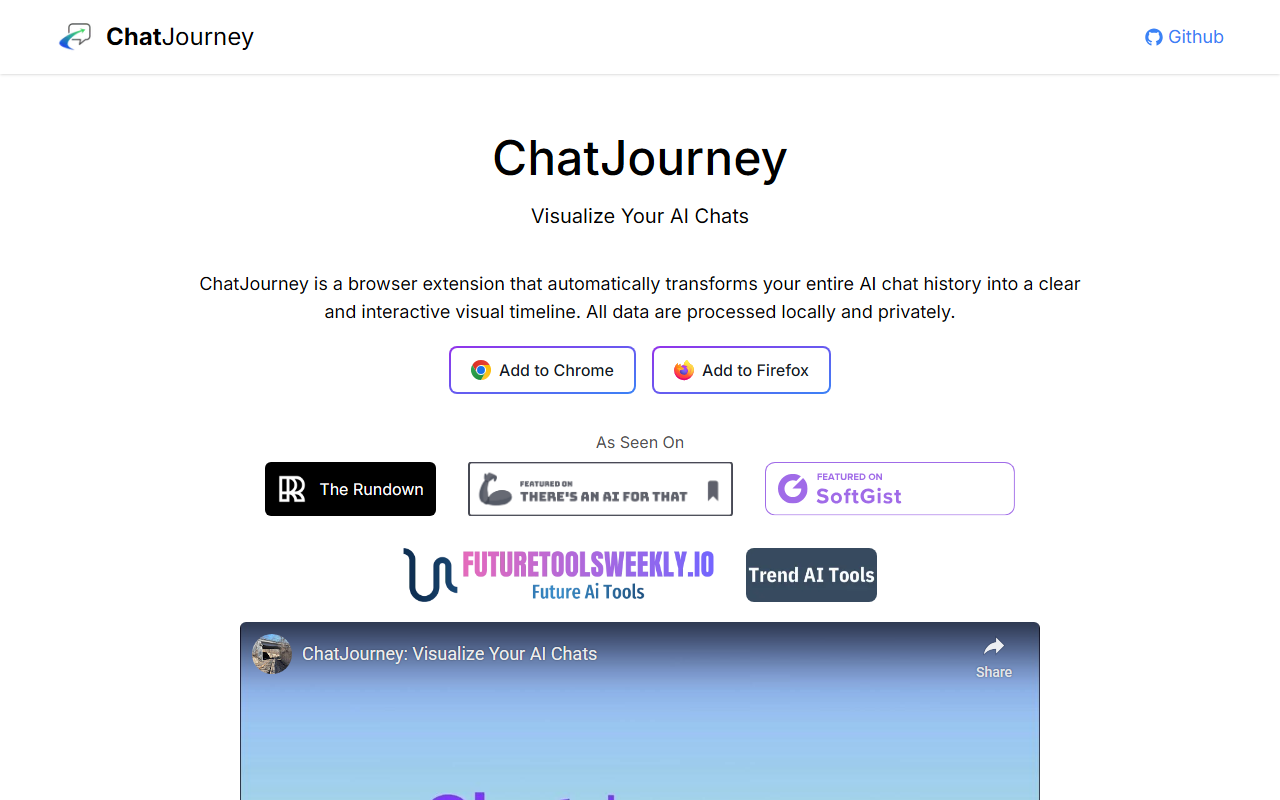
Upon visiting the ChatJourney website, I was greeted by a clean landing page that immediately explains the core value proposition: "Visualize Your AI Chats." The extension is available for both Chrome and Firefox, and the installation process is straightforward. I clicked the 'Add to Chrome' button, which redirected me to the Chrome Web Store, where a standard install took seconds. After installation, the extension’s icon appeared in my browser toolbar. The onboarding is minimal—there’s no walkthrough, but the FAQ section on the site answers common questions clearly. When I first clicked the icon while browsing ChatGPT, the extension automatically detected my conversation history and displayed a timeline view. The data loading was nearly instantaneous, and I could scroll through past chats grouped by date. The interface is simple: a vertical timeline on the left, chat titles in the middle, and a preview panel on the right when I clicked a specific conversation. I tested the free tier (there’s only one tier—free) and found no ads or paywalls. The extension processed my chats entirely on my local machine, as promised.
What ChatJourney Does and How It Works
ChatJourney is a browser extension that converts your ChatGPT chat history into an interactive visual timeline. It captures every detail of your conversations, including timestamps, titles, and the flow of messages. The underlying technology is straightforward: it reads the chat data from ChatGPT’s web interface and renders it locally using a timeline UI. The extension is open-source, with its code available on GitHub, which adds a layer of transparency. The core problem it solves is the difficulty of navigating long ChatGPT histories—especially for power users who generate dozens of threads daily. Instead of scrolling through a flat list, ChatJourney gives you a chronological view where you can quickly spot patterns, revisit old ideas, or trace the evolution of a project. All processing happens locally, meaning no data is sent to external servers. The extension does not require an API key; it works entirely within the browser context. On the technical side, the extension appears to read the DOM of ChatGPT’s page and extract conversation metadata. It then uses a lightweight JavaScript library to render the timeline. There are no external dependencies or server calls, which aligns with its privacy promise.
Market Positioning and Alternatives
ChatJourney sits in a niche category of tools that help users organize and visualize AI chat histories. Unlike generic note-taking apps like Notion or Obsidian, which require manual copying of chats, ChatJourney automates the capture directly from ChatGPT. A direct competitor could be Mem, an AI-powered note-taking app that integrates with ChatGPT and offers timeline features. However, Mem is a full productivity suite with a subscription model, whereas ChatJourney is a lightweight extension focused solely on visualization. Another alternative is the built-in search feature within ChatGPT, but it lacks the visual timeline and can be clunky for scanning many sessions. ChatJourney’s advantage is its simplicity and zero cost. It is best suited for individuals who use ChatGPT extensively—researchers, writers, developers, or anyone who needs to revisit past conversations frequently. If you are a casual user with only a few chats, the extension may be overkill, but it’s still useful for occasional reference. The tool has been featured on The Rundown, a well-known AI newsletter, which lends it some credibility. However, the project appears to be created by an independent developer or a small team; there is no notable funding or large user base mentioned. The open-source aspect encourages community contributions, which is a positive sign for long-term maintenance.
Strengths, Limitations, and Final Verdict
One genuine strength of ChatJourney is its strict privacy focus. Because all data stays on your device, there’s no risk of your chat history being leaked or sold. The extension is also ad-free and completely free, which is rare for productivity tools. The visual timeline is genuinely helpful for spotting patterns—for instance, I noticed I often start a conversation about a specific topic on Monday mornings. The interface is intuitive and loads quickly even with hundreds of chats. However, there are real limitations. ChatJourney works solely with ChatGPT web app. If you use other AI tools like Claude, Gemini, or Perplexity, this extension won’t help. Additionally, the timeline view, while neat, does not offer advanced filtering or search beyond scrolling. I expected a search bar to find specific keywords across chats, but none exists. Another limitation is that the extension only visualizes chat titles and dates; it does not show message content in the timeline. To read a chat, you must click into the full ChatGPT interface. This reduces the speed of browsing. Finally, because the extension relies on reading the ChatGPT DOM, any changes to ChatGPT’s layout could temporarily break the extension. The open-source nature means fixes may come from the community, but there’s no guarantee of timely updates. Who should try ChatJourney? Anyone who uses ChatGPT regularly and wants a better way to navigate their history without compromising privacy. It’s a lightweight tool that does one thing well. Who should look elsewhere? Users of multiple AI chat platforms or those who need advanced search and content previews. For them, a tool like Mem or a custom solution might be better. Overall, ChatJourney earns my recommendation as a useful, trustworthy, and cost-free addition to your browser.
Visit ChatJourney at https://chatgptsugar.xyz/ to explore it yourself.













Comments