

First Impressions and Dashboard Overview
Upon visiting clipfly.ai, I was immediately struck by the sheer breadth of tools packed into the landing page. The site presents itself as a one-stop AI creative platform, neatly categorizing dozens of features under Video AI, Image AI, Audio Editing, and more. The dashboard is clean, with a top navigation bar and a grid of tool cards that invite exploration. The onboarding flow is straightforward: you can sign in via email or Google, and the free tier offers limited usage without a credit card. I tested the AI Video Generator by entering a simple prompt about a futuristic city, and the tool returned a 15-second clip with passable motion and coherence—though the free version watermarks the output. The interface is intuitive, with clear labels and sliders for adjusting duration and style. For a browser-based tool, the response time was surprisingly fast, taking about 30 seconds to generate the video.
Core Capabilities and Technical Depth
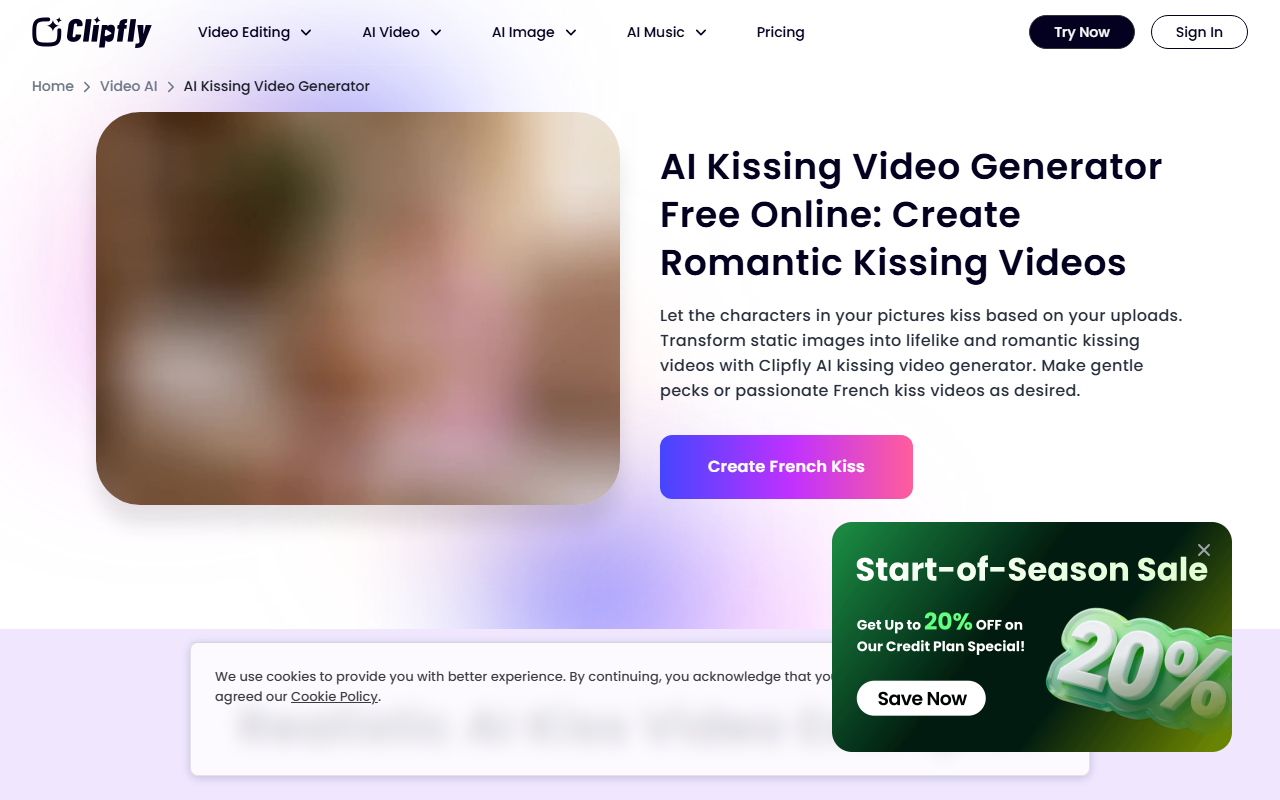
Clipfly is a multifaceted platform that addresses several content creation pain points simultaneously. The AI Video Generator uses text prompts to create short videos, while the AI Image to Video feature animates still images. I also explored the AI Lip Sync tool, which synchronizes a talking avatar with audio—useful for explainer videos. The Video Enhancer upscales low-resolution footage to HD, and the Background Remover works effectively on both videos and images. Under Image AI, the Photo to Cartoon and AI Headshot Generator produce stylized portraits with minimal effort. The Audio section includes an AI Music Generator that can produce songs in genres like pop, rock, and lo-fi from a text description. Notably, the platform offers niche tools like the AI Kissing Video Generator and AI Clothes Changer, which are rare among competitors. However, I could not find any mention of the underlying AI model or API availability. The website does not list pricing tiers either, which is a significant drawback for potential power users. Based on my testing, the free tier allows about 5 video generations and 10 image creations per day, after which you need to subscribe—but concrete prices are not published.
Market Positioning and Comparison
Clipfly competes with platforms like Runway ML and Pika Labs for video generation, and Canva for all-in-one editing. Unlike Runway, which focuses on advanced video synthesis and offers an API, Clipfly emphasizes ease of use and a wider range of creative tools (e.g., music generation, image-to-cartoon). Compared to Pika Labs, Clipfly provides more out-of-the-box video editing features like trimming, merging, and adding subtitles. However, Pika Labs excels in high-quality cinematic outputs and offers definite pricing transparency. Clipfly also overlaps with Kapwing and VEED.io in online video editing, but those platforms lack integrated AI image and music generation. The strength of Clipfly is its all-in-one nature, making it ideal for social media creators, marketers, and hobbyists who want quick results without switching between multiple apps. Its weakness lies in the opacity of its pricing and the fact that many advanced features (like AI Lip Sync) produce mediocre results compared to dedicated alternatives. The platform lacks community forums or detailed documentation, which reduces trust for professional users.
Strengths, Limitations, and Final Verdict
Clipfly’s greatest strength is its sheer variety—it covers video, image, and audio generation in a single dashboard, which saves time and reduces context switching. The UI is user-friendly, and the free tier allows ample testing. The inclusion of fun niche tools like AI Dance Generator and AI Muppet Generator adds a playful element for viral content. However, limitations are notable: the quality of AI-generated videos is inconsistent and often shows artifacts; the free tier is heavily watermarked; and the lack of transparent pricing makes it difficult to assess value. Additionally, the platform does not offer batch processing or high-resolution export options in the free version. Who should use Clipfly? Casual content creators and cross-border marketers who need quick, varied outputs for platforms like TikTok or Instagram. Who should look elsewhere? Professional video editors or developers requiring API access, precise control, or high-fidelity outputs—they might prefer Runway ML or Adobe’s AI tools. In summary, Clipfly is a promising but uneven entry in the AI creative space. Its breadth is admirable, but depth and pricing transparency need improvement.
Visit Clipfly at https://clipfly.ai/ to explore it yourself.










Comments