

First Impressions and Onboarding
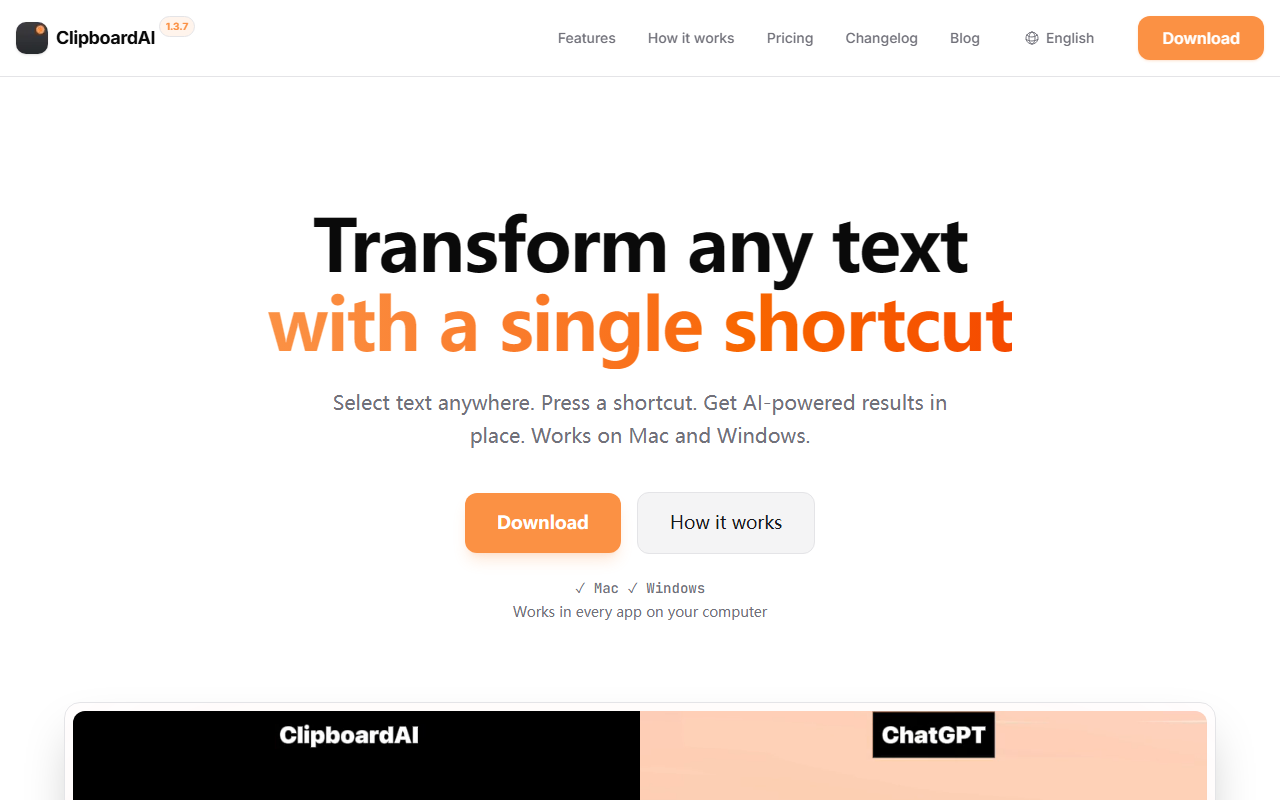
Upon visiting the ClipboardAI website, I was greeted by a clean, modern landing page that clearly states its core value proposition: transform any text with a single shortcut. The download button is prominent, and the page quickly outlines compatibility with both Mac and Windows. I downloaded the app and went through the setup. The onboarding flow is refreshingly simple. You first create a prompt—say, "Fix grammar" or "Summarize"—then assign a keyboard shortcut like Option+G. Finally, you highlight text in any app, press the shortcut, and the AI result replaces the selection. I tested this workflow in Notion and Slack, and it worked flawlessly. The app sits in your menu bar, and the whole process takes less than two minutes to get running.
Core Features and Technical Details
ClipboardAI is a desktop utility that acts as a universal AI text processor. Its key innovation is that it works in every application where you can select text—Notion, VS Code, X, Outlook, you name it. There are no integrations to set up; it hooks into the operating system's text selection events. Under the hood, you bring your own API key from OpenAI or OpenRouter. This means you pay only for the tokens you use, with no subscription to ClipboardAI itself beyond the one-time license fee. The app supports any model available through those providers, including OpenAI's GPT-4.1, GPT-5 series, and via OpenRouter, Claude, Gemini, Llama, and Mistral. You can switch between models without changing your workflow.
I tested the free 7-day trial, which is fully functional. After the trial, a lifetime license costs $29 (currently a launch offer, normally $49). This is a one-time payment, no recurring fees. The setup includes a custom prompt library where you can define as many shortcuts as you like. The app is keyboard-first and lightweight; I noticed minimal latency when using it with GPT-4o-mini.
Positioning and Competitors
ClipboardAI sits in a niche between general AI writing tools like Grammarly and more advanced AI assistants like Text Blaze or Alfred Snippets. Unlike Grammarly, which checks grammar inline, ClipboardAI lets you apply arbitrary AI transformations anywhere—translate, summarize, change tone, or even refactor code. Compared to something like ChatGPT's desktop app, ClipboardAI's advantage is that it works in any app without requiring you to switch windows. It's best suited for power users—writers, developers, support teams—who frequently manipulate text across many applications. Casual users who only need occasional help might find the API key setup a barrier. The tool has been featured on Product Hunt and has collected some positive user testimonials, though it's still a relatively new product.
Strengths and Limitations
ClipboardAI's greatest strength is its universality and speed. It truly works anywhere you can highlight text, and the response time is impressive. The pricing model is also a major plus: no monthly subscription, just a one-time fee plus your own API costs. Privacy is another win—your data goes directly to your chosen AI provider, and ClipboardAI stores nothing on its servers. However, there are limitations. First, the app requires a constant internet connection to reach the AI API; there is no offline mode. Second, it depends on you having an OpenAI or OpenRouter API key. For users unfamiliar with API keys, this adds an extra step. Third, the app currently only supports text replacement; it cannot generate images or handle multimodal inputs. Some advanced tools like Mac's built-in Shortcuts offer similar functionality but with more complexity. For developers, ClipboardAI's code refactoring prompts work well, but it lacks IDE-specific integrations that tools like GitHub Copilot offer.
Overall, ClipboardAI excels at what it promises: fast, universal AI text shortcuts. It is a no-nonsense tool for anyone who spends their day moving text around. I recommend it to power users who want to cut repetitive AI usage down to a single keystroke. If you are comfortable with APIs and want zero vendor lock-in, this is a great buy. For those who prefer all-in-one subscriptions or offline AI, you should look elsewhere. Visit ClipboardAI at https://clipboard-ai.com/ to explore it yourself.













Comments